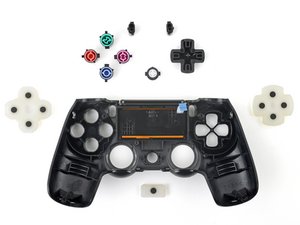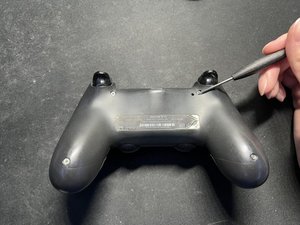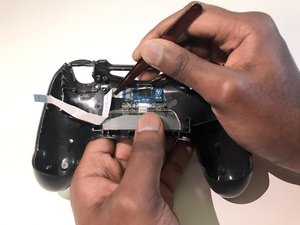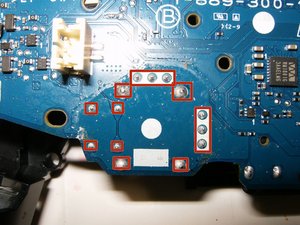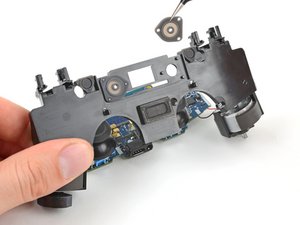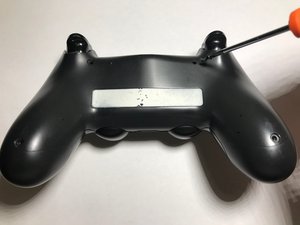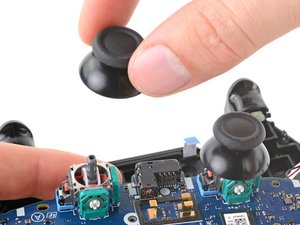
Analog Stick Covers
|
20 Answers 32 Score |
Light bar blinks Orange when plugged in but does not turn white or blu |
|
9 Answers 17 Score |
Ps4 dualshock controller won't turn on |
|
4 Answers 10 Score |
Why is my r2 button not working |
|
22 Answers 44 Score |
Why is my PS4 controller acting on its own? |
JDM-001, JDM-011, JDM-020, JDM-030
For more information regarding common troubleshooting problems and solutions, check out DualShock 4 Troubleshooting
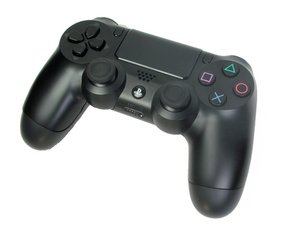
The Sony Model CUH-ZCT1 Wireless Controller, also known as the DualShock 4 was released at the end of 2013 to replace the previous six-axis controller. The DualShock 4 is compatible with the PlayStation 4 and PlayStation 3. Although compatibility with the PlayStation 3 is limited to newer games, the DualShock 4 will work while it is connected with a USB to Micro B USB cable.
The DualShock 4 differs from the DualShock 3 as it has a headphone jack, a built-in Mono stereo, and a two-point touchpad. The model number (e.g. CUH-ZCT1U) is found on the back of the controller.
DualShock 4 Manufacturer Specifications
CPSU-MANESS-W14S6G21
4 Members
84 Guides authored
Past 24 Hours: 218
Past 7 Days: 1,420
Past 30 Days: 6,047
All Time: 992,853