Free Shipping on Domestic Orders $75+

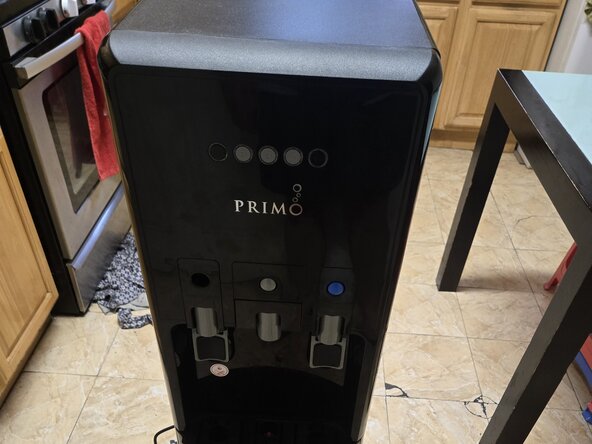
Primo 601258-C Temperature Sensor Replacement

Views: 11K

View statistics:

Past 24 Hours:
24
Past 7 Days:
134
Past 30 Days:
627
All Time:
10,670
Comments: 6

5 comments on steps, 1 guide comment.

Go to guide comments
Completed: 3

3 people have marked this guide "completed." Will you be next?

Favorites: 1

1 person has favorited (and subscribed to) this guide. Will you be next?

Time Required: 30 - 40 minutes
Difficulty: Moderate
Primo 601258-C Temperature Sensor Replacement

Introduction

Go to step 1 ↓

If your Primo water dispenser (model 601258-C) is not dispensing cold water because it is freezing the cold water reservoir, use this guide to replace the temperature sensor.

The temperature sensor helps regulate the cooling system to ensure the water stays at the correct temperature. A faulty sensor may cause excessive cooling, leading to freezing.

Before using this guide, inspect the dispenser’s cooling settings and ensure there are no external factors affecting temperature regulation. If the sensor is indeed the issue, follow the steps carefully to replace it.

Before you begin the repair, completely disconnect the dispenser from its power source.

What you need

Parts

Tools

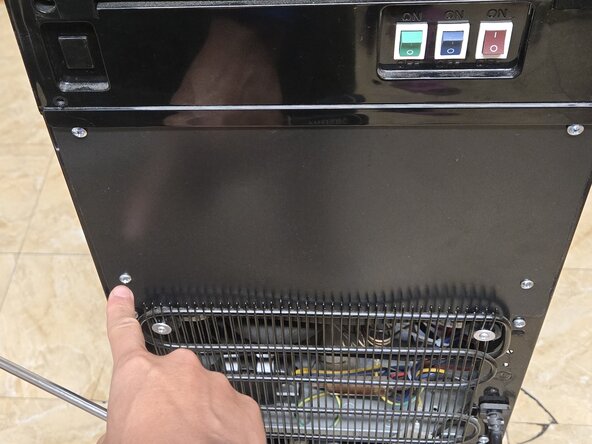
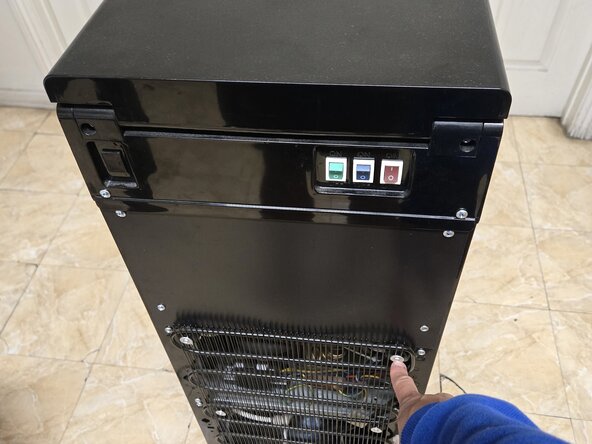
    1. Primo 601258-C Temperature Sensor Replacement, Temperature Sensor: step 1, image 1 of 2 Primo 601258-C Temperature Sensor Replacement, Temperature Sensor: step 1, image 2 of 2
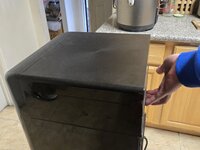
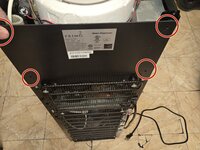
      • Remove six 9 mm Phillips screws from the back of the water cooler to detach the back panels.

      Ask FixBot

      Add Comment

    2. Primo 601258-C Temperature Sensor Replacement: step 2, image 1 of 2 Primo 601258-C Temperature Sensor Replacement: step 2, image 2 of 2
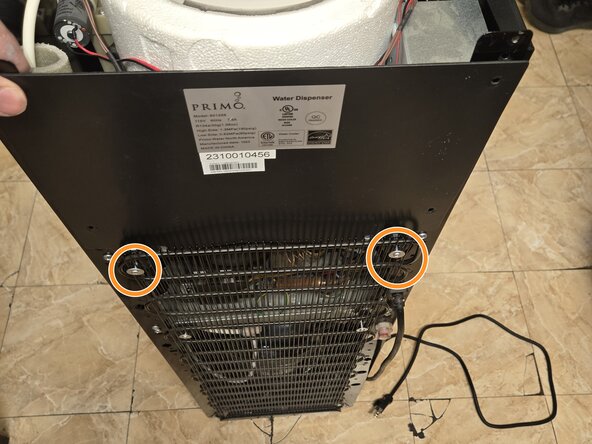
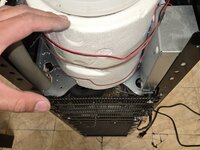
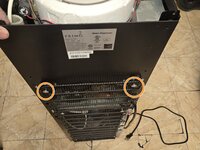
      • Loosen the two 25 mm Phillips screws securing the radiator, allowing you to remove the backing.

      Ask FixBot

      Add Comment

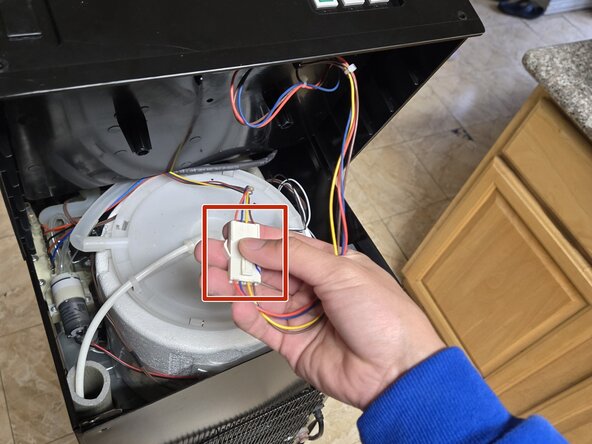
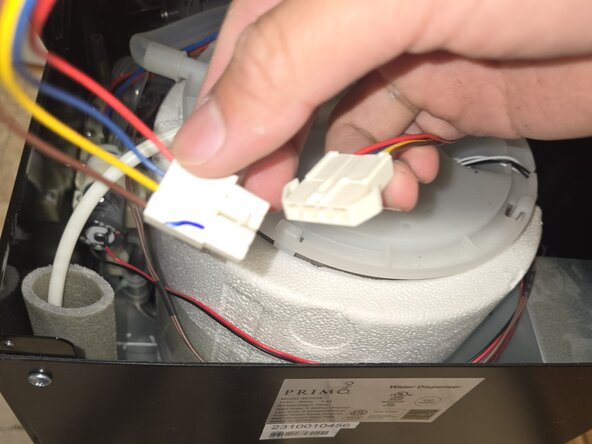
    3. Primo 601258-C Temperature Sensor Replacement: step 3, image 1 of 3 Primo 601258-C Temperature Sensor Replacement: step 3, image 2 of 3 Primo 601258-C Temperature Sensor Replacement: step 3, image 3 of 3
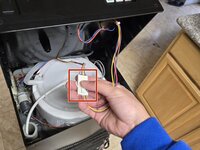
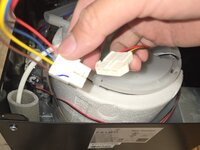
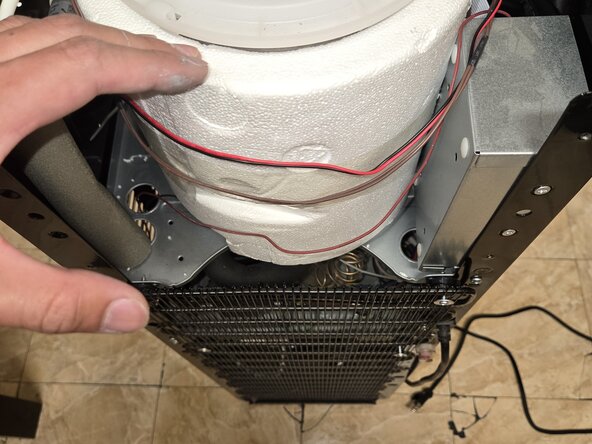
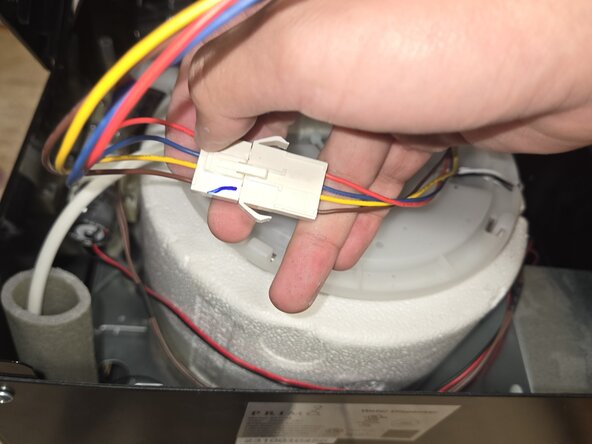
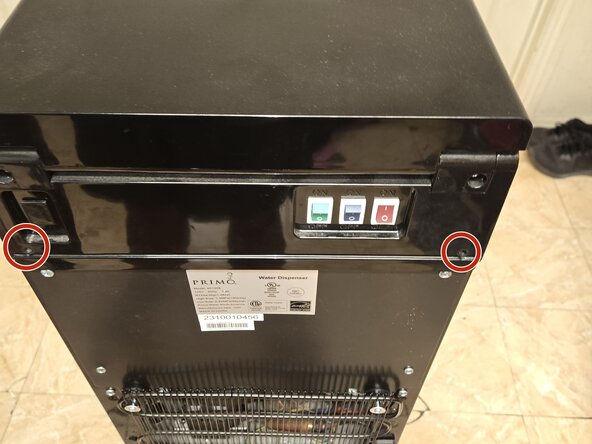
      • Remove the top of the cooler.

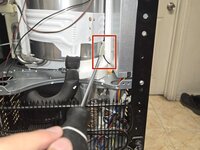
      • Press the tab and unplug the temperature switch from the lid.

      Ask FixBot

      Add Comment

    4. Primo 601258-C Temperature Sensor Replacement: step 4, image 1 of 2 Primo 601258-C Temperature Sensor Replacement: step 4, image 2 of 2
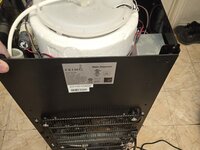
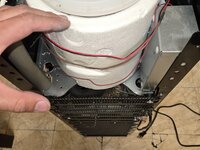
      • Remove the back panel.

      Ask FixBot

      Add Comment

    5. Primo 601258-C Temperature Sensor Replacement: step 5, image 1 of 2 Primo 601258-C Temperature Sensor Replacement: step 5, image 2 of 2
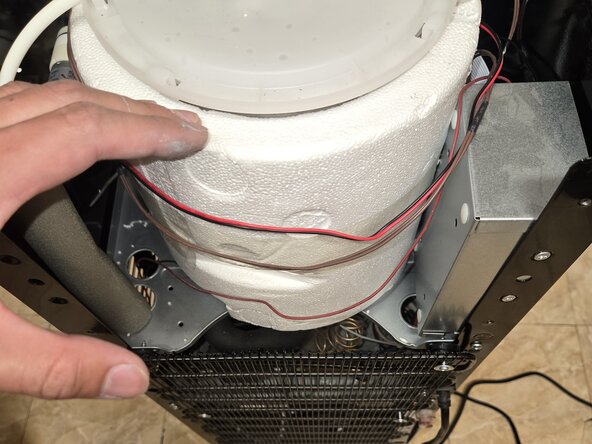
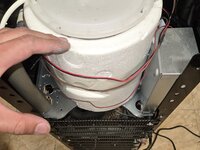
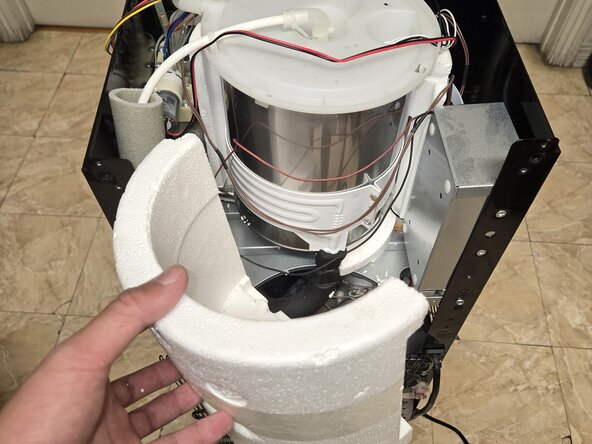
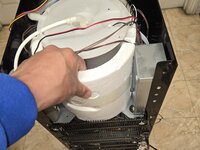
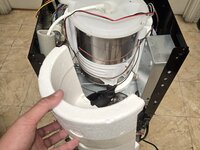
      • Carefully remove the insulating foam.

      • It can easily break apart.

      Ask FixBot

      Add Comment

    6. Primo 601258-C Temperature Sensor Replacement: step 6, image 1 of 2 Primo 601258-C Temperature Sensor Replacement: step 6, image 2 of 2
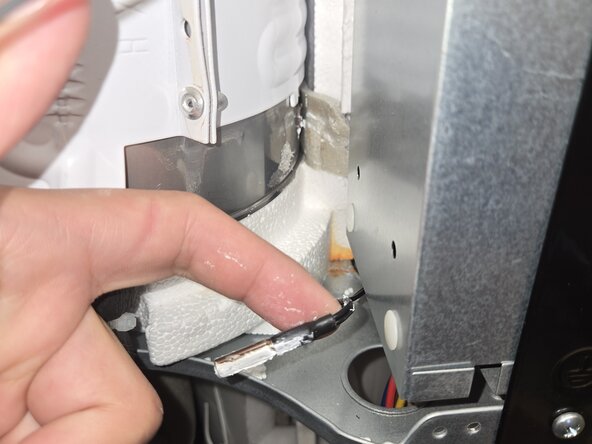
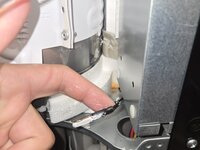
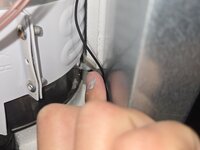
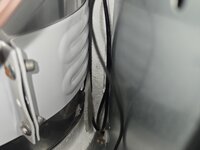
      • Remove faulty temperature sensor.

      • Removing the old sensor requires moving some of the existing insulation tape.

      Ask FixBot

      Add Comment

    7. Primo 601258-C Temperature Sensor Replacement: step 7, image 1 of 3 Primo 601258-C Temperature Sensor Replacement: step 7, image 2 of 3 Primo 601258-C Temperature Sensor Replacement: step 7, image 3 of 3
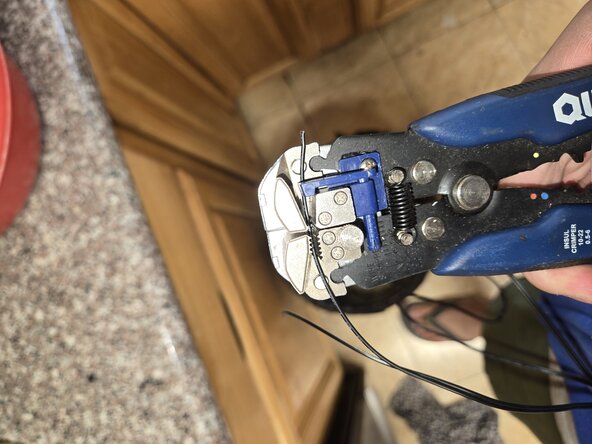
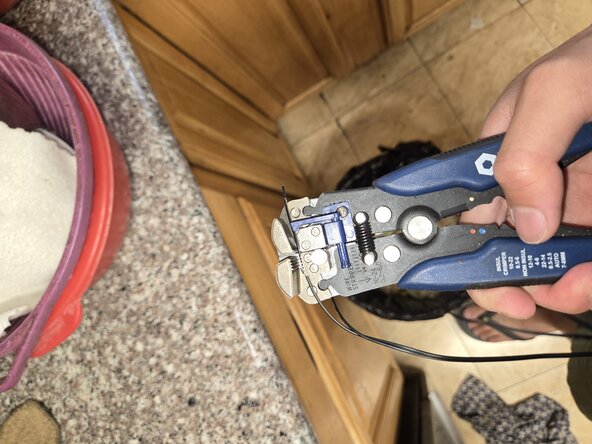
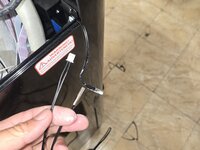
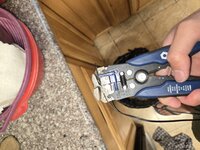
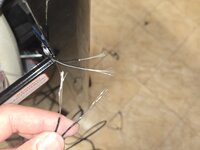
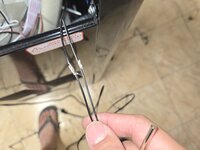
      • Use a wire stripper to strip the wire on both the old and new temperature sensors.

      • Here is a guide for Wire Stripping.

      Ask FixBot

      Add Comment

    8. Primo 601258-C Temperature Sensor Replacement: step 8, image 1 of 3 Primo 601258-C Temperature Sensor Replacement: step 8, image 2 of 3 Primo 601258-C Temperature Sensor Replacement: step 8, image 3 of 3
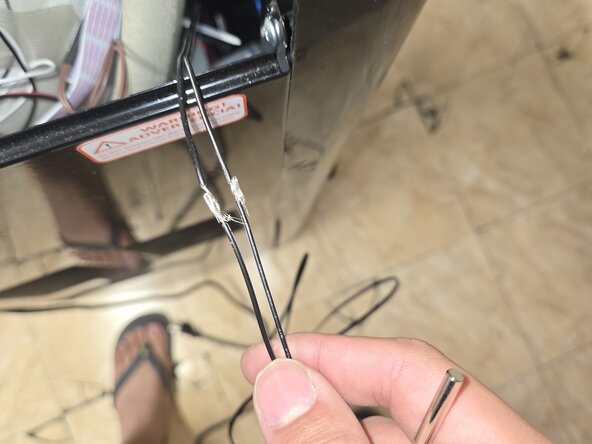
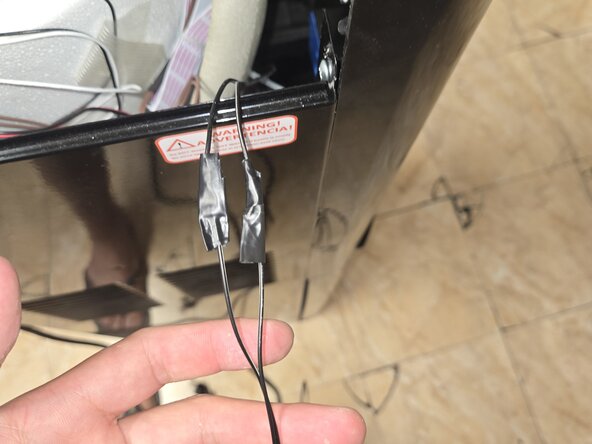
      • Twist the ends of the wires stripped wires together and wrap them with electrical tape.

      • Alternatively, you can solder the wires and secure them with heat-shrink tubing. For tips on soldering and using heat shrink tubing, refer to these guides: How to Solder Wires Together and How to Use Heat Shrink Tubing.

      Ask FixBot

      Add Comment

    9. Primo 601258-C Temperature Sensor Replacement: step 9, image 1 of 3 Primo 601258-C Temperature Sensor Replacement: step 9, image 2 of 3 Primo 601258-C Temperature Sensor Replacement: step 9, image 3 of 3
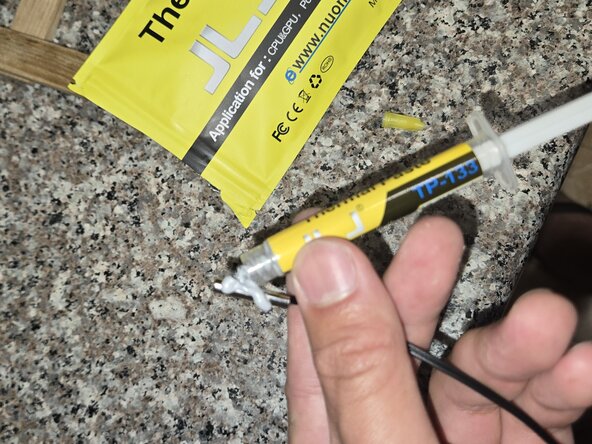
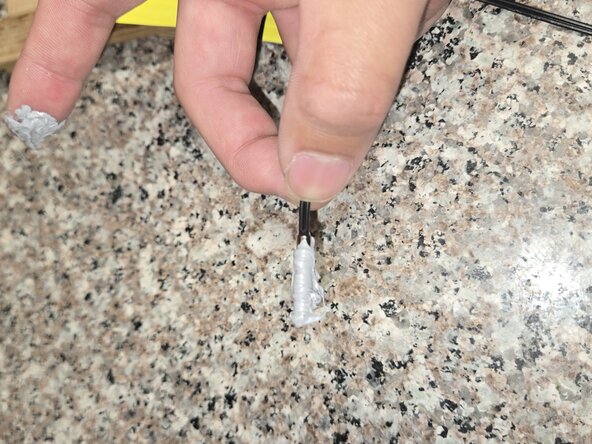
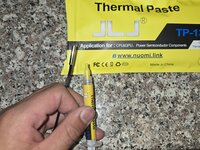
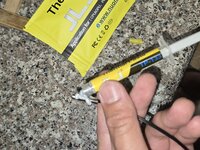
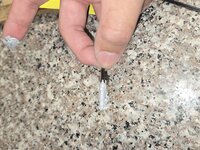
      • Apply thermal paste to the new temperature sensor.

      Ask FixBot

      Add Comment

    10. Primo 601258-C Temperature Sensor Replacement: step 10, image 1 of 3 Primo 601258-C Temperature Sensor Replacement: step 10, image 2 of 3 Primo 601258-C Temperature Sensor Replacement: step 10, image 3 of 3
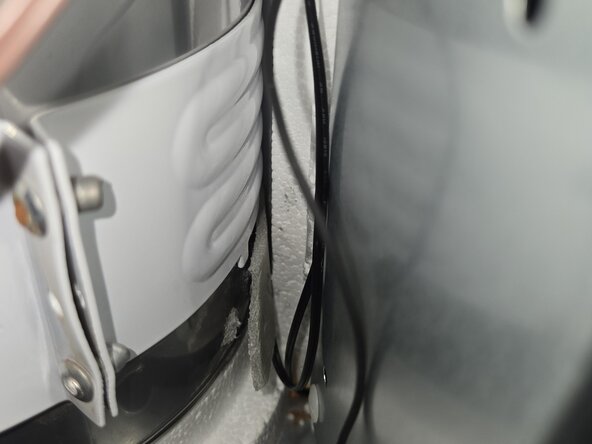
      • Insert the newly connected thermal paste-covered sensor into the slot where the old sensor was.

      • Place the old insulation back.

      Ask FixBot

      Add Comment

    11. Primo 601258-C Temperature Sensor Replacement: step 11, image 1 of 3 Primo 601258-C Temperature Sensor Replacement: step 11, image 2 of 3 Primo 601258-C Temperature Sensor Replacement: step 11, image 3 of 3
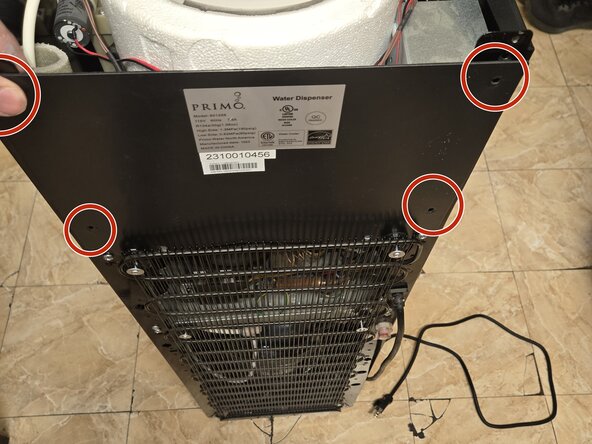
      • Reattach the backing and secure it with four 9 mm Phillips screws.

      • Tighten the two 25 mm Phillips screws.

      Ask FixBot

      Add Comment

    12. Primo 601258-C Temperature Sensor Replacement: step 12, image 1 of 3 Primo 601258-C Temperature Sensor Replacement: step 12, image 2 of 3 Primo 601258-C Temperature Sensor Replacement: step 12, image 3 of 3
      • Reconnect the temperature control.

      • Secure the top panel with two 9 mm Phillips screws.

      Ask FixBot

      Add Comment

    13. Primo 601258-C Temperature Sensor Replacement: step 13, image 1 of 1
      • You have replaced the temperature sensor.

      Ask FixBot

      Add Comment

Conclusion

To reassemble your device, follow the instructions in the guide. Take your e-waste to an R2 or e-Stewards certified recycler.

Cancel: I did not complete this guide.

3 other people completed this guide.

Alan Mai

Member since: 04/09/25

273 Reputation

1 Guide authored

Team

1 Guide Comment

Thank you for the great guide, the replacement thermostat and paste you recommended worked perfect.

Tucker Banta - Reply Share
Add Comment

View Statistics:

Past 24 Hours: 24

Past 7 Days: 134

Past 30 Days: 627

All Time: 10,670