





Back Button
|
20 Answers 31 Score |
Light bar blinks Orange when plugged in but does not turn white or blu |
|
3 Answers 10 Score |
How to I fix the stick drift |
|
8 Answers 16 Score |
Ps4 dualshock controller won't turn on |
|
21 Answers 81 Score |
Why doesn't my PS3 controller work? |
These are some common tools used to work on this device. You might not need every tool for every procedure.
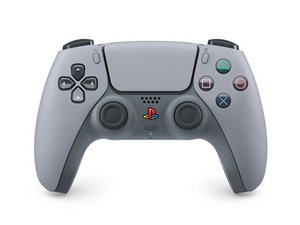
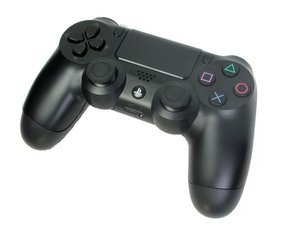
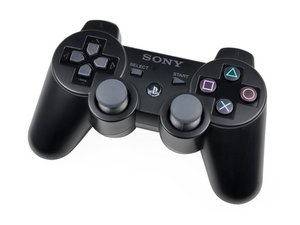
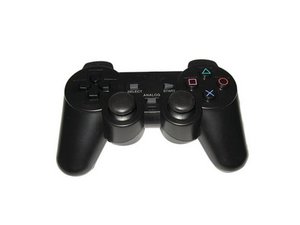
The original PlayStation controller established the directional pad, four symbol buttons, and four shoulder buttons used across later models. Sony added analog sticks and vibration feedback with the Dual Analog and DualShock lines. The DualShock family spans the original PlayStation through the PlayStation 4.
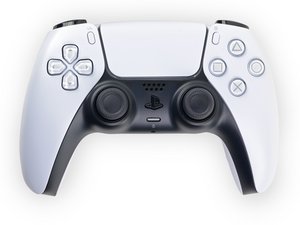
The PlayStation 5 introduced the DualSense controller with haptic feedback and adaptive triggers. Sony later released the DualSense Edge, which adds customizable controls, interchangeable stick caps and back buttons, and replaceable stick modules.
Although all regular DualSense controllers from V1-V5 use the same model number (CFI-ZCT1W), Sony often updates the controller's internals. Starting with V6, Sony introduced a new model number (CFI-ZCT2W). Repair procedures vary between models.
To tell what version DualSense controller you have without disassembly, find the serial number printed on the back. It's usually 17 characters long and starts a letter, like E, F, or G. The second digit in the serial number is the version number, 1–6 correlating to V1–V6. For example, if the second digit is a 2, your controller is a V2.
Alternatively, scanning the QR code on the controller's back will return the same serial number—and the second digit is the version number. On iPhones, you may need a 3rd party QR code scanner application.
Internally, the versions correspond to motherboard models, namely BDM-010, BDM-020, BDM-030, BDM-040, and BDM-050.


Past 24 Hours: 420
Past 7 Days: 2,481
Past 30 Days: 12,042
All Time: 645,997


