
Scuf Impact Controller Back Button Replacement

Asad Ahmed and 2 other contributors
Last updated on Oct 4, 2023
Views: 2.6K
View statistics:
- Past 24 Hours:
- 2
- Past 7 Days:
- 34
- Past 30 Days:
- 140
- All Time:
- 2,621
Comments: 0
No one has left comments on this guide. Will you be first?
Go to guide commentsCompleted: 2 3
2 people have marked this guide "completed." Will you be next?
3 people have marked this guide "completed." Including you — great job!
Favorites: 0 1
No one has favorited (and subscribed to) this guide. Will you be the first?
1 person has favorited (and subscribed to) this guide — and that's you!
Introduction
Go to step 1 ↓If the back button on your Scuf Impact Controller isn’t clicking properly or isn’t performing in the way it’s intended, use this guide to replace it. Before doing so, you must first inspect the back button of the controller to see if there are any pieces or solid objects preventing it from moving properly.
-
-
-
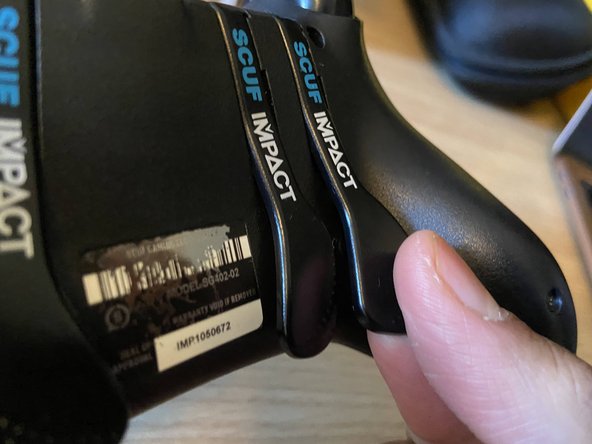
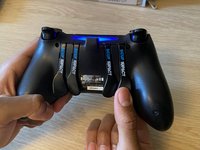
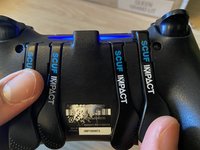
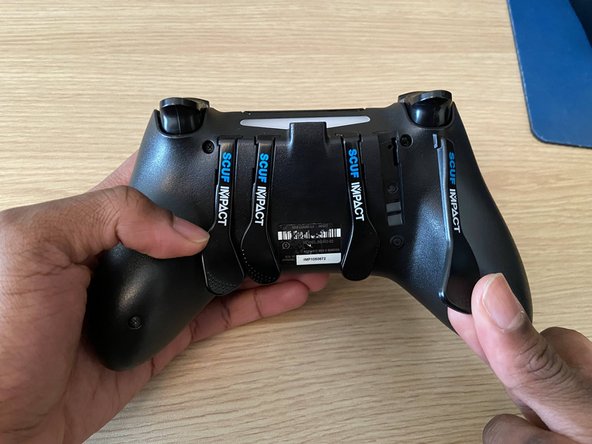
Place an index finger behind the back button.
-
Place your thumb on the front of the back button.
-
-

 Ask FixBot








After completing the steps, the controller and back button should be intact. If there are any further problems/inquiries feel free to contact Scuf Gaming Support
Cancel: I did not complete this guide.
2 other people completed this guide.

Team

York University, Team S-1, Woodhouse Winter 2022 Member of York University, Team S-1, Woodhouse Winter 2022
YORK-WOODHOUSE-W22SSG1
1 Member
12 Guides authored
