Battery

|
2 Answers 0 Score |
screen very dim after windows 10 update |
|
1 Answer 0 Score |
Black screen after sleepmode |
|
1 Answer 0 Score |
I have to change my Laptop Full Body. Body was full damage. |
|
2 Answers 1 Score |
Why is my USB port is not recognizing any devices? |
P57G
If you are having difficulties with the Dell Inspiron 13-7352, refer to our troubleshooting page.
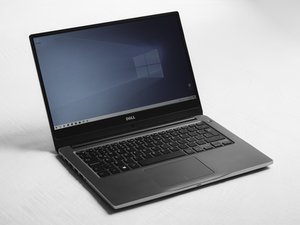
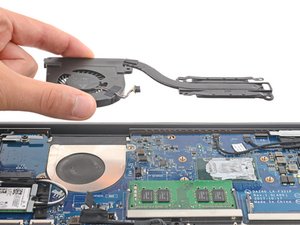
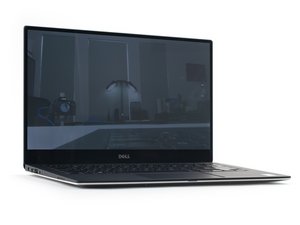
The Dell Inspiron 13-7352 notebook (also referred to as the Dell Inspiron 13-7000 Special Edition) is a variant of the 13-7000 series that contains a 1TB Hard Drive. This particular model was first introduced in August of 2014. All models in this series can be used as a normal laptop computer as well as a tablet due to the 360 degree rotating hinges installed under the touch screen. The screen’s size is 13.3 inches from corner to corner. The frame around the screen makes the total length 14 inches. The device also contains one cooling fan in the rear center of the base as well as two USB ports and an HDMI plug-in on its left side. Click here for a detailed review of the Inspiron 13-7000 SE series and to see the source of this information.
Dell Inspiron 13-7000 Series Service Manual
Product Support Page for the Dell Inspiron 13-7352 Device
In-depth Review for 7000 Series
Dell Inspiron 13 7000 Series (7352) Service Manual
Inspiron 13 7000 Series Guide de maintenance
Inspiron 13 7000 Series Quick Start Guide (EN, FR)
Dell Inspiron 13-7347 Onderhoudshandleiding
Dell Inspiron 13 Série 7000 (7352) — Vues, modes et spécifications
UT-WHITESIDE-F15S1G5
3 Members
72 Guides authored
Past 24 Hours: 1
Past 7 Days: 15
Past 30 Days: 45
All Time: 19,697