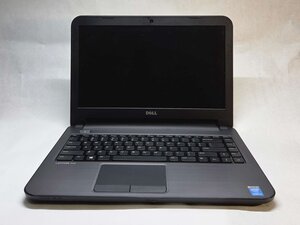

No power, not charging
No power when charging
Is this a good question?
Score
0
Rep: 862.3k
 1.5k
1.5k
 980
980
 2.4k
2.4k
@bobbygoda you have not told us wat you have already checked and tried to fix this.
First you want to check your power supply. Make sure it has the proper voltages. Check to make sure that connectors are not bend etc. Check the DC-in jack of your laptop. Make sure there is no corrosion, debris etc. that prevents it from working. Clean it of any debris etc, use a few puffs of air to clean it out. If none of this works, get a ammeter and see if your laptop draws any amperage from the charger. After that, you need to check and see if your motherboard even gets power. For that of course, you need to open it up. Post Some good pictures of what you see. That way we can see what you see. Adding images to an existing question
Of course, you may also have to consider replacing the battery. A depleted battery can no longer be charged. However, it should not prevent your computer from coming on, if it is connected to the AC adapter. Use this Dell Latitude 3440 Service Manual to work on your laptop.
Was this answer helpful?
Past 24 Hours: 0
Past 7 Days: 2
Past 30 Days: 15
All Time: 118

