There are a couple of ways to replace just the glass lens that's cracked.
The first is how I've done it in the past, which is to pry out the old glass, clean the old adhesive, and glue on a new lens. The downside to this is that you have to be very careful to try and not get any glass or glue on the camera itself; you may even want to vacuum it out to make sure there aren't any glass shards left inside. With care, it's quite doable.
Since the lens is only glued in place, replacing it is the same process as it is for any other phone; here's a Google Pixel 2 guide showing how to replace just the glass.
Google Pixel 2 Rear Camera Lens Glass Replacement - iFixit Repair Guide
Now if you want to be absolutely sure to do it the "right" way, you would remove the rear camera assembly, then press the glass out from the inside. This completely eliminates any possibility of getting contamination in the camera or doing any damage to it. The downside, of course, is that it's a lot more work to disassemble the phone to get the cameras out. If you look at the last step of the iPhone 6 Camera Lens Replacement guide, you'll see how the official iFixit guys do it.
iPhone 6 Camera Lens Replacement - iFixit Repair Guide
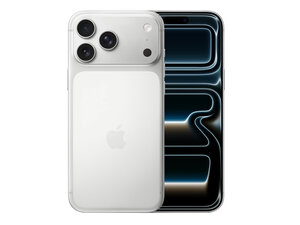
If you decide to go that way, just follow the iPhone 17 Pro Max Rear Camera Assembly Replacement guide, then you'll be able to push the broken glass out from the rear.
iPhone 17 Pro Max Rear Camera Assembly Replacement - iFixit Repair Guide

 1
1  1
1 

 153
153 


