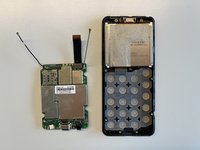
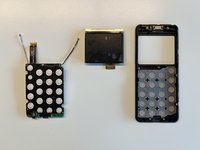
Free Shipping on Domestic Orders $75+

This teardown is not a repair guide. To repair your Punkt MP02, use our service manual.

  1. Punkt MP02 Teardown, Remove Sim card tray: step 1, image 1 of 2 Punkt MP02 Teardown, Remove Sim card tray: step 1, image 2 of 2
    • Remove Sim tray

    Ask FixBot
  2. Punkt MP02 Teardown: step 2, image 1 of 2 Punkt MP02 Teardown: step 2, image 2 of 2
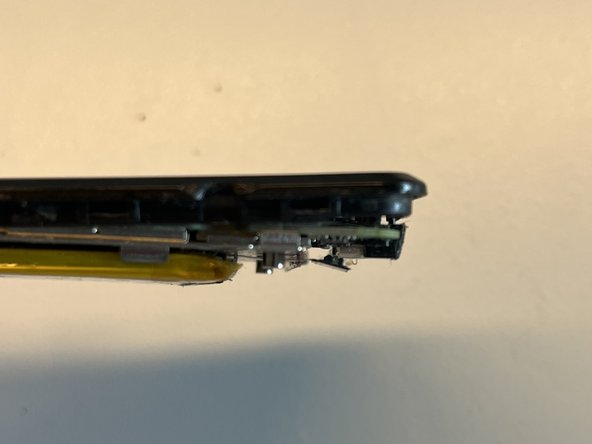
    • Using a knife start prying at the back in the top right corner. Then use a metal spudger to remove the back piece.

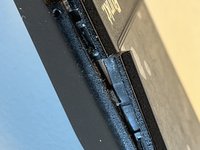
    • The back piece is held in place with a (not so strong) sticker and some hooks (see second picture for a side view of the hooks).

    Ask FixBot
  3. Punkt MP02 Teardown: step 3, image 1 of 1
    • Remove two screws.

    • in my case one of the screws was covered by a small white sticker

    Ask FixBot
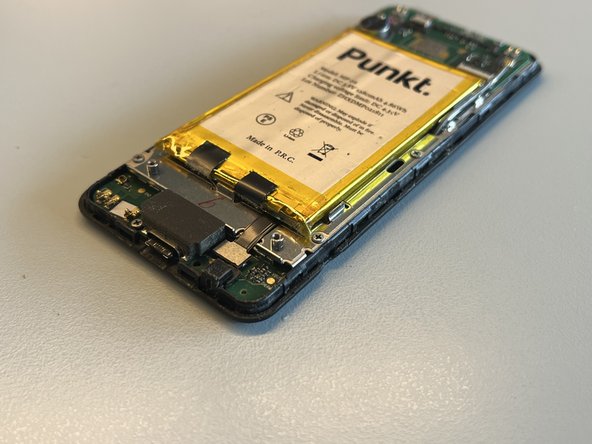
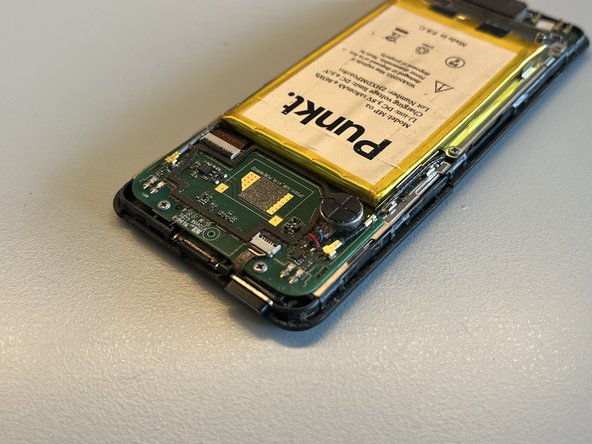
  4. Punkt MP02 Teardown: step 4, image 1 of 3 Punkt MP02 Teardown: step 4, image 2 of 3 Punkt MP02 Teardown: step 4, image 3 of 3
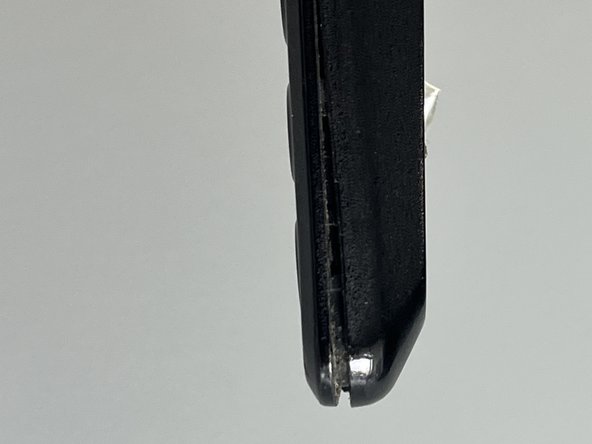
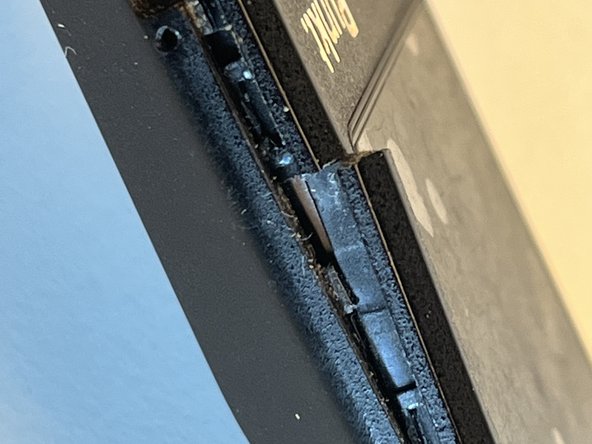
    • using a metal spudger I started separating the two halves of the phone shell on the right of the USB port.

    • by carefully inserting and twisting the spudger I could unclip the two halves to separate them

    • be careful not to insert the spudger too deep, you could damage the mainboard or battery

    • as I wasn't careful enough, the frame broke in two places

    Ask FixBot
  5. Punkt MP02 Teardown: step 5, image 1 of 2 Punkt MP02 Teardown: step 5, image 2 of 2
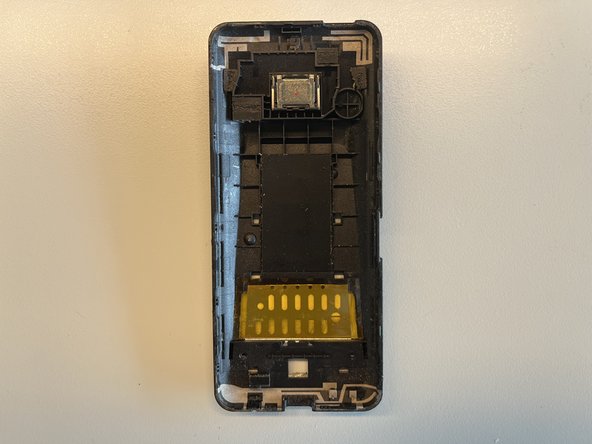
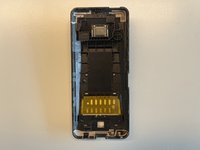
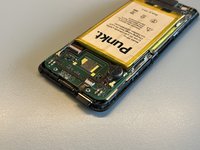
    • now remove the back half

    • I looks like the back contains some antennas and a speaker

    Ask FixBot
  6. Punkt MP02 Teardown: step 6, image 1 of 3 Punkt MP02 Teardown: step 6, image 2 of 3 Punkt MP02 Teardown: step 6, image 3 of 3
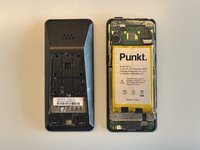
    • now remove the spongy piece that sits ontop of the USB port

    • at this stage I noticed a screw falling on my table and the screw to the right of the USB port was missing

    • I also noticed the screw to the left being loose

    Ask FixBot
  7. Punkt MP02 Teardown: step 7, image 1 of 1
    • Now remove eight screws and the power button

    Ask FixBot
  8. Punkt MP02 Teardown: step 8, image 1 of 1
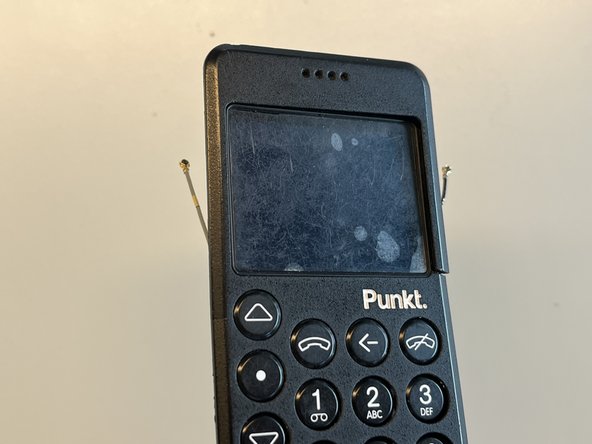
    • I unplugged the two antenna cables

    • unplug the battery connector

    Ask FixBot
  9. Punkt MP02 Teardown: step 9, image 1 of 1
    • now I opened the clips that hold the ribbon cables

    Ask FixBot
  10. Punkt MP02 Teardown: step 10, image 1 of 3 Punkt MP02 Teardown: step 10, image 2 of 3 Punkt MP02 Teardown: step 10, image 3 of 3
    • at this point the device felt loose and I didn't know how to continue - I noticed after beginning to pull on the battery pull tabs that the mainboard separated

    Ask FixBot
  11. Punkt MP02 Teardown: step 11, image 1 of 1
    • by gently moving the mainboard down (direction of USB port) the mainboard could be separated

    • notice the metal hook that prevents the device from being separated without downwards movement

    Ask FixBot
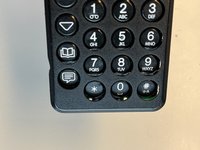
  12. Punkt MP02 Teardown: step 12, image 1 of 1
    • remove the middle screw

    Ask FixBot
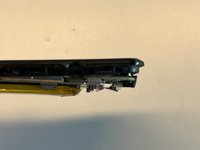
  13. Punkt MP02 Teardown: step 13, image 1 of 2 Punkt MP02 Teardown: step 13, image 2 of 2
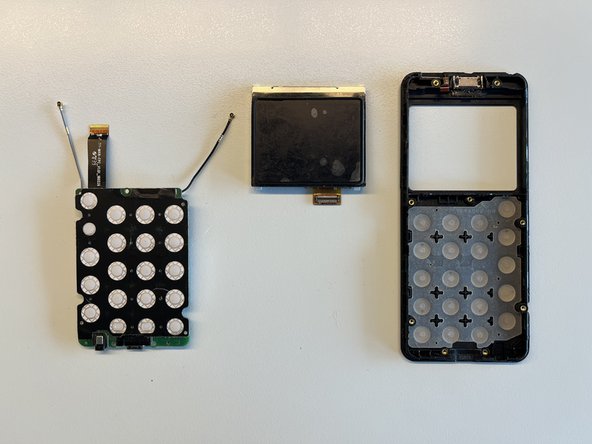
    • Now I could remove the screen and main board

    Ask FixBot
Florian

Member since: 08/24/23

353 Reputation

2 Guides authored

4 Guide Comments

Thank you for posting this guide. It'll become more valuable as these devices age--I anticipate having to replace the battery sometime in the next two years.

vvaylon_k - Reply Share

thank you very much! I had water damage and could open and dry/clean the device before there was any irrevocable damage!

Peter van Mil - Reply Share

Didn’t you break the case? Reassembly is the same but backwards?

Simon Lamouret - Reply Share

Thank you for this post. I was able to open mine and fixit: Battery was not charging and after cleaning the internal connector for the battery all was ok and my Punkt is again alive.

vgusv - Reply Share

Add Comment

View Statistics:

Past 24 Hours: 2

Past 7 Days: 18

Past 30 Days: 119

All Time: 4,221