Introduction
Use this guide to replace the potentiometer on your Xbox Wireless controller to fix the drifting issue.
Applies to all Xbox Wireless Controllers from 2016 onward since the steps are nearly identical.
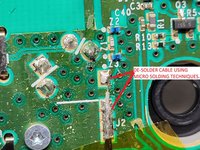
No soldering is required for this guide, but it is necessary if you decide to replace the entire module.
The actual replacement begins at step 16.
What you need
-
-
-
Slide the battery cover toward the top of the controller to remove it.
-
Lift up the batteries or the battery pack from the battery compartment.
 Ask FixBot
-
-
-
Insert a plastic opening tool into the top seam, and gently work the opening tool to the bottom of the controller.
-
Continue using the opening tool to gently pry the side plate off of the controller.
-
Repeat this process for the second side plate.
-
-
-
Gently peel the battery label or punch a hole in the center of the sticker in the battery compartment to reveal the hidden screw.
-
Remove the five 9mm torx-9 security screws from the back of the controller.
-
-
-
Orient the controller so the front plate is facing up.
-
Lift the front cover off of the controller.
-
-
-
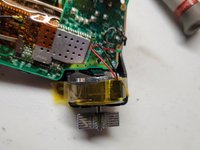
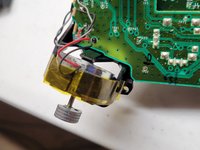
Tape the Rumbler/shock motors in place.
-
This will prevent the motors from falling out.
-
-
-
-
-
Turn the device over and remove the directional pad by gently pulling it away from the controller.
-
-
-
-
-
-
-
Turn the device over and remove the two 7mm torx-6 screws in the bottom left and right corners.
-
-
-
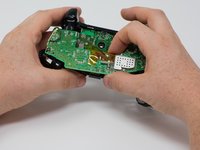
Firmly grasp the top and bottom motherboards in opposite hands, then gently pull them apart.
-
-
-
-
-
-
Remove the three 70mm torx-6 screws from the center of the bottom motherboard.
-
Remove the two 70mm torx-6 screws next to the rumble motors on the bottom motherboard.
-
Remove the one 70mm torx-6 screw located on the left side of the bottom motherboard.
-
-
-
Use a plastic spudger to lift the plastic clip off the front pegs.
-
Remove the plastic clip by sliding it upwards.
-
-
-
Use a spudger to release the small hooks at each end of the left and right bumper.
-
After you release these hooks, be careful as you separate the face plate from the back of the controller. The connect/sync button (see second image) is held in by this face plate and will come loose as you perform this step.
-
-
-
To avoid disconnecting the wires connected to the motherboard, lift the mother board away from the plastic frame as if opening a laptop.
-
-
-
-
-
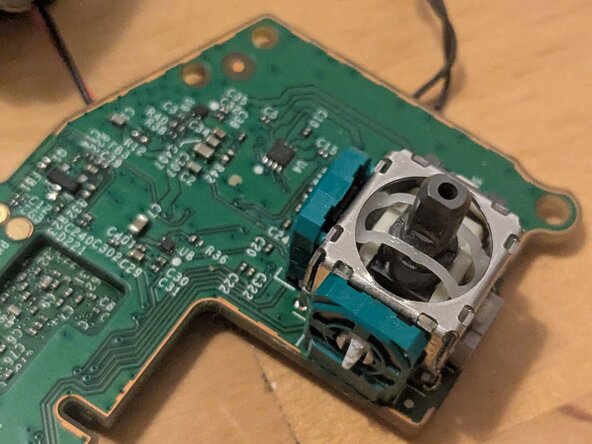
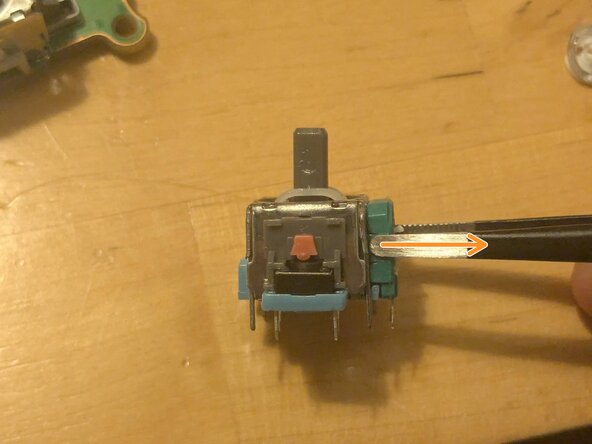
Use the iFixit Precision Tweesers to gently pry open the potentiometer housing by slowly levering the top edge of the plastic.
-
Bend the housing so that there is 2–3 millimeters of space at the top.
-
-
-
From the replacement module, slowly separate the potentiometer housing from the module.
-
Gently press the small plastic tabs that secure the potentiometer to the center of the housing.
-
Remove the potentiometer.
-
-
-
Insert the new potentiometer into the housing.
-
Gently press down with the iFixit Precision Tweezers to secure the plastic tabs in the center of the housing.
-
-
-
Push down on the top edge of the potentiometer housing to close the gap created in step 16.
-
-


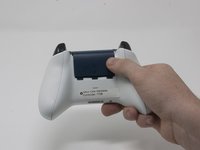


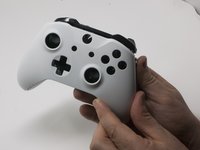
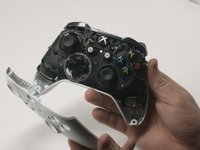


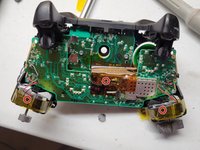


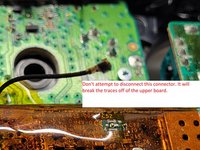


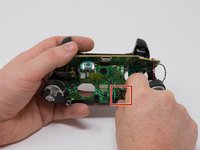
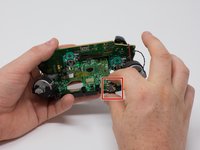


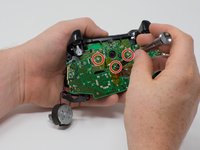
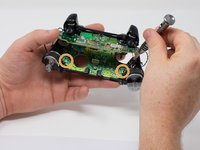
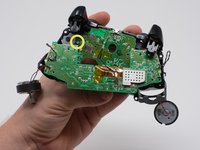


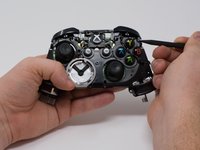
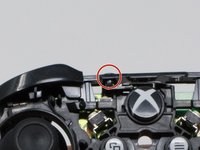








To reassemble your device, follow these instructions in reverse order from step 15.
Cancel: I did not complete this guide.
3 other people completed this guide.

