
Turtle Beach Recon 70P Talkback Cable Replacement

Austin Hance and 2 other contributors
Last updated on Jun 25, 2024
Views: 1.2K
View statistics:
- Past 24 Hours:
- 2
- Past 7 Days:
- 18
- Past 30 Days:
- 82
- All Time:
- 1,181
Comments: 1
1 guide comment.
Go to guide commentsCompleted: 1 2
1 person has marked this guide "completed." Will you be next?
2 people have marked this guide "completed." Including you — great job!
Favorites: 0 1
No one has favorited (and subscribed to) this guide. Will you be the first?
1 person has favorited (and subscribed to) this guide — and that's you!
Needs Better Images
Better photos will improve this guide. Help out by taking, editing, or uploading new ones!
Needs More Images
A few more images would make this guide's procedures crystal clear.
Missing Steps
Oops! This guide is currently missing one or more important steps.
Introduction
Go to step 1 ↓The talkback cable connects to your device in order to produce sound through your headset. The talkback cable may wear out after extensive use or damage. This guide will take you through the steps necessary to replace your gaming headset's talkback cable.
What you need
Tools
-
Safety Glasses4.9
-
-
-
-
-
-
-


-
-
-
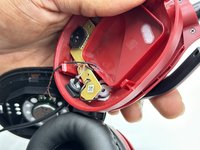
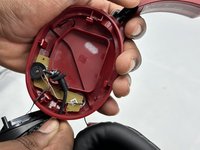
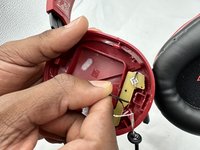
Use a Phillips screwdriver to remove the two 5 mm screws that secure the motherboard.
-
-
-
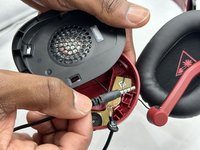
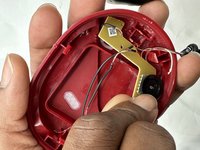
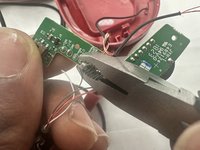
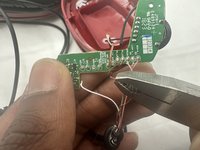
Cut the talkback cable below where it enters the speaker housing.
-
Remove the cut section of the talkback cable.
-
-
-
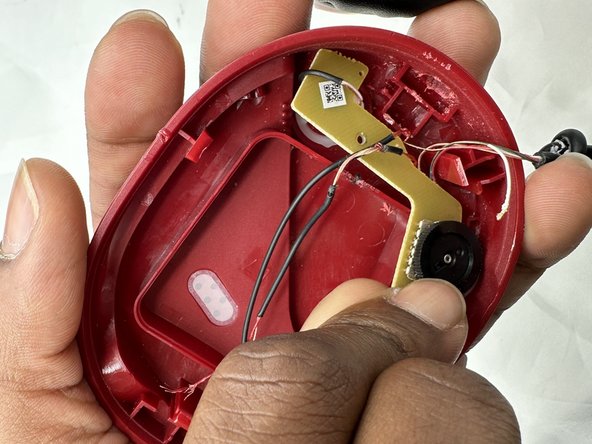
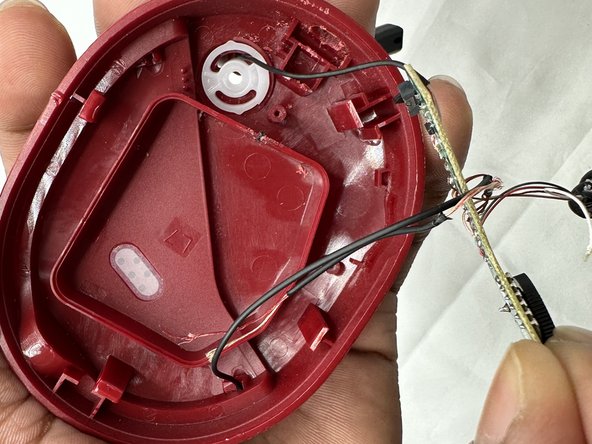
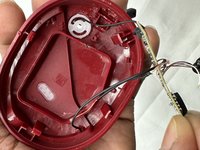
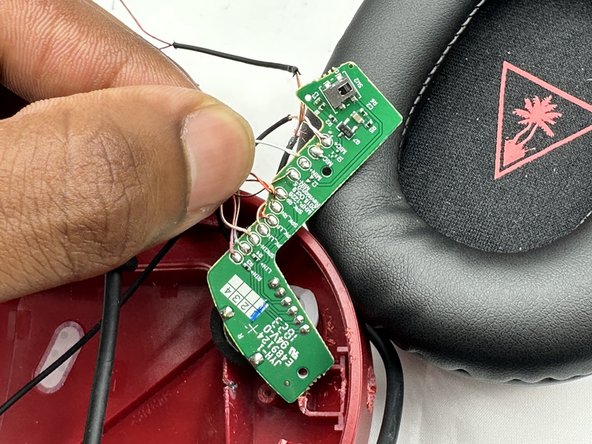
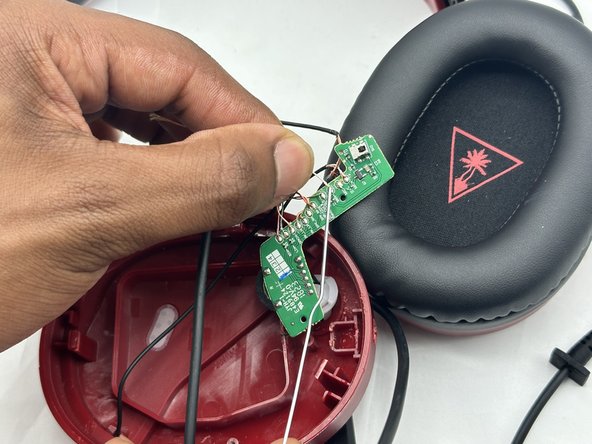
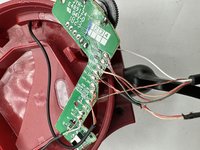
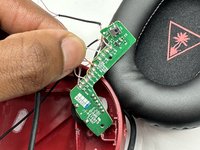
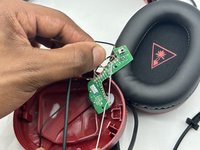
Lift the motherboard up and out of the housing.
-
Take care not to strain the wires.
-
-


 Ask FixBot






To reassemble your device, follow these instructions in reverse order.
Cancel: I did not complete this guide.
One other person completed this guide.

Team

University of North Texas, Team 3-1, Kilpatrick Spring 2024 Member of University of North Texas, Team 3-1, Kilpatrick Spring 2024
UNT-KILPATRICK-S24S3G1
4 Members
60 Guides authored
1 Guide Comment
Thanks for the run down but could you please share what cable you used to replaced old one with? is it just 3.5mm jack, four pole extension cable which you stripped on one side ?
