
Turtle Beach Recon 70P Microphone Replacement

Austin Hance and 3 other contributors
Last updated on Jun 25, 2024
Views: 951
View statistics:
- Past 24 Hours:
- 1
- Past 7 Days:
- 11
- Past 30 Days:
- 67
- All Time:
- 951
Comments: 0
No one has left comments on this guide. Will you be first?
Go to guide commentsCompleted: 0 1
No one has marked this guide "completed." Will you be the first?
1 person has marked this guide "completed." It's you — great job!
Favorites: 0 1
No one has favorited (and subscribed to) this guide. Will you be the first?
1 person has favorited (and subscribed to) this guide — and that's you!
Introduction
Go to step 1 ↓If you find that your microphone has broken after extensive use or damage, you may want to take the opportunity to replace it before buying a new headset. This guide will take you through the steps necessary to ensure that your microphone replaced and working again.
What you need
Tools
-
-
-
-
-
-
Safety Glasses4.9
-
-


-
-
-
Use a spudger to pry up the black plastic housing.
-
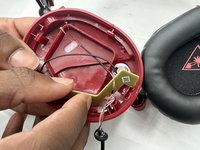
Remove the plastic cover.
 Ask FixBot
-
-
-
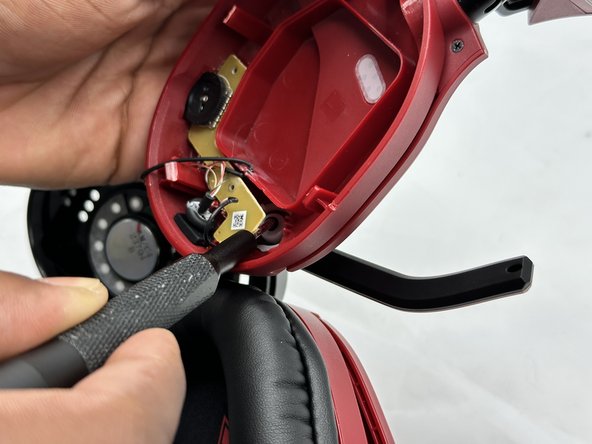
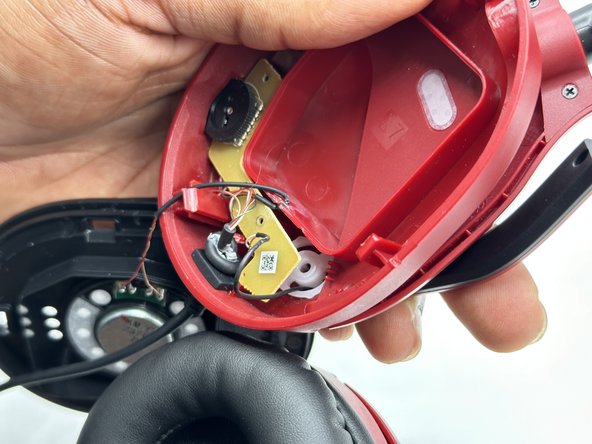
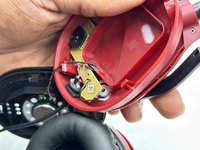
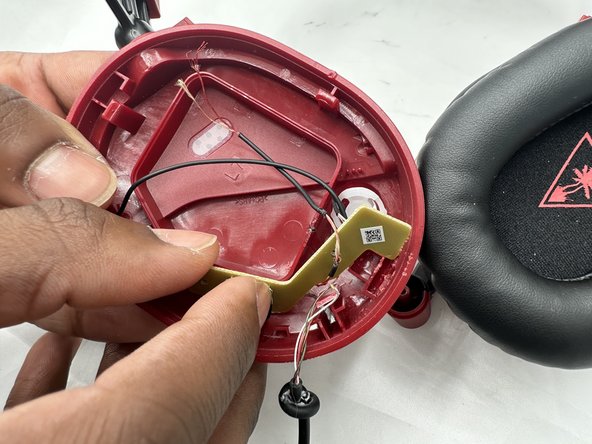
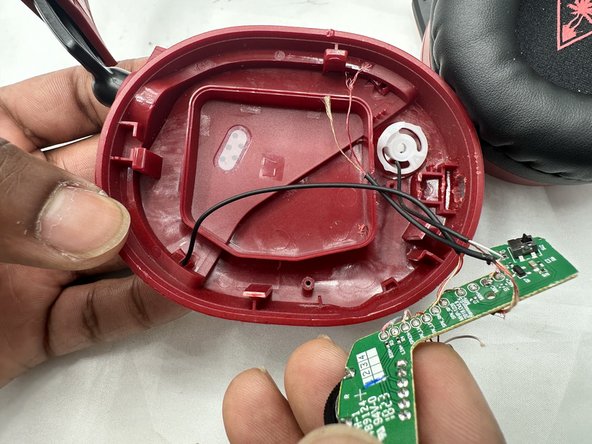
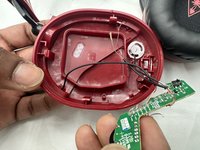
Use a Phillips screwdriver remove the two 5 mm screws that secure the motherboard.
-
-
-
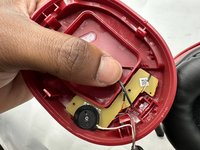
Use a Phillips screwdriver to remove the single 8 mm screw under the motherboard that secures the microphone.
-
-
-




To reassemble your device, follow these instructions in reverse order.

Team

University of North Texas, Team 3-1, Kilpatrick Spring 2024 Member of University of North Texas, Team 3-1, Kilpatrick Spring 2024
UNT-KILPATRICK-S24S3G1
4 Members
60 Guides authored
