
Pentax Optio WG-2 LCD Screen Replacement

Matthew Bessette and 7 other contributors
Last updated on May 7, 2024
Views: 1.6K
View statistics:
- Past 24 Hours:
- 2
- Past 7 Days:
- 17
- Past 30 Days:
- 89
- All Time:
- 1,604
Comments: 2
2 guide comments.
Go to guide commentsCompleted: 2 3
2 people have marked this guide "completed." Will you be next?
3 people have marked this guide "completed." Including you — great job!
Favorites: 0 1
No one has favorited (and subscribed to) this guide. Will you be the first?
1 person has favorited (and subscribed to) this guide — and that's you!
Action Shots
Be an action hero! This guide needs images that better demonstrate how to perform specific actions.
In Progress
This guide is a work in progress. Reload periodically to see the latest changes!
Confusing Text
Some of this guide's text is confusing, duplicated, or off-topic. Clarify it by editing!
Better Introduction
Improve this guide by completing or revising its introduction.
Introduction
Go to step 1 ↓Use this guide to replace the LCD viewing screen on the back of the Pentax Optio WG-2.
What you need
Tools
-
Spudger4.9
-


-
-
Step 1 Back Case
Careful: steps 1-6 are sourced from a guide that's marked as in-progress.
-
Remove all four 1 mm JIS #00 screws from the back of the camera.
 Ask FixBot
-
-
-
Use your finger to peel the grip off the top of the camera.
-
For best results, start from the right side of the camera, opposite the buttons.
-
-
Tool used on this step:Tweezers$4.99
-
Use the tweezers to remove the two buttons from the top of the camera.
-
-
-
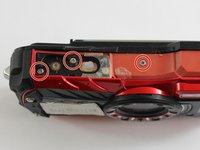
Remove the three 1 mm JIS #000 screws from the top.
-
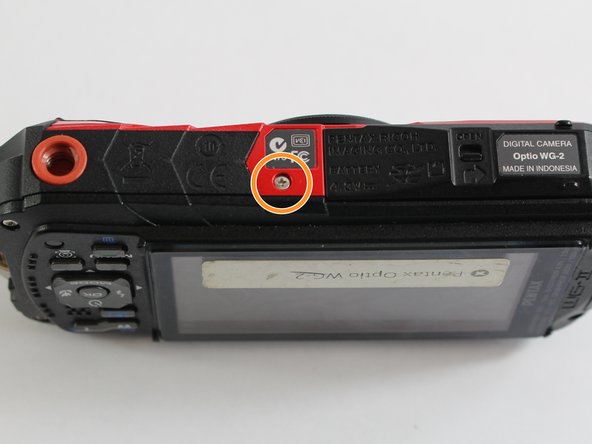
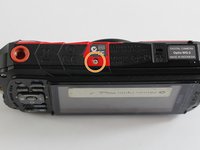
Remove the 1 mm JIS #000 screw from the bottom.
-
-
-
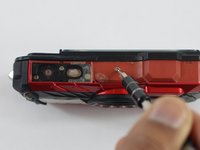
Use the tip of a spudger to flip up the small retaining flaps on the ribbon cable ZIF connectors.
-
Carefully pull the ribbon cables out of their sockets.
-
-
-
-
-
Tool used on this step:Tweezers$4.99
-
Carefully remove the clear tape covering the screws and the ribbon cable.
-
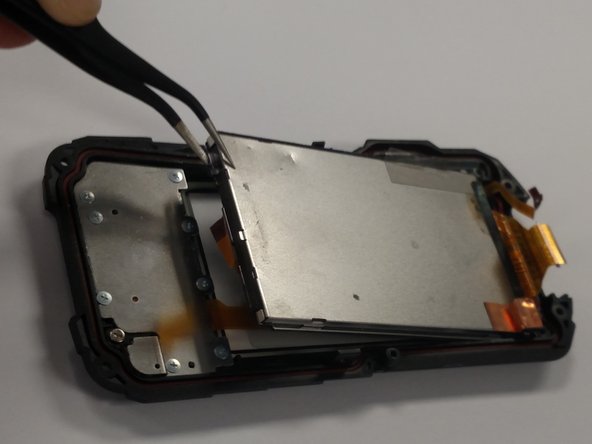
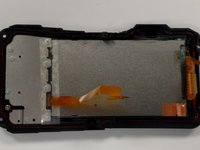
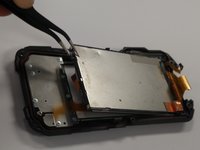
We want to remove the larger silver panel (right). The best way to do this is to slightly bend the cover backwards and use the tweezers to grab a corner and slowly lift the screen up and out.
-
-
-
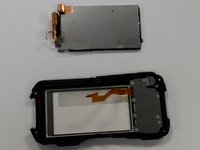
Once the screen is removed you should have two pieces as seen in the picture.
-
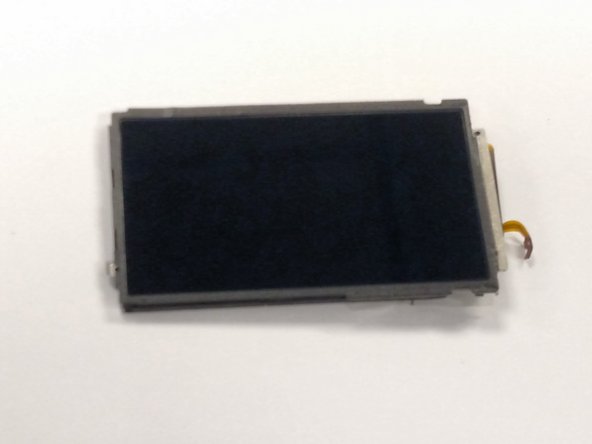
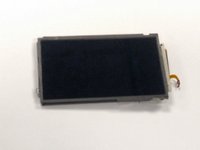
The screen is the silver rectangle in the top of the picture or the component seen in picture two.
-
-





To reassemble your device, follow these instructions in reverse order.
Cancel: I did not complete this guide.
2 other people completed this guide.

Team

UMass Dartmouth, Team 6-7, Bhusal Spring 2016 Member of UMass Dartmouth, Team 6-7, Bhusal Spring 2016
UMASSD-BHUSAL-S16S6G7
3 Members
72 Guides authored
2 Guide Comments
Dónde puedo comprar el Display?
Where I can buy the dispaly?
