Free Shipping on Domestic Orders $75+

Nintendo Game Boy Advance SP Screen Lens Replacement

What you need

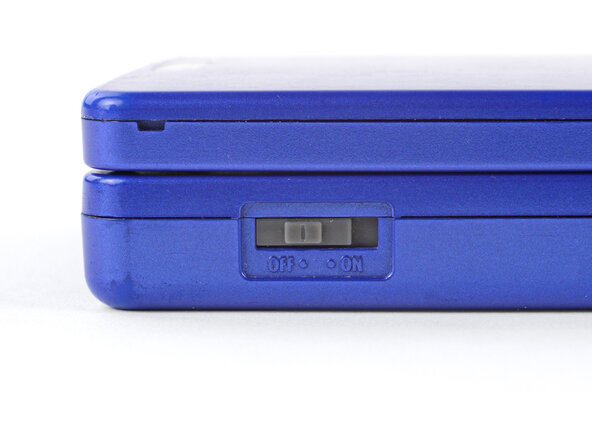
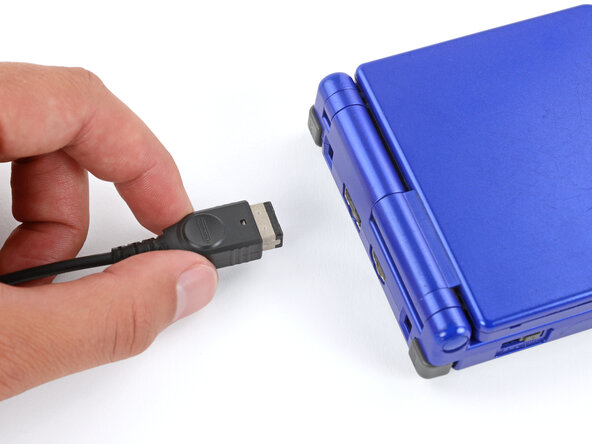
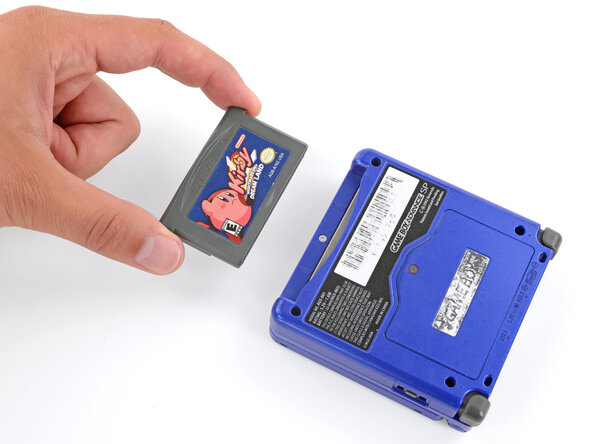
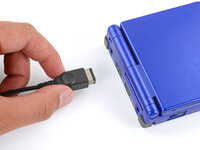
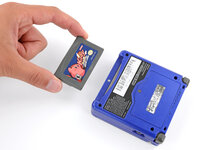
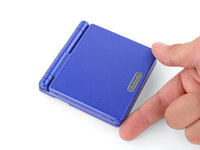
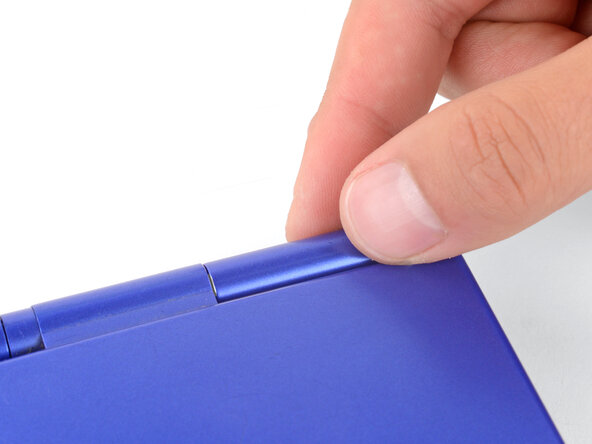
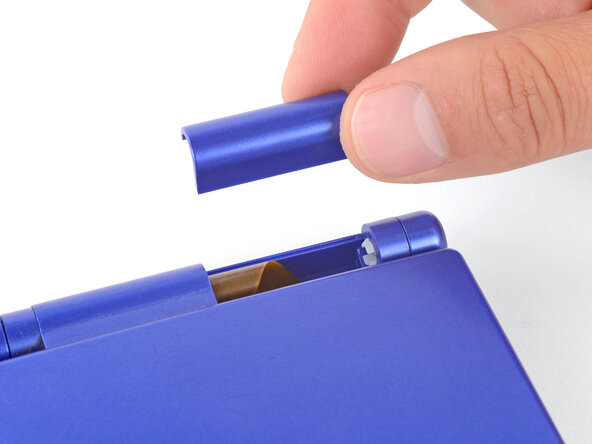
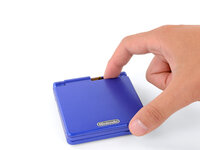
  1. Nintendo Game Boy Advance SP Screen Lens Replacement, Prepare your Game Boy for disassembly: step 1, image 1 of 3 Nintendo Game Boy Advance SP Screen Lens Replacement, Prepare your Game Boy for disassembly: step 1, image 2 of 3 Nintendo Game Boy Advance SP Screen Lens Replacement, Prepare your Game Boy for disassembly: step 1, image 3 of 3
    • Slide the power switch to the OFF position and unplug any cables.

    • If you have a game cartridge in, remove it.

    Ask FixBot

    Add Comment

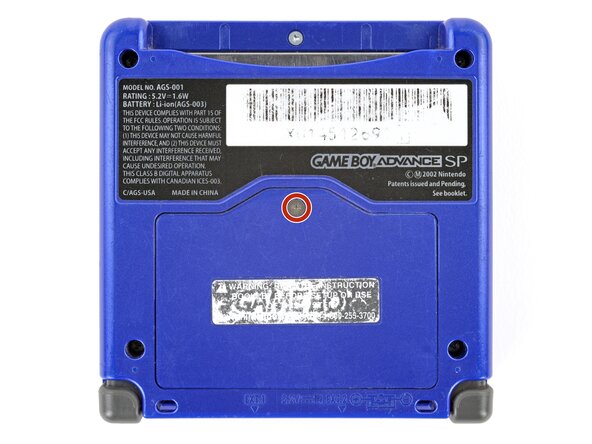
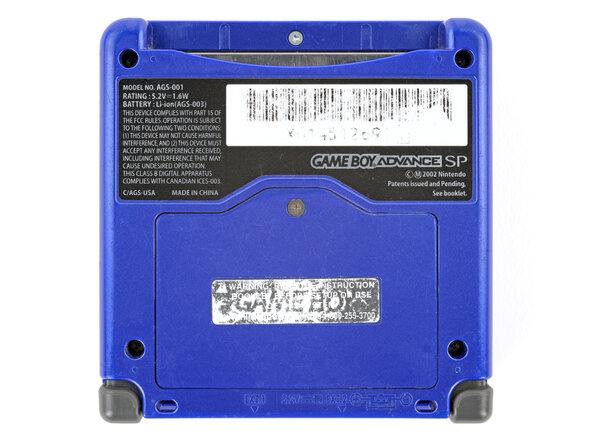
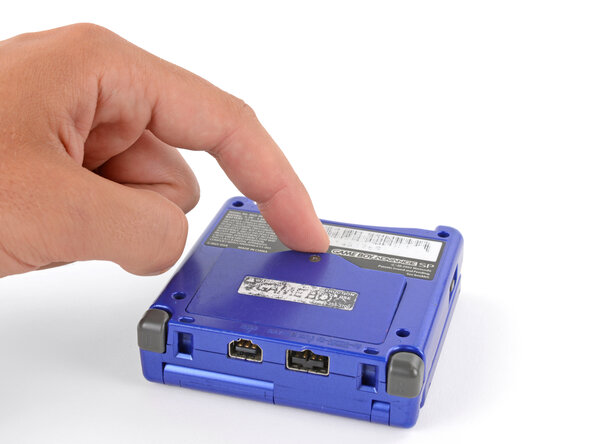
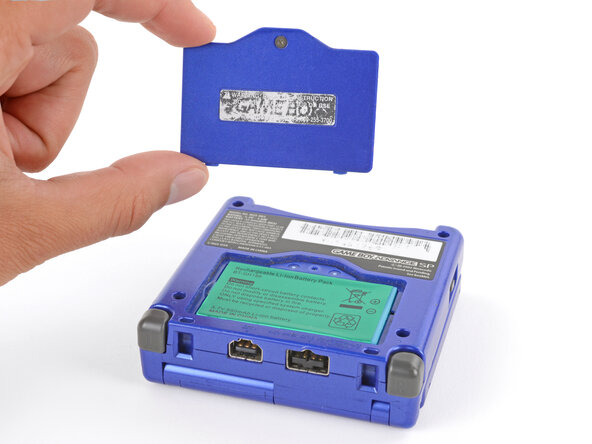
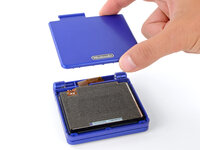
  2. Nintendo Game Boy Advance SP Screen Lens Replacement, Remove the battery cover: step 2, image 1 of 2 Nintendo Game Boy Advance SP Screen Lens Replacement, Remove the battery cover: step 2, image 2 of 2
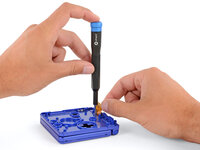
    • Use a JIS 00 screwdriver to loosen the captive screw securing the battery cover.

    • You can try to use a non-iFixit Phillips driver in a pinch, but you risk damaging or stripping the screw. Push down firmly on the driver and twist slowly.

    Ask FixBot

    Add Comment

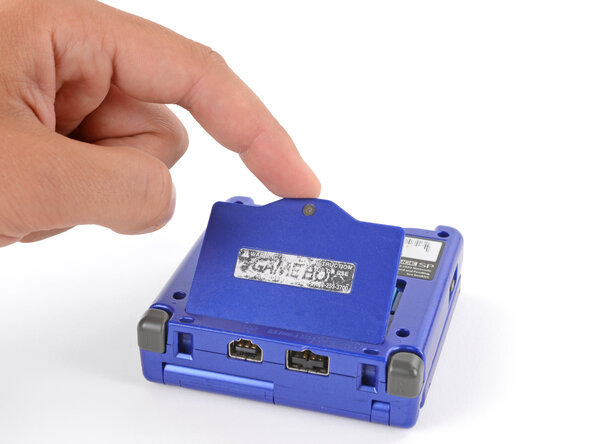
  3. Nintendo Game Boy Advance SP Screen Lens Replacement: step 3, image 1 of 3 Nintendo Game Boy Advance SP Screen Lens Replacement: step 3, image 2 of 3 Nintendo Game Boy Advance SP Screen Lens Replacement: step 3, image 3 of 3
    • Lift the edge of the cover near the screw and remove the cover.

    • During reassembly, hook the tabs on the bottom edge of the cover into their slots and lay the cover into place.

    Ask FixBot

    Add Comment

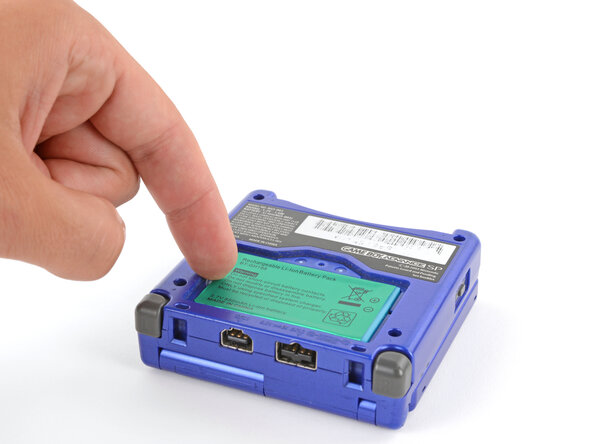
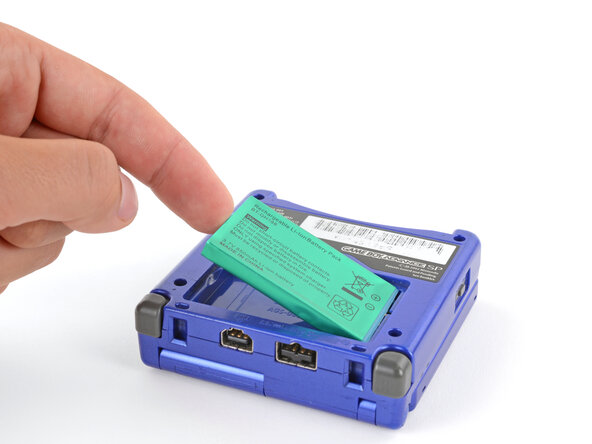
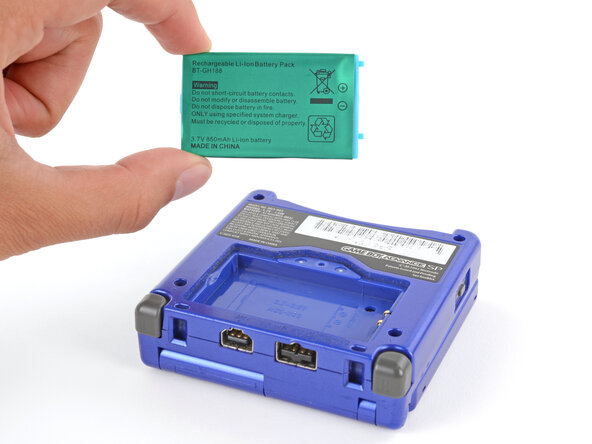
  4. Nintendo Game Boy Advance SP Screen Lens Replacement, Remove the battery: step 4, image 1 of 3 Nintendo Game Boy Advance SP Screen Lens Replacement, Remove the battery: step 4, image 2 of 3 Nintendo Game Boy Advance SP Screen Lens Replacement, Remove the battery: step 4, image 3 of 3
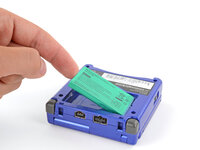
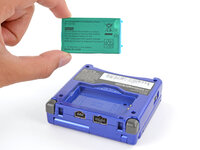
    • Use your finger to lift the battery by the tab on its left edge, then remove it.

    • During reassembly:

    • Never reuse a deformed or damaged battery—it's a fire hazard. Replace it with a new battery.

    • Your replacement battery may come with a plastic enclosure that slides over the battery.

    • Insert the edge of the battery with contacts at a slight downward angle—aligning the contacts with their prongs in the recess—and press the battery into place.

    Ask FixBot

    Add Comment

  5. Nintendo Game Boy Advance SP Screen Lens Replacement, Remove the bottom shell: step 5, image 1 of 2 Nintendo Game Boy Advance SP Screen Lens Replacement, Remove the bottom shell: step 5, image 2 of 2
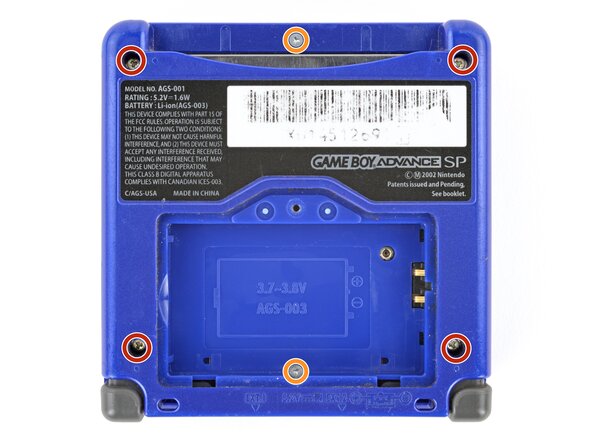
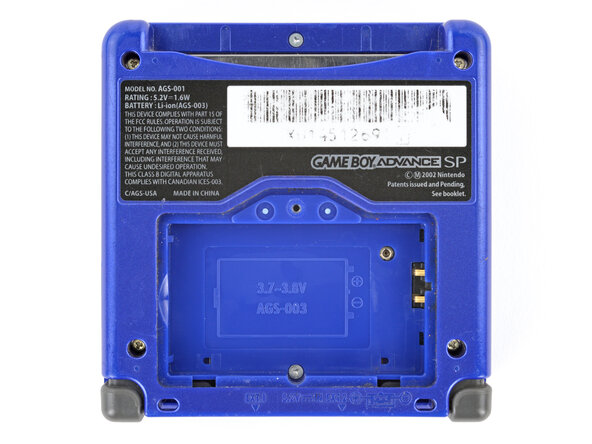
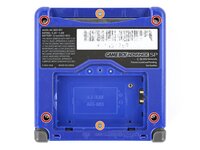
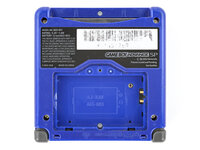
    • Use a tri‑point Y0 screwdriver to remove the six screws securing the bottom shell:

    • Four 6.3 mm‑long recessed screws

    • Two 4.6 mm‑long screws

    Ask FixBot

    Add Comment

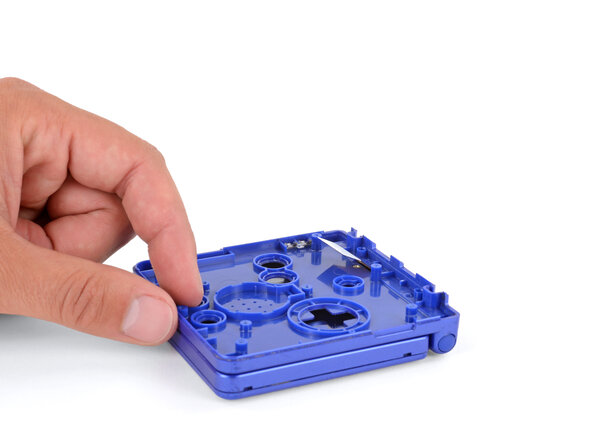
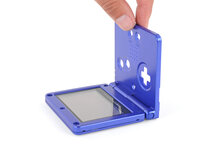
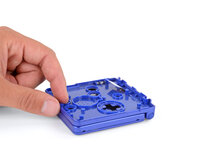
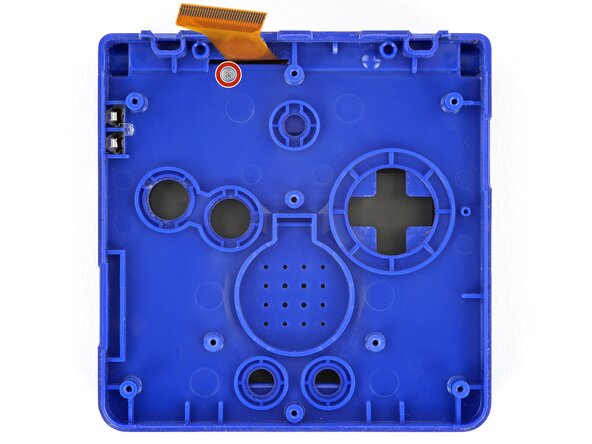
  6. Nintendo Game Boy Advance SP Screen Lens Replacement: step 6, image 1 of 2 Nintendo Game Boy Advance SP Screen Lens Replacement: step 6, image 2 of 2
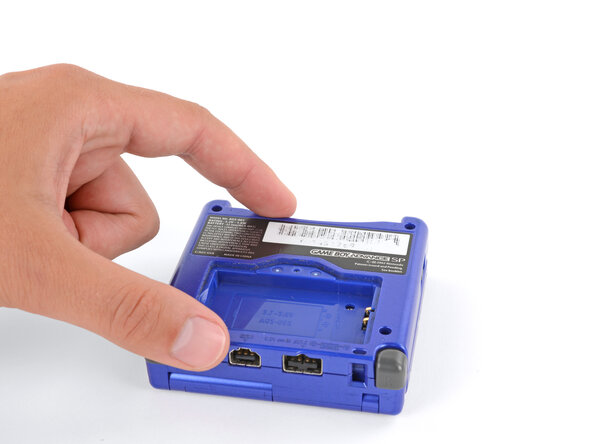
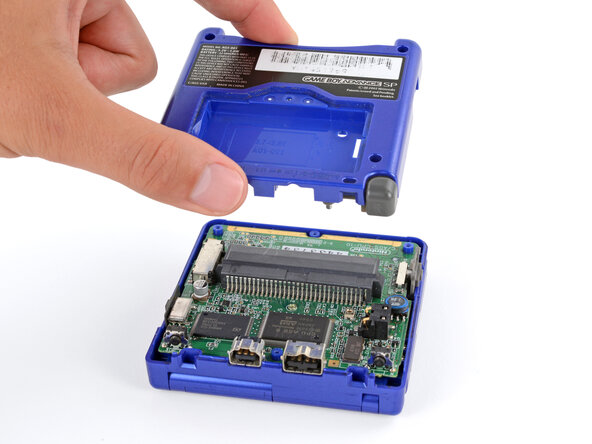
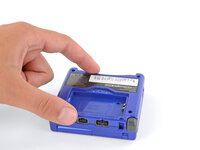
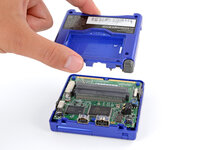
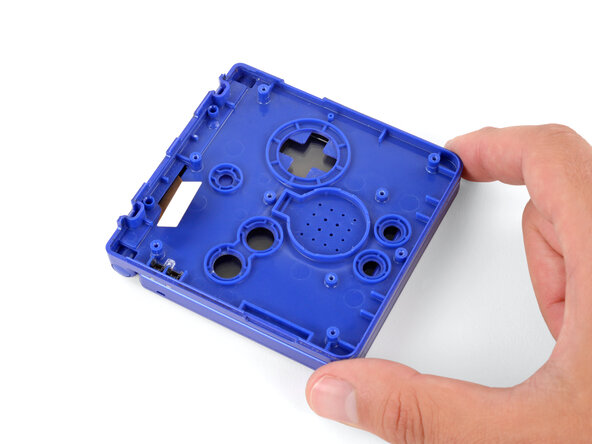
    • Lift the bottom shell straight up and remove it.

    Ask FixBot

    Add Comment

  7. Nintendo Game Boy Advance SP Screen Lens Replacement, Remove the power switch cover: step 7, image 1 of 2 Nintendo Game Boy Advance SP Screen Lens Replacement, Remove the power switch cover: step 7, image 2 of 2
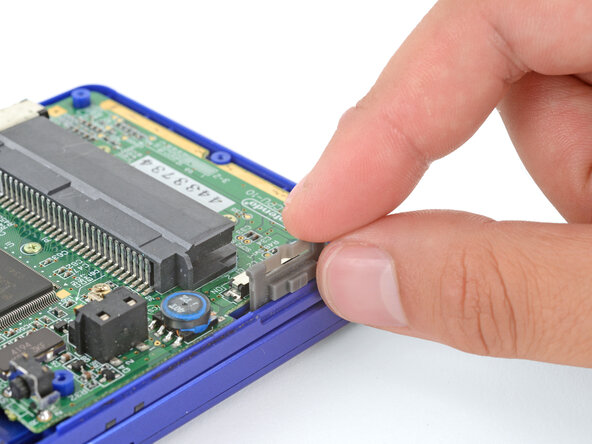
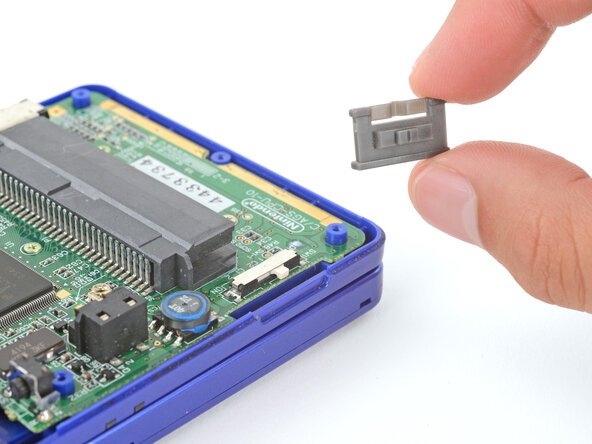
    • Use your fingers to lift and remove the power switch cover.

    • During reassembly:

    • Use your fingers to put the power switch cover (notched side up) into place so the cutout goes around the actual switch.

    • Gently slide the cover back and forth to make sure it's positioned properly and moving the switch.

    • If the switch isn't properly in its cutout, you won't be able to power on your Game Boy.

    Ask FixBot

    Add Comment

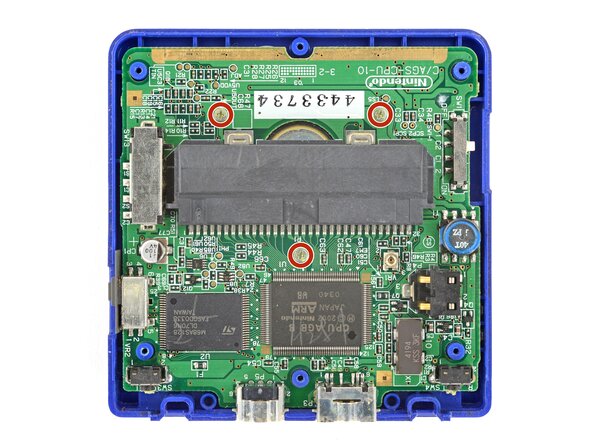
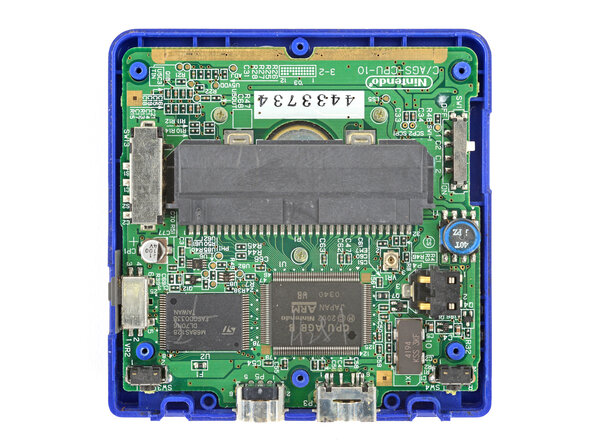
  8. Nintendo Game Boy Advance SP Screen Lens Replacement, Remove the motherboard screws: step 8, image 1 of 2 Nintendo Game Boy Advance SP Screen Lens Replacement, Remove the motherboard screws: step 8, image 2 of 2
    • Use a JIS 00 screwdriver to remove the three 4.1 mm‑long screws securing the motherboard.

    Ask FixBot

    Add Comment

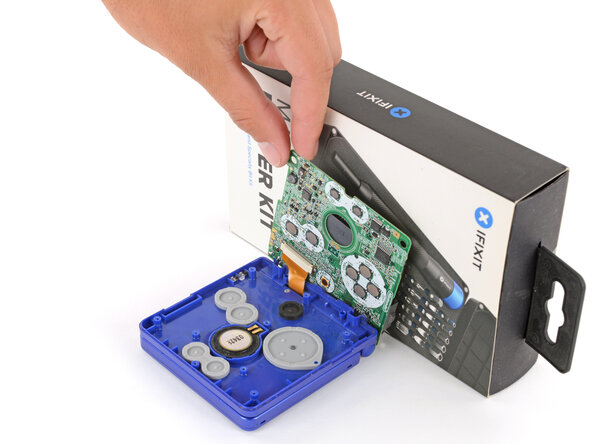
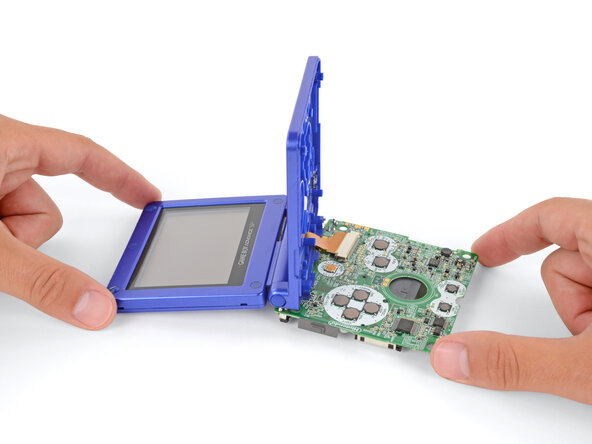
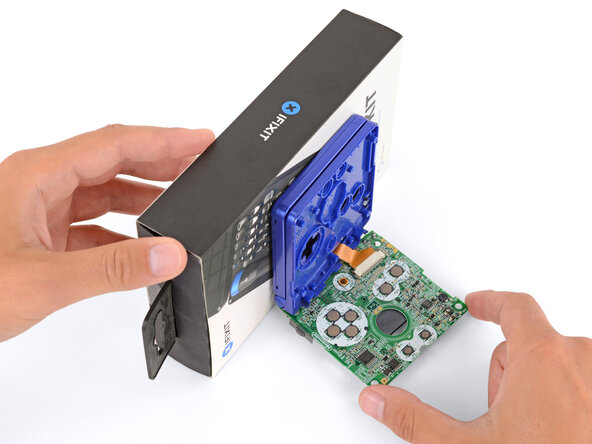
  9. Nintendo Game Boy Advance SP Screen Lens Replacement, Prop up the motherboard: step 9, image 1 of 3 Nintendo Game Boy Advance SP Screen Lens Replacement, Prop up the motherboard: step 9, image 2 of 3 Nintendo Game Boy Advance SP Screen Lens Replacement, Prop up the motherboard: step 9, image 3 of 3
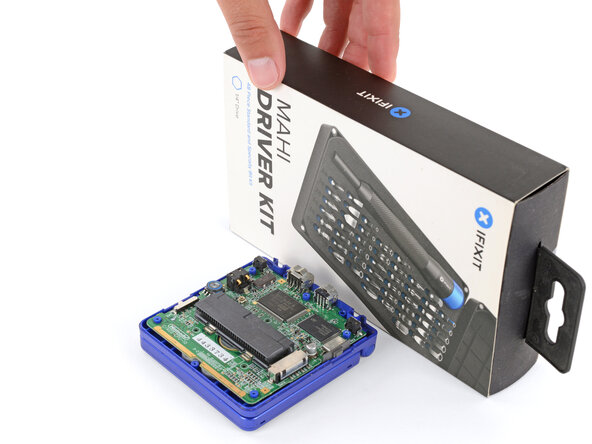
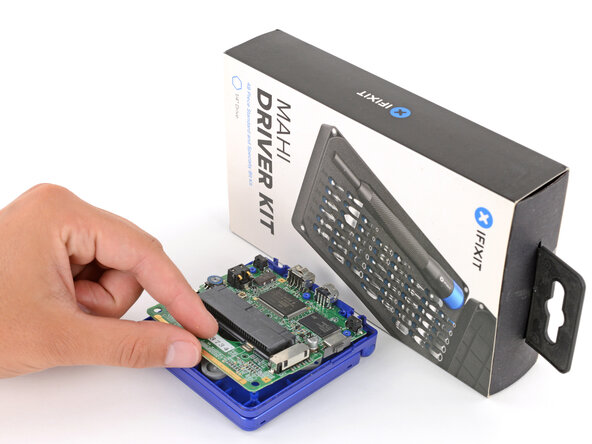
    • Place a sturdy object such as a stack of books or tool case along the edge of your Game Boy with the hinges.

    • Use your fingers to gently flip the motherboard over the hinges and prop it up.

    Ask FixBot

    Add Comment

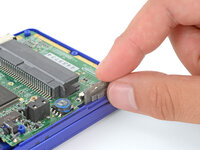
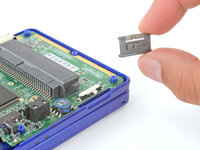
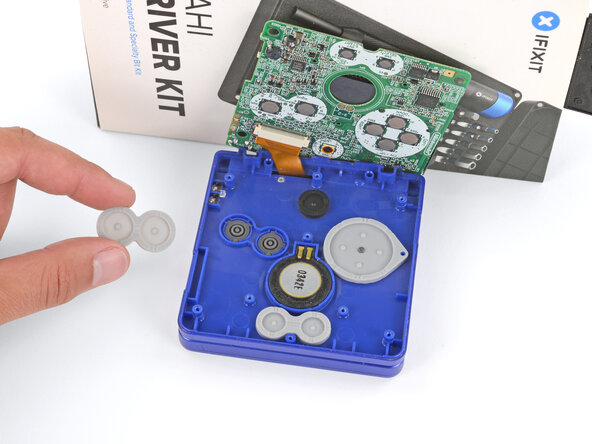
  10. Nintendo Game Boy Advance SP Screen Lens Replacement, Remove the silicone pads: step 10, image 1 of 3 Nintendo Game Boy Advance SP Screen Lens Replacement, Remove the silicone pads: step 10, image 2 of 3 Nintendo Game Boy Advance SP Screen Lens Replacement, Remove the silicone pads: step 10, image 3 of 3
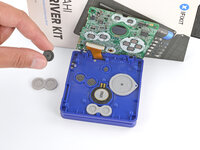
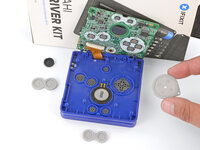
    • Use tweezers or your fingers to remove the four silicone pads covering the buttons (A and B, D‑pad, brightness, and Start/Select).

    • If any of the pads are missing, they may be stuck to their corresponding spot on the motherboard.

    Ask FixBot

    Add Comment

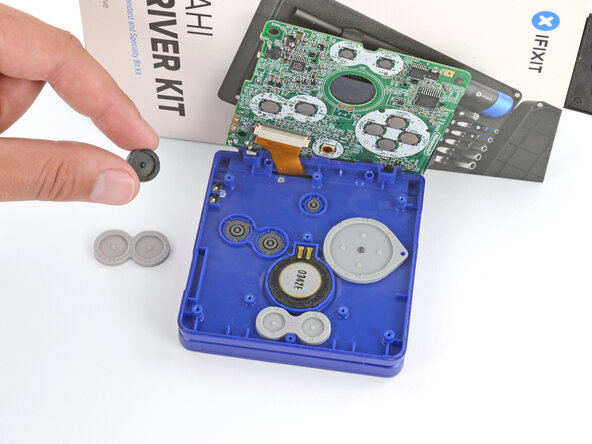
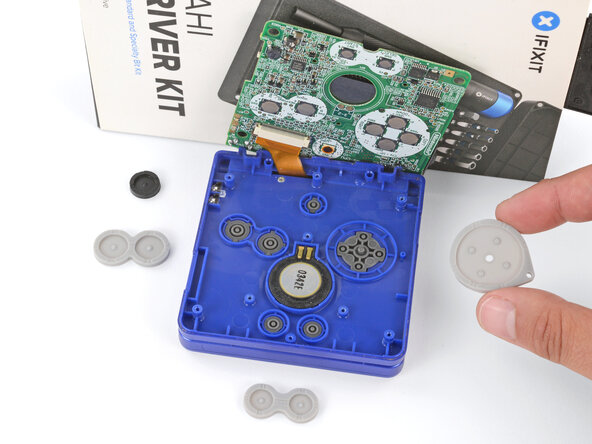
  11. Nintendo Game Boy Advance SP Screen Lens Replacement, Remove the buttons: step 11, image 1 of 3 Nintendo Game Boy Advance SP Screen Lens Replacement, Remove the buttons: step 11, image 2 of 3 Nintendo Game Boy Advance SP Screen Lens Replacement, Remove the buttons: step 11, image 3 of 3
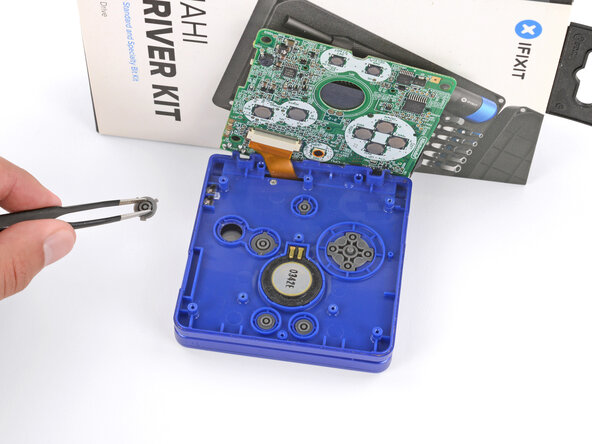
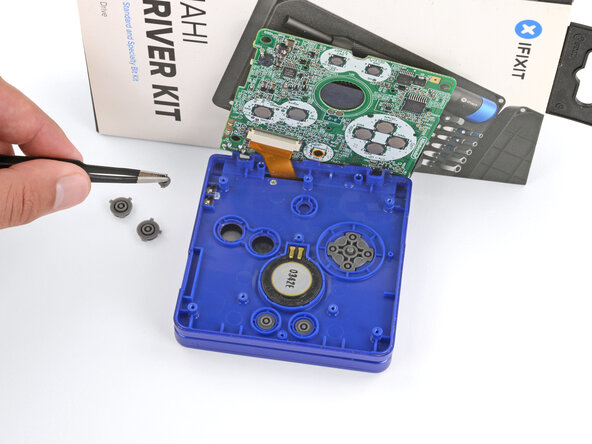
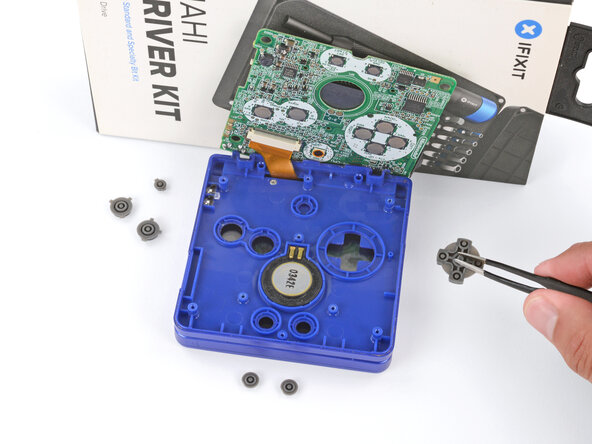
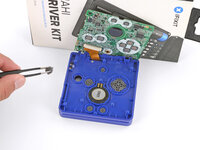
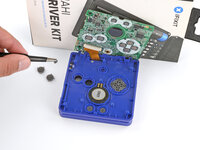
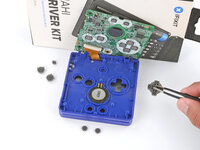
    • Use tweezers or your fingers to remove the buttons (A and B, D‑pad, brightness, and Start/Select).

    • When re‑inserting the action buttons, note that each one is keyed specifically for its recess and proper orientation.

    Ask FixBot

    Add Comment

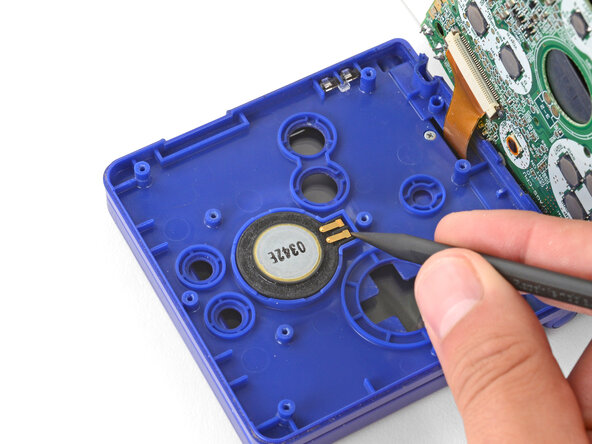
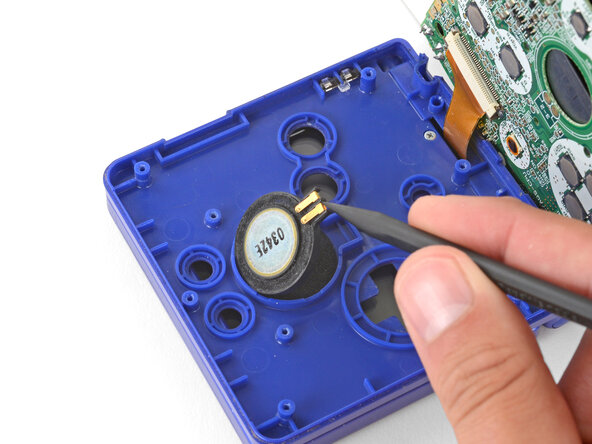
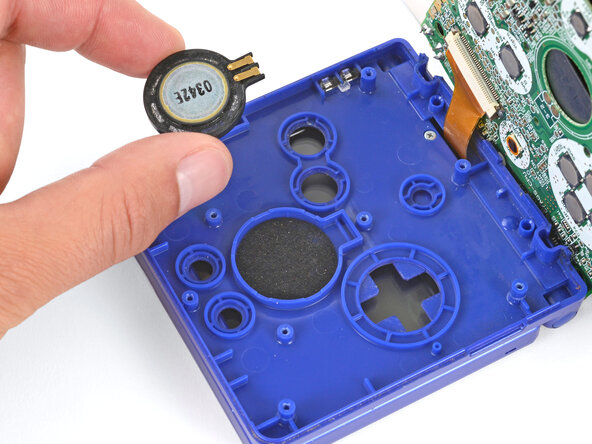
  12. Nintendo Game Boy Advance SP Screen Lens Replacement, Remove the speaker: step 12, image 1 of 3 Nintendo Game Boy Advance SP Screen Lens Replacement, Remove the speaker: step 12, image 2 of 3 Nintendo Game Boy Advance SP Screen Lens Replacement, Remove the speaker: step 12, image 3 of 3
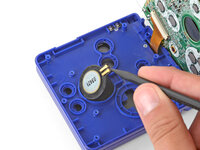
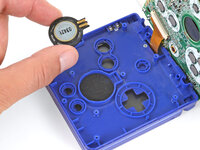
    • Use the point of a spudger or a clean fingernail to lift the speaker until you can grip it with your fingers.

    • Remove the speaker.

    Ask FixBot

    Add Comment

  13. Nintendo Game Boy Advance SP Screen Lens Replacement, Prop up the main body: step 13, image 1 of 1
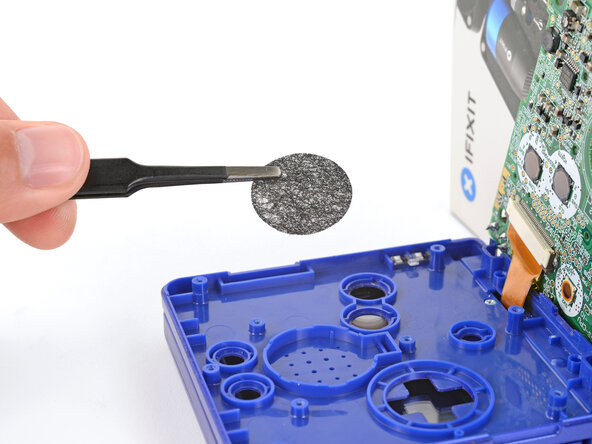
    • Remove the circular mesh from the speaker recess and set it aside—the piece can easily fall out and get lost when working.

    Ask FixBot

    Add Comment

  14. Nintendo Game Boy Advance SP Screen Lens Replacement, Prop up the main body: step 14, image 1 of 3 Nintendo Game Boy Advance SP Screen Lens Replacement, Prop up the main body: step 14, image 2 of 3 Nintendo Game Boy Advance SP Screen Lens Replacement, Prop up the main body: step 14, image 3 of 3
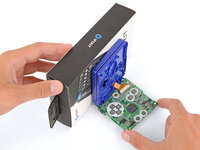
    • Be careful not to strain the screen cable during the next few steps—it has very little slack.

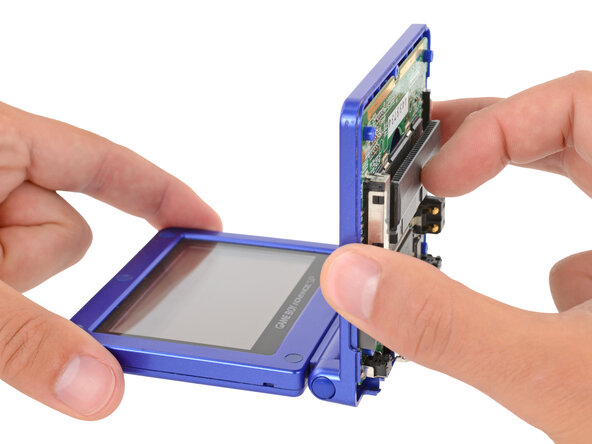
    • You need to prop up the main body of your Game Boy in order to disconnect the screen cable without straining it. Here are two ways to do so:

    • Option 1: Open the main body of your Game Boy to a 90‑degree angle and gently lay the motherboard down. Make sure the main body is resting on top of the motherboard to give the cable slack.

    • Option 2: Keep the main body closed and prop it up on the edge of the logic board, using a sturdy object to hold it up.

    Ask FixBot

    Add Comment

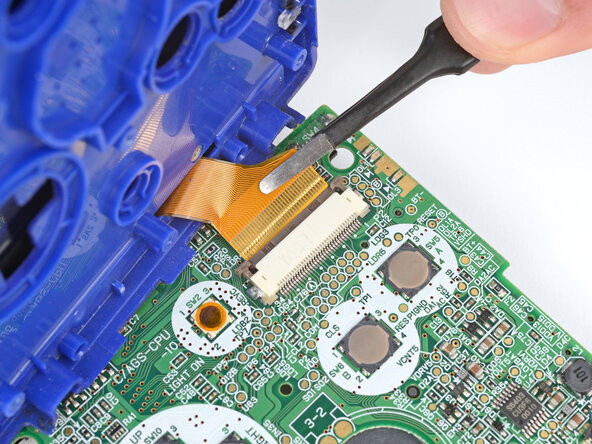
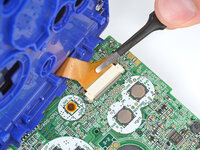
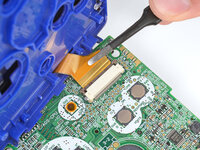
  15. Nintendo Game Boy Advance SP Screen Lens Replacement, Disconnect the screen cable: step 15, image 1 of 3 Nintendo Game Boy Advance SP Screen Lens Replacement, Disconnect the screen cable: step 15, image 2 of 3 Nintendo Game Boy Advance SP Screen Lens Replacement, Disconnect the screen cable: step 15, image 3 of 3
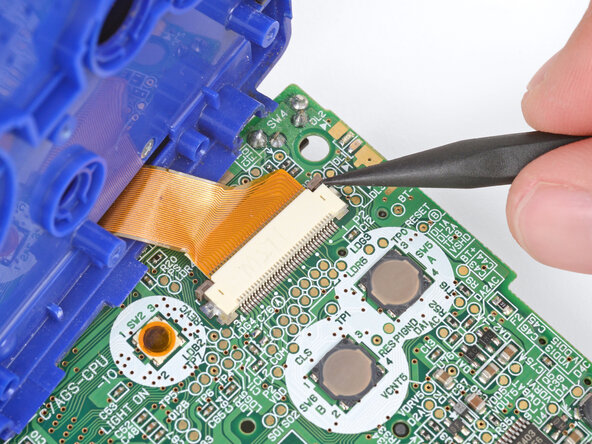
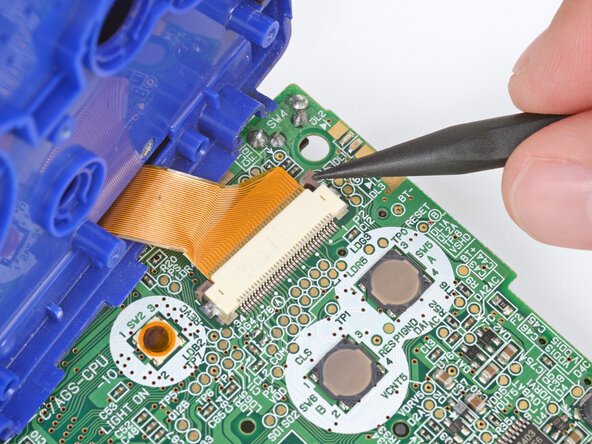
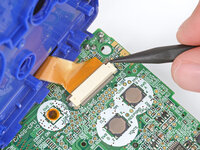
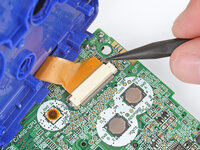
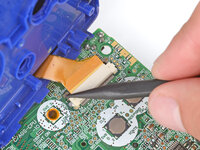
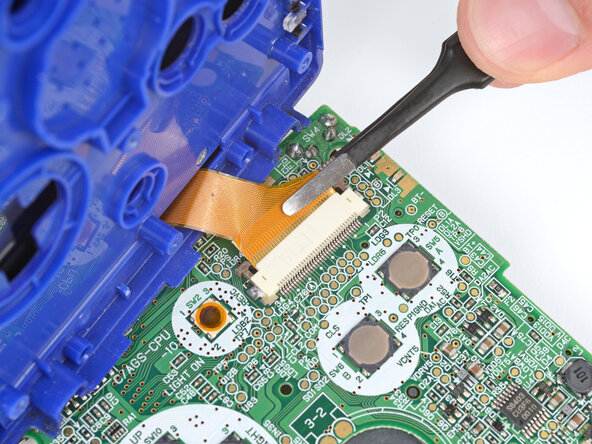
    • Use the point of a spudger to push the two tabs on either side of the screen cable connector into the unlocked position.

    • Only push the tabs until they stop. If you push them too far, you may slide the locking tab off the connector.

    Ask FixBot

    Add Comment

  16. Nintendo Game Boy Advance SP Screen Lens Replacement: step 16, image 1 of 2 Nintendo Game Boy Advance SP Screen Lens Replacement: step 16, image 2 of 2
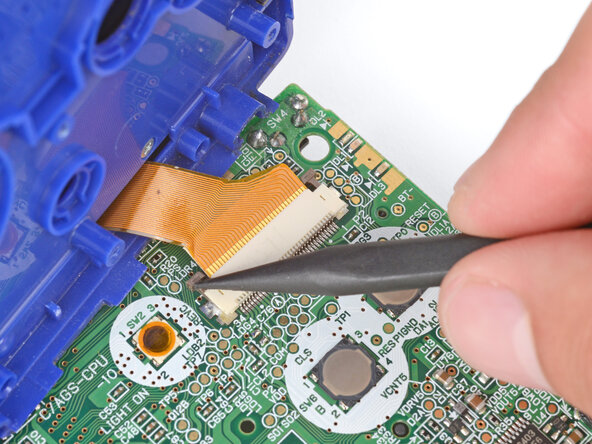
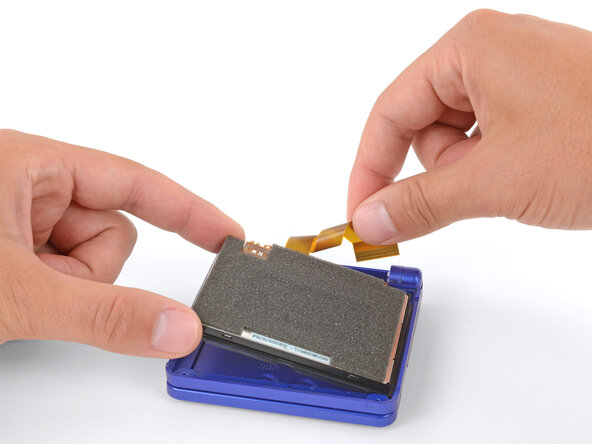
    • Use a pair of tweezers to gently slide the screen cable out of its socket.

    Ask FixBot

    Add Comment

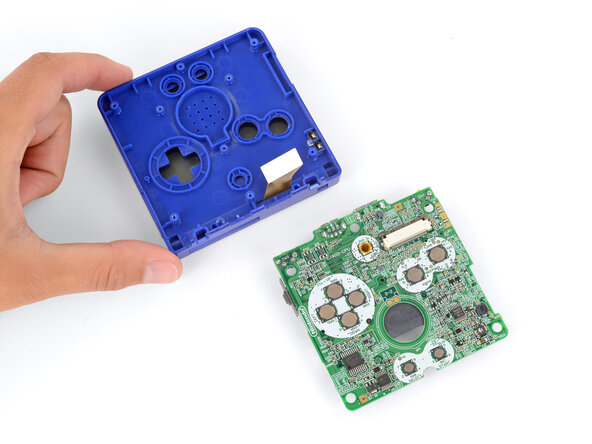
  17. Nintendo Game Boy Advance SP Screen Lens Replacement, Remove the main body: step 17, image 1 of 1
    • Remove the main body from the motherboard.

    • During reassembly, prop up the main body for enough slack reconnect the screen cable.

    Ask FixBot

    Add Comment

  18. Nintendo Game Boy Advance SP Screen Lens Replacement, Open your Game Boy: step 18, image 1 of 1
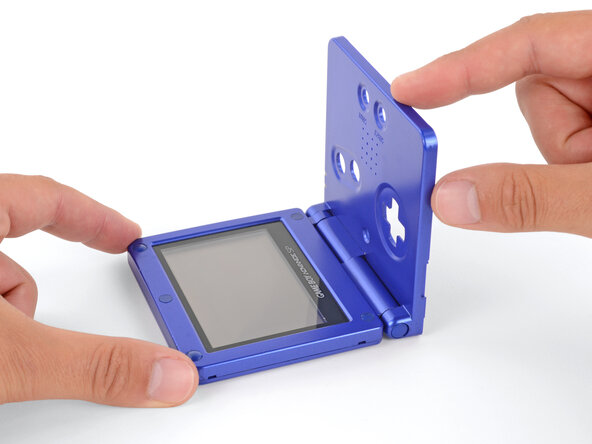
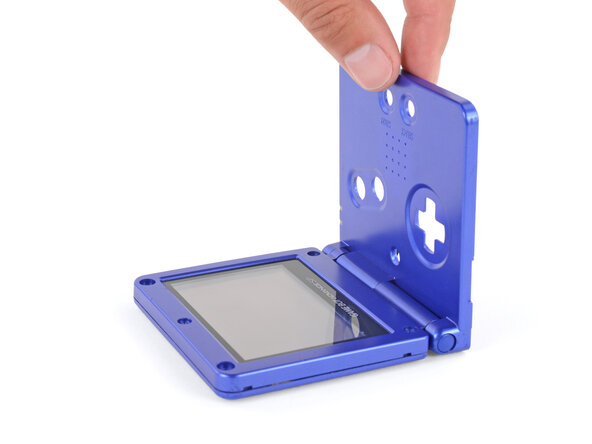
    • Open your Game Boy to a 90‑degree angle and set it down so the screen is facing up.

    Ask FixBot

    Add Comment

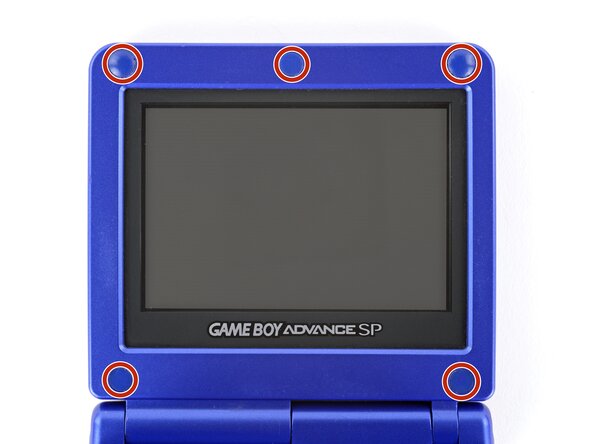
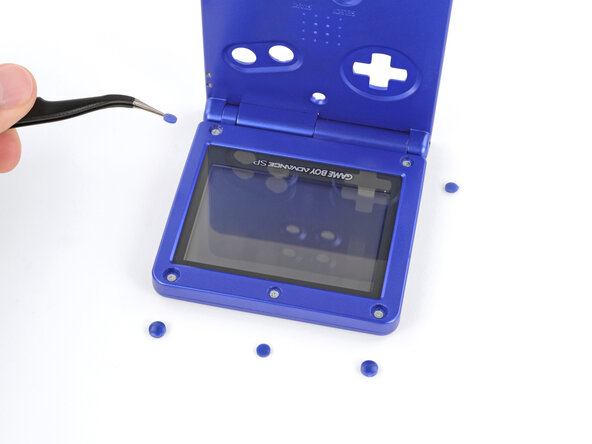
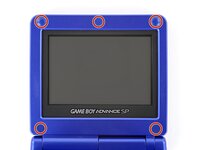
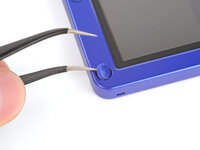
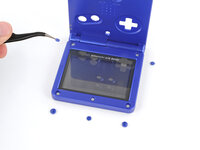
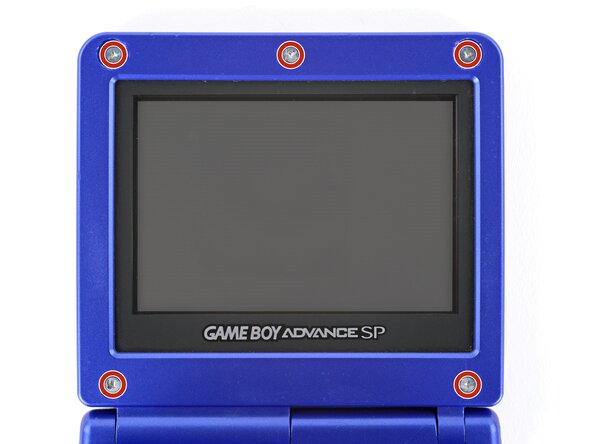
  19. Nintendo Game Boy Advance SP Screen Lens Replacement, Remove the rubber screw covers: step 19, image 1 of 3 Nintendo Game Boy Advance SP Screen Lens Replacement, Remove the rubber screw covers: step 19, image 2 of 3 Nintendo Game Boy Advance SP Screen Lens Replacement, Remove the rubber screw covers: step 19, image 3 of 3
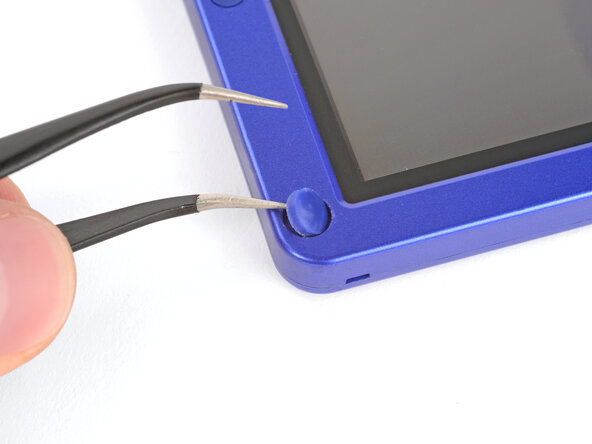
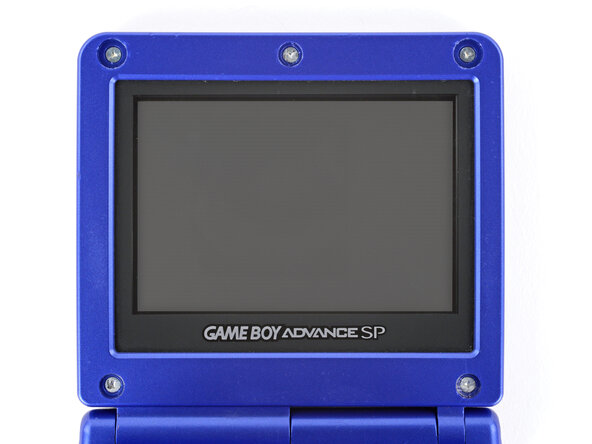
    • Use a pair of angled tweezers to pry up and remove all five rubber screw covers.

    • Removing old, brittle covers without damaging them can be tricky. Make sure to pry gently between the cover’s edge and the frame—don’t dig into the cover itself.

    Ask FixBot

    Add Comment

  20. Nintendo Game Boy Advance SP Screen Lens Replacement, Remove the screen screws: step 20, image 1 of 2 Nintendo Game Boy Advance SP Screen Lens Replacement, Remove the screen screws: step 20, image 2 of 2
    • Use a tri‑point Y0 screwdriver to remove the five 4.7 mm‑long screws securing screen shells together.

    Ask FixBot

    Add Comment

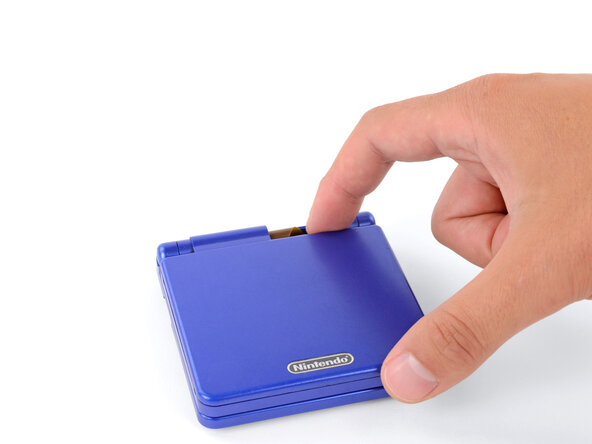
  21. Nintendo Game Boy Advance SP Screen Lens Replacement, Close the main body: step 21, image 1 of 2 Nintendo Game Boy Advance SP Screen Lens Replacement, Close the main body: step 21, image 2 of 2
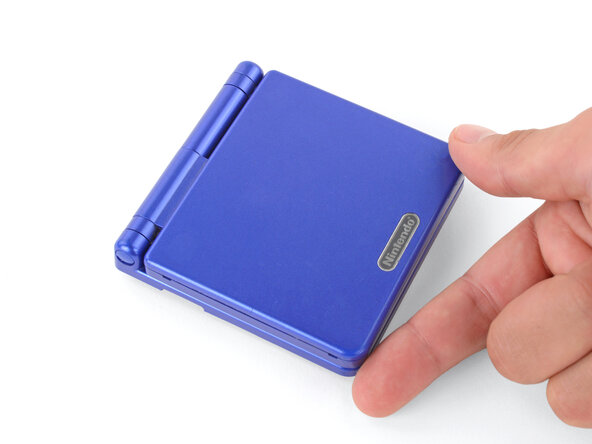
    • Fully close your Game Boy (the button cutouts should be on top).

    Ask FixBot

    Add Comment

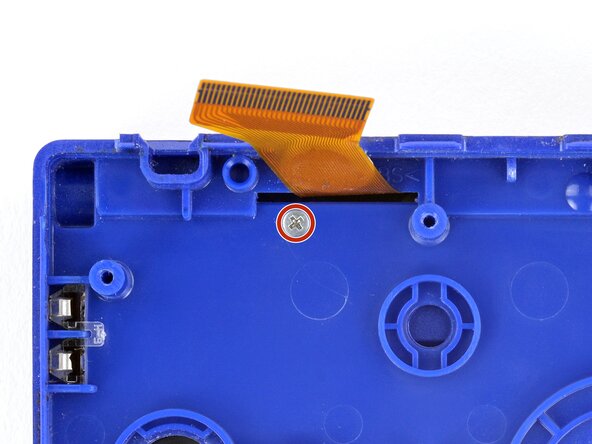
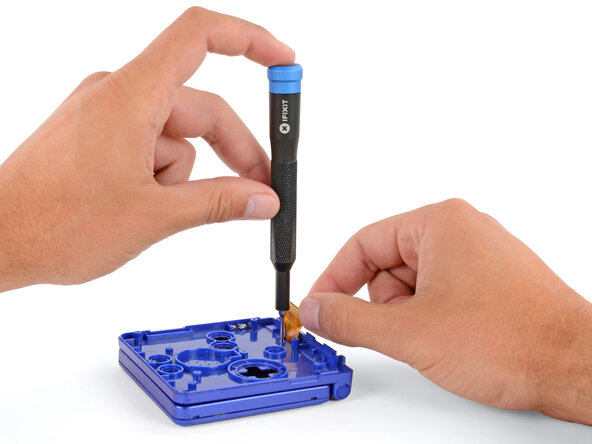
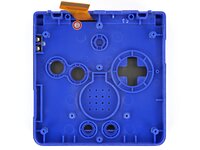
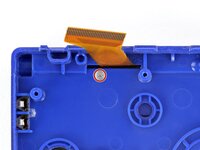
  22. Nintendo Game Boy Advance SP Screen Lens Replacement, Remove the hinge cover screw: step 22, image 1 of 3 Nintendo Game Boy Advance SP Screen Lens Replacement, Remove the hinge cover screw: step 22, image 2 of 3 Nintendo Game Boy Advance SP Screen Lens Replacement, Remove the hinge cover screw: step 22, image 3 of 3
    • Use a JIS 00 screwdriver to remove the 6.3 mm‑long screw securing the hinge cover.

    • You may need to use your free hand to hold the screen cable out of the way.

    Ask FixBot

    Add Comment

  23. Nintendo Game Boy Advance SP Screen Lens Replacement, Flip your Game Boy over: step 23, image 1 of 2 Nintendo Game Boy Advance SP Screen Lens Replacement, Flip your Game Boy over: step 23, image 2 of 2
    • Flip your Game Boy over.

    Ask FixBot

    Add Comment

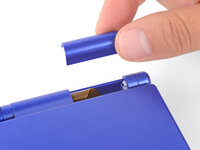
  24. Nintendo Game Boy Advance SP Screen Lens Replacement, Remove the hinge cover: step 24, image 1 of 2 Nintendo Game Boy Advance SP Screen Lens Replacement, Remove the hinge cover: step 24, image 2 of 2
    • Use your fingers to lift and remove the hinge cover.

    Ask FixBot

    Add Comment

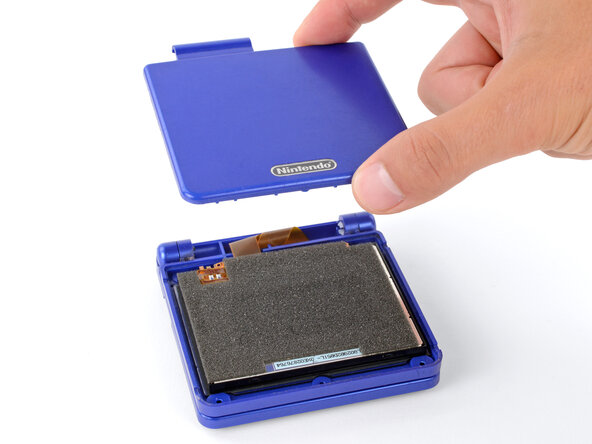
  25. Nintendo Game Boy Advance SP Screen Lens Replacement, Remove the top shell: step 25, image 1 of 3 Nintendo Game Boy Advance SP Screen Lens Replacement, Remove the top shell: step 25, image 2 of 3 Nintendo Game Boy Advance SP Screen Lens Replacement, Remove the top shell: step 25, image 3 of 3
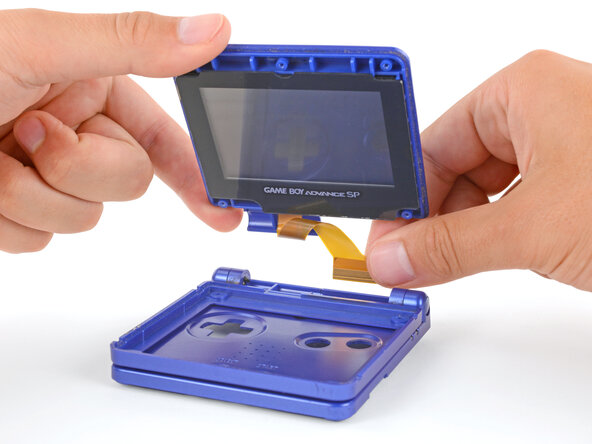
    • Depending on the age of your device, the screen may stay attached to its outer shell. If it does, make sure to thread the cable through its cutout while removing the shell.

    • Use your fingers to lift and remove the outer screen shell.

    Ask FixBot

    Add Comment

  26. Nintendo Game Boy Advance SP Screen Lens Replacement, Remove the screen: step 26, image 1 of 3 Nintendo Game Boy Advance SP Screen Lens Replacement, Remove the screen: step 26, image 2 of 3 Nintendo Game Boy Advance SP Screen Lens Replacement, Remove the screen: step 26, image 3 of 3
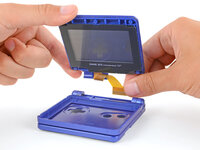
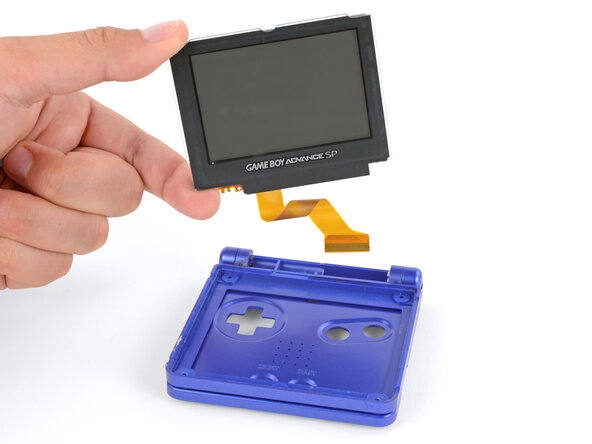
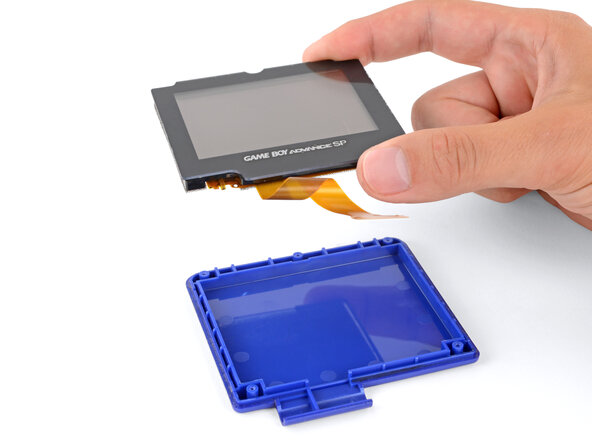
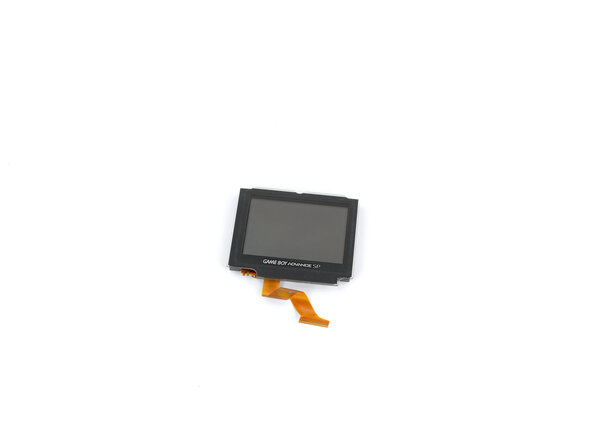
    • Use your fingers to lift and remove the screen, threading the cable through its cutout.

    • If your screen stayed attached to the shell, you may need to gently pry it up with a spudger before removing it.

    • During reassembly:

    • Place the screen foam-side up into its recess, so the cable is near the hinges.

    • Make one loop in the screen cable and then slide it through the cutout.

    Ask FixBot

    Add Comment

  27. Nintendo Game Boy Advance SP Screen Lens Replacement, Heat the screen lens: step 27, image 1 of 2 Nintendo Game Boy Advance SP Screen Lens Replacement, Heat the screen lens: step 27, image 2 of 2
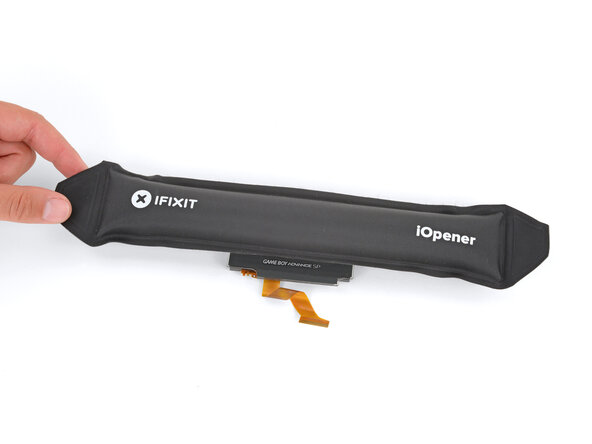
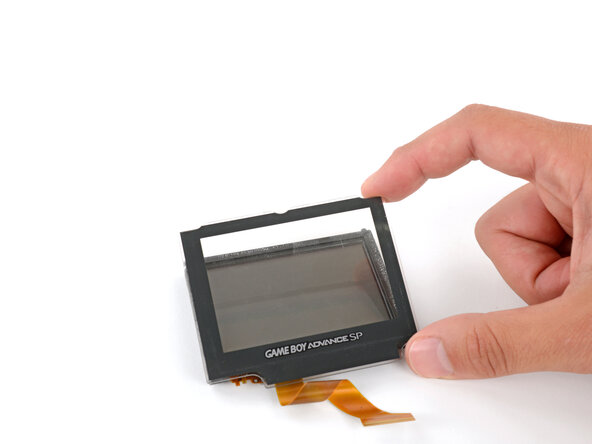
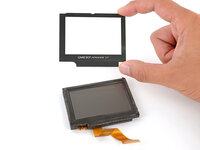
    • Mild adhesive secures the screen lens to the screen. Heating the lens will soften the adhesive, making it easier to separate.

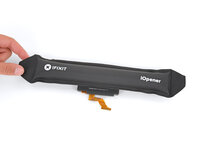
    • Heat an iOpener and lay it on the screen lens for two minutes.

    • Alternatively, you can use a hair dryer on the Low heat setting—be careful not to apply too much heat, or you may damage the screen.

    Ask FixBot

    Add Comment

  28. Nintendo Game Boy Advance SP Screen Lens Replacement, Separate the adhesive: step 28, image 1 of 2 Nintendo Game Boy Advance SP Screen Lens Replacement, Separate the adhesive: step 28, image 2 of 2
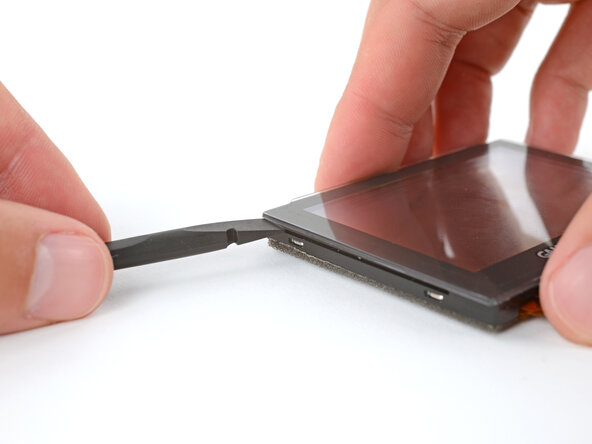
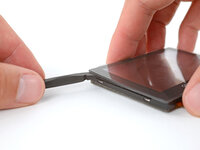
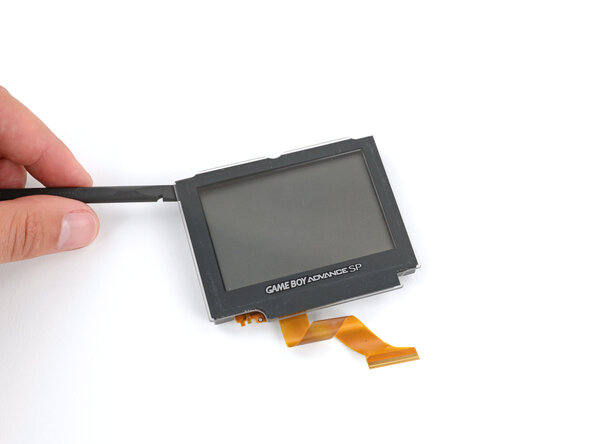
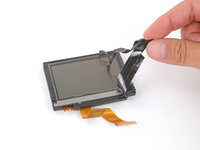
    • Slide the flat end of a spudger under the screen lens.

    Ask FixBot

    Add Comment

  29. Nintendo Game Boy Advance SP Screen Lens Replacement: step 29, image 1 of 3 Nintendo Game Boy Advance SP Screen Lens Replacement: step 29, image 2 of 3 Nintendo Game Boy Advance SP Screen Lens Replacement: step 29, image 3 of 3
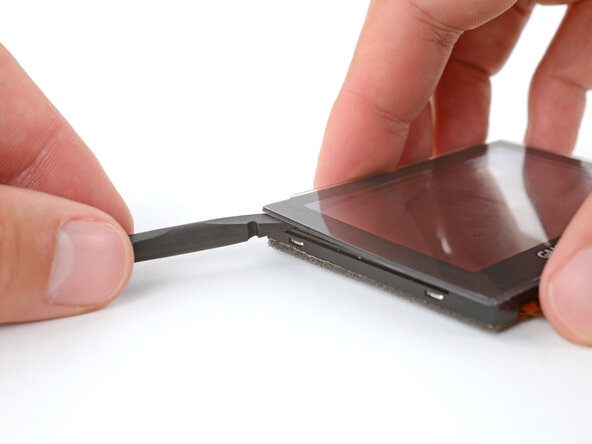
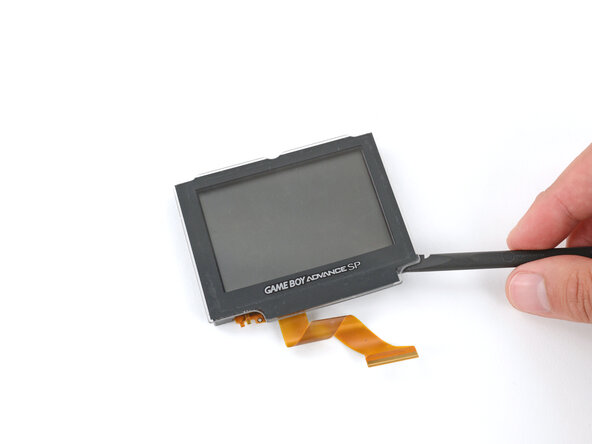
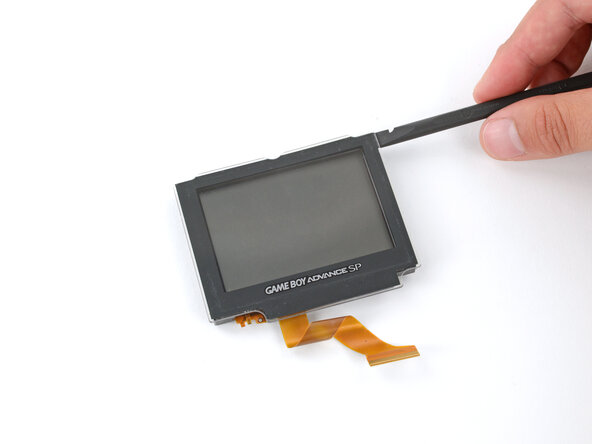
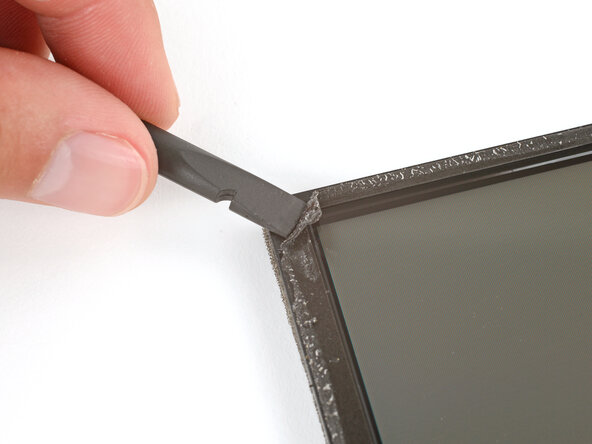
    • Slide the spudger under the perimeter of the lens to separate all its adhesive.

    • If you're having trouble with a section, apply more heat and try again.

    Ask FixBot

    Add Comment

  30. Nintendo Game Boy Advance SP Screen Lens Replacement, Remove the screen lens: step 30, image 1 of 3 Nintendo Game Boy Advance SP Screen Lens Replacement, Remove the screen lens: step 30, image 2 of 3 Nintendo Game Boy Advance SP Screen Lens Replacement, Remove the screen lens: step 30, image 3 of 3
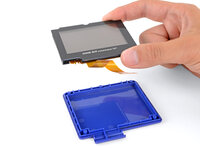
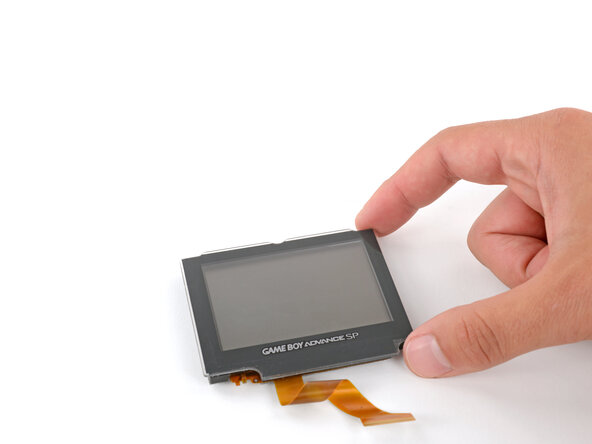
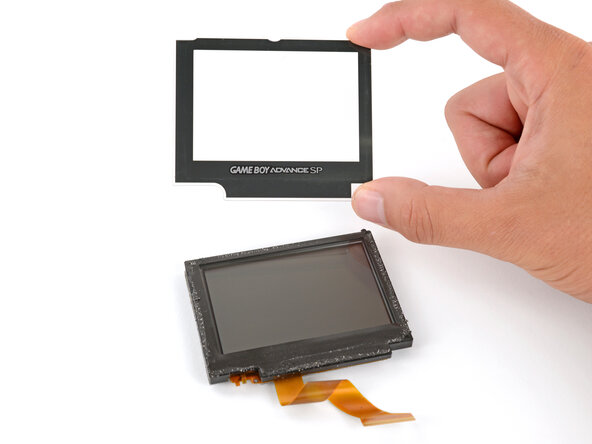
    • Use your fingers to peel up and remove the screen lens.

    Ask FixBot

    Add Comment

  31. Nintendo Game Boy Advance SP Screen Lens Replacement, Remove the old adhesive: step 31, image 1 of 2 Nintendo Game Boy Advance SP Screen Lens Replacement, Remove the old adhesive: step 31, image 2 of 2
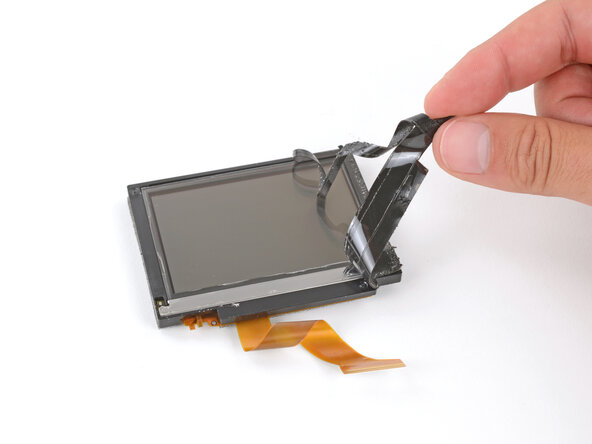
    • Use a spudger and your fingers to peel up and remove all the old lens adhesive.

    Ask FixBot

    Add Comment

  32. Nintendo Game Boy Advance SP Screen Lens Replacement, Install the new lens: step 32, image 1 of 3 Nintendo Game Boy Advance SP Screen Lens Replacement, Install the new lens: step 32, image 2 of 3 Nintendo Game Boy Advance SP Screen Lens Replacement, Install the new lens: step 32, image 3 of 3
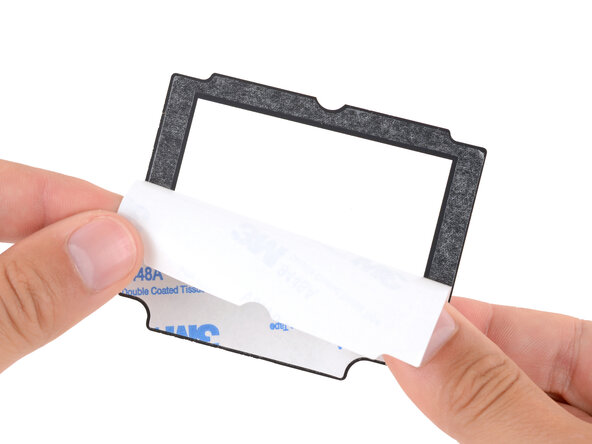
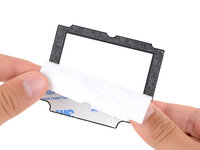
    • Remove the liner from the back of the screen lens to expose its adhesive.

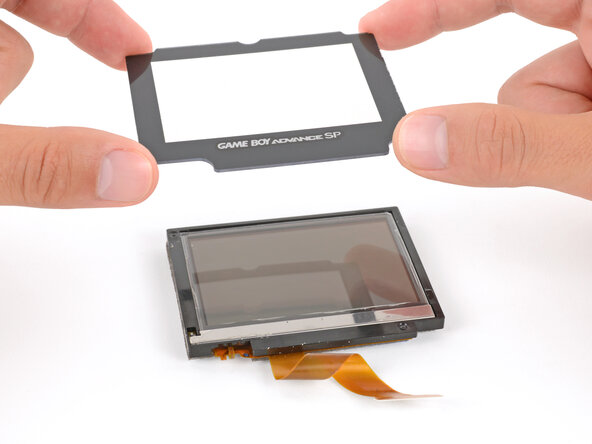
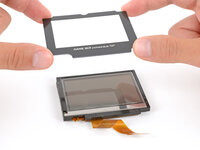
    • Align the lens over the screen and lay it in place.

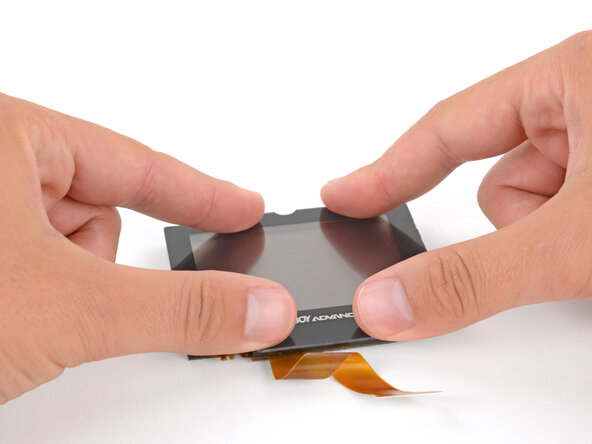
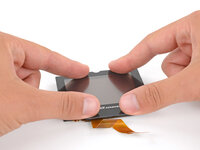
    • Aligning the lens is tricky! Take your time—once the lens sticks to the screen, you won't be able to reposition it. Align the inner edge of the bezel with the outer edge of the screen panel.

    • Use your fingers to press firmly around the perimeter to secure it.

    Ask FixBot

    Add Comment

Conclusion

To reassemble your device, follow these instructions in reverse order, starting with the screen step.

Take your e-waste to an R2 or e-Stewards certified recycler.

Repair didn’t go as planned? Try some basic troubleshooting, or ask our Answers Community for troubleshooting help.

Cancel: I did not complete this guide.

One other person completed this guide.

Spencer Day

Member since: 09/14/22

194,991 Reputation

1,243 Guides authored

0 Guide Comments

Add Comment

View Statistics:

Past 24 Hours: 5

Past 7 Days: 81

Past 30 Days: 267

All Time: 2,077