Introduction
The side lock button on your device is an essential part to turn it on or unlock the device after you have locked it. This guide walks you through step by step instructions on how to replace this piece.
What you need
-
-
-
Remove the connection of all of the ribbon cables connected to the motherboard of the device using the Plastic Spudger.
-
-
-
-
Use plastic Spudger to remove the battery off of the panels and and leave it unconnected until the device is being put back together.
-
-
-
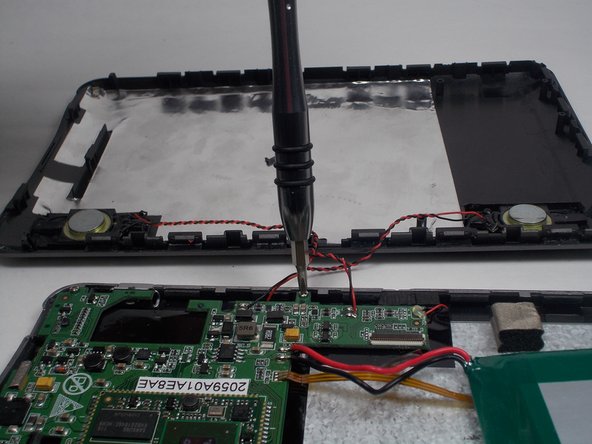
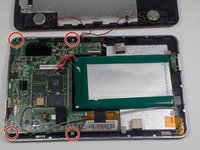
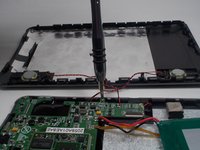
Using the philips head screw driver size PH0, unscrew the screws holding the mother board to the device.
-
-
-
Using the plastic Spudger, pop the mother board out of place to expose the broken button piece.
-
-
-
Use the plastic Spudger to remove broken power button, and then pop in new power button after removal.
-
Reverse steps 1-5 to reassemble.
-

 Ask FixBot




To reassemble your device, follow these instructions in reverse order.

Team

UMass Dartmouth, Team 5-2, Martin Fall 2016 Member of UMass Dartmouth, Team 5-2, Martin Fall 2016
UMASSD-MARTIN-F16S5G2
3 Members
60 Guides authored
1 Guide Comment
For people wondering: Yes, this does work on a MID7120, because the MID7120's board is similar to the MID7125's board. Also, where can I get switches similar to these? My MID7120 is missing the switch so I can't turn it on.
