Introduction
This guide shows you how to replace the tripod socket, incase you damage the threads beyond repair and need to replace the tripod socket plate.
The Phillips #000 screwdriver is marked as an optional tool as you can always use the JIS #000 screwdriver in its place (JIS screwdrivers won't damage Phillips head screws).
What you need
-
-
Pry open the rubber I/F terminal cap with your finger.
-
Remove the two M1.7x4.5mm JIS #000 screws that are underneath the I/F terminal cap.
-
Using a plastic pick, or another thin plastic prying tool, pop off the I/F terminal cover from the camera.
 Ask FixBot
-
-
-
On the left side of the camera, remove the following screw:
-
One M1.7x4.5mm JIS #000 screw
-
On the right side, remove the following screws:
-
One M1.7x5.5mm JIS #000 screw
-
One M1.7x4.5mm JIS #000 screw
-
-
-
Remove the battery door.
-
Open the battery door to about a 35° angle.
-
Pull the battery door straight outwards.
-
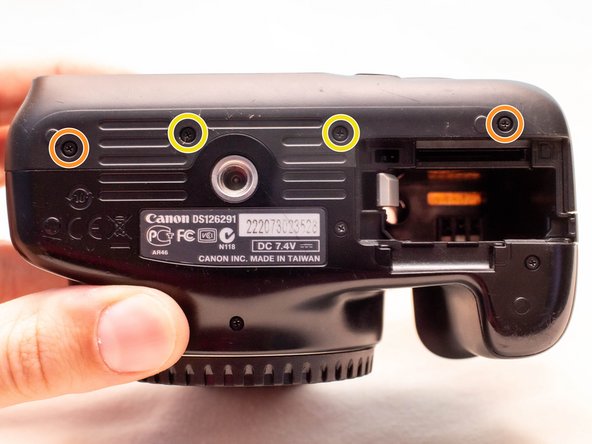
Remove the following screws from the bottom of the camera:
-
Two M1.7x4.5mm JIS #000 screws
-
Two M1.7x3.0mm JIS #000 screws
-
-
-
-
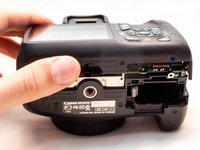
Carefully lift the back cover partially off of the camera.
-
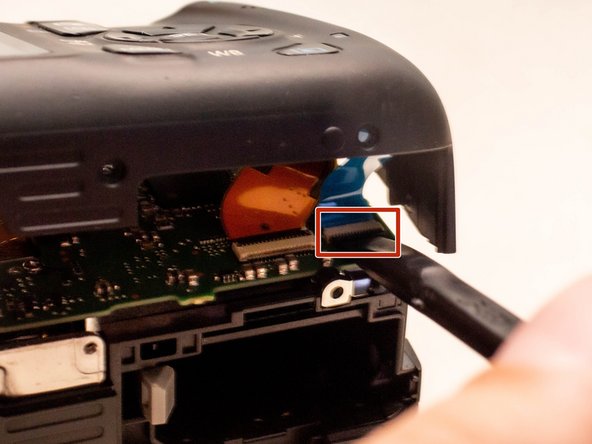
Disconnect the right most ribbon cables from the main PCB board.
-
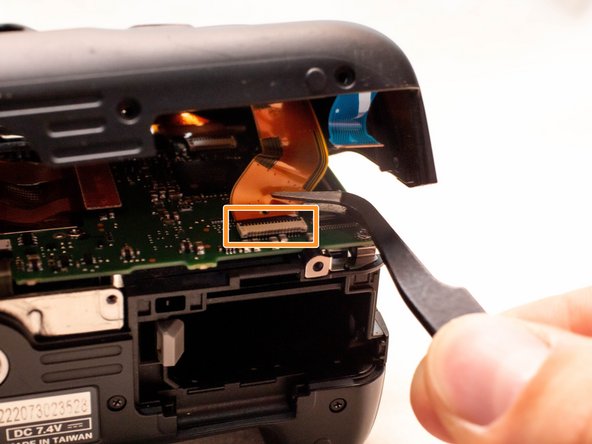
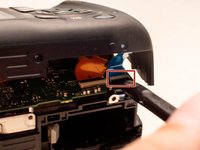
Use a plastic spudger to lift up the black locking tab.
-
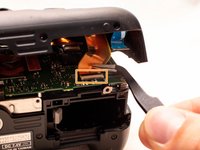
Pull out the ribbon cable from its connector using a pair of angled tweezers.
-
Remove the left ribbon cable using the same two steps as with the other ribbon cable.
-
-
-
Remove the following screws on the front of the camera.
-
Two M1.7x5.5mm JIS #000 screws
-
-
-
On the bottom of the camera, remove the following screws:
-
Two M1.7x5.5mm JIS #000 screws
-
One M1.7x4.5mm JIS #000 screw
-
-
-
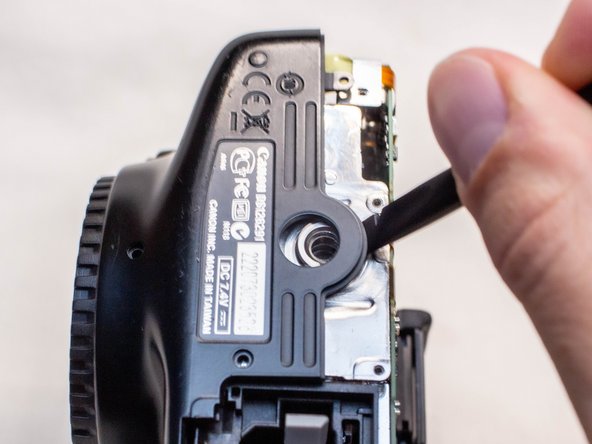
Slide a spudger tool towards the tripod mount, underneath the plastic cover.
-
Push the plastic cover up and over the tripod mount.
-
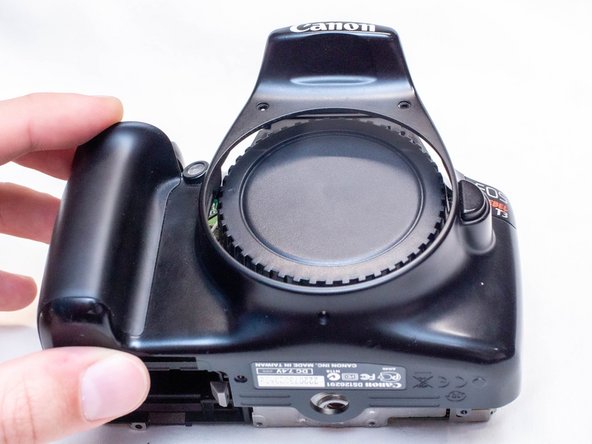
Pull the front cover off of the camera.
-
-
-
On the bottom of the camera, remove the following screws from the tripod socket plate:
-
Two M2.0x3.5mm JIS #000 screws
-
Two M2.0x5.0mm Phillips #000 screws
-
Pull off the tripod socket plate.
-





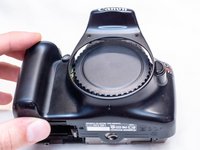

To reassemble your device, follow these instructions in reverse order.
Attached Documents

Team

