Free Shipping on Domestic Orders $75+

Canon EOS Rebel T3 Strap Anchor Replacement

What you need

  1. Canon EOS Rebel T3 Strap Anchor Replacement, I/F Terminal Cover: step 1, image 1 of 3 Canon EOS Rebel T3 Strap Anchor Replacement, I/F Terminal Cover: step 1, image 2 of 3 Canon EOS Rebel T3 Strap Anchor Replacement, I/F Terminal Cover: step 1, image 3 of 3
    • Pry open the rubber I/F terminal cap with your finger.

    • Remove the two M1.7x4.5mm JIS #000 screws that are underneath the I/F terminal cap.

    • Using a plastic pick, or another thin plastic prying tool, pop off the I/F terminal cover from the camera.

    Ask FixBot
  2. Canon EOS Rebel T3 Strap Anchor Replacement, Back Cover: step 2, image 1 of 2 Canon EOS Rebel T3 Strap Anchor Replacement, Back Cover: step 2, image 2 of 2
    • On the left side of the camera, remove the following screw:

    • One M1.7x4.5mm JIS #000 screw

    • On the right side, remove the following screws:

    • One M1.7x5.5mm JIS #000 screw

    • One M1.7x4.5mm JIS #000 screw

    Ask FixBot
  3. Canon EOS Rebel T3 Strap Anchor Replacement: step 3, image 1 of 2 Canon EOS Rebel T3 Strap Anchor Replacement: step 3, image 2 of 2
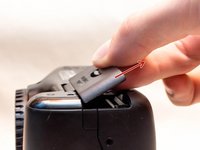
    • Remove the battery door.

    • Open the battery door to about a 35° angle.

    • Pull the battery door straight outwards.

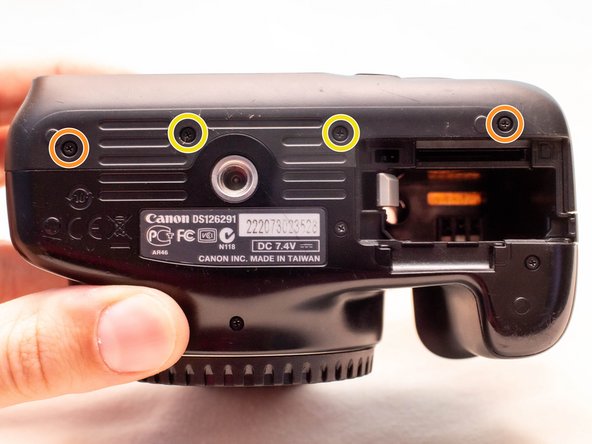
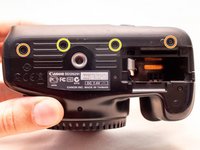
    • Remove the following screws from the bottom of the camera:

    • Two M1.7x4.5mm JIS #000 screws

    • Two M1.7x3.0mm JIS #000 screws

    Ask FixBot
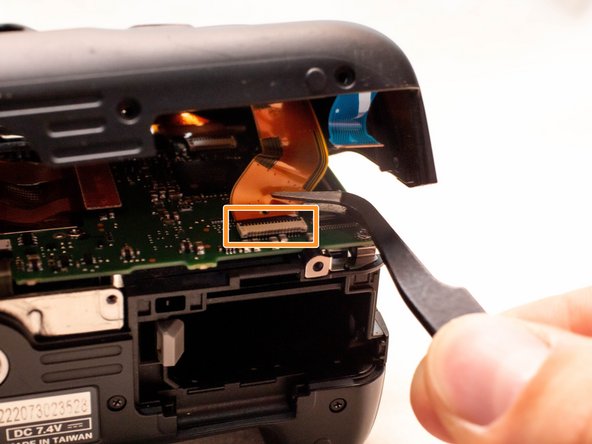
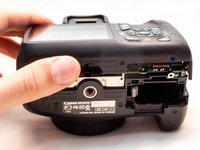
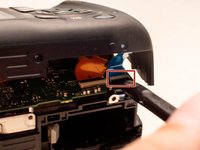
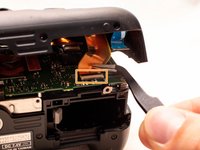
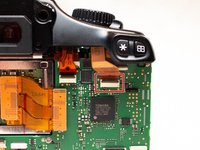
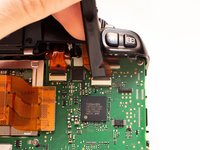
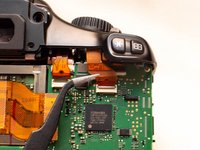
  4. Canon EOS Rebel T3 Strap Anchor Replacement: step 4, image 1 of 3 Canon EOS Rebel T3 Strap Anchor Replacement: step 4, image 2 of 3 Canon EOS Rebel T3 Strap Anchor Replacement: step 4, image 3 of 3
    • Carefully lift the back cover partially off of the camera.

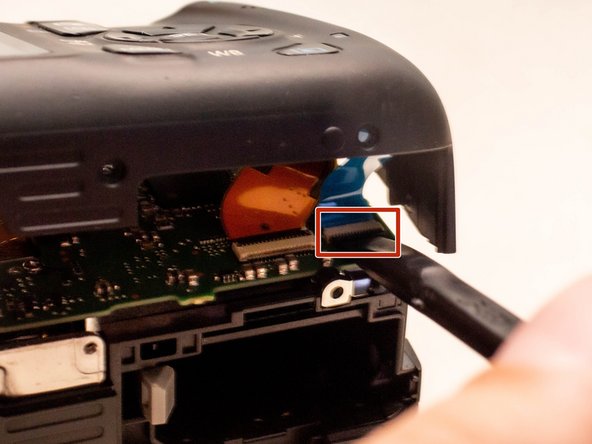
    • There are two ribbon cables still connecting the back cover to the camera.

    • Disconnect the right most ribbon cables from the main PCB board.

    • Use a plastic spudger to lift up the black locking tab.

    • Pull out the ribbon cable from its connector using a pair of angled tweezers.

    • With this ribbon cable disconnected, you will be able to move the back cover slightly farther away from the camera, giving you more room to remove the remaining ribbon cable.

    • Remove the left ribbon cable using the same two steps as with the other ribbon cable.

    Ask FixBot
  5. Canon EOS Rebel T3 Strap Anchor Replacement, Front Cover: step 5, image 1 of 1
    • Remove the following screws on the front of the camera.

    • Two M1.7x5.5mm JIS #000 screws

    Ask FixBot
  6. Canon EOS Rebel T3 Strap Anchor Replacement: step 6, image 1 of 1
    • On the bottom of the camera, remove the following screws:

    • Two M1.7x5.5mm JIS #000 screws

    • One M1.7x4.5mm JIS #000 screw

    Ask FixBot
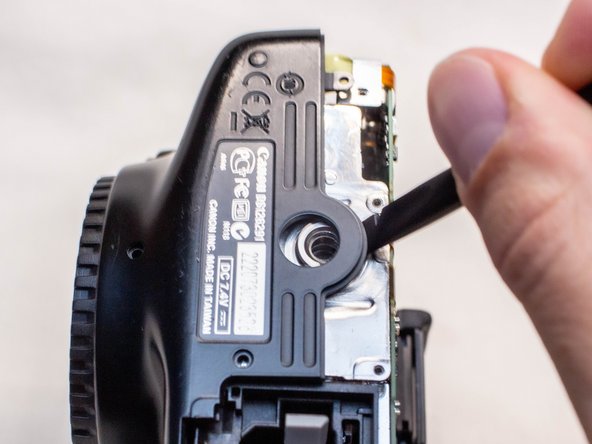
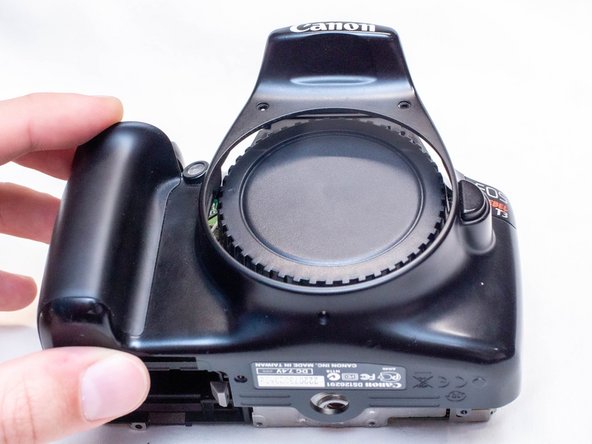
  7. Canon EOS Rebel T3 Strap Anchor Replacement: step 7, image 1 of 3 Canon EOS Rebel T3 Strap Anchor Replacement: step 7, image 2 of 3 Canon EOS Rebel T3 Strap Anchor Replacement: step 7, image 3 of 3
    • Slide a spudger tool towards the tripod mount, underneath the plastic cover.

    • Push the plastic cover up and over the tripod mount.

    • Pull the front cover off of the camera.

    • Electric Shock Warning: With the front cover off, the high voltage capacitor on the DC PCB board is now exposed. It is recommended that you use a capacitor discharge tool to ensure the capacitor is fully discharged before proceeding further.

    Ask FixBot
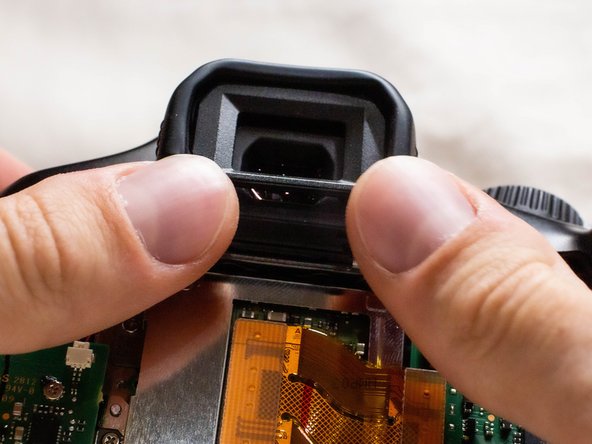
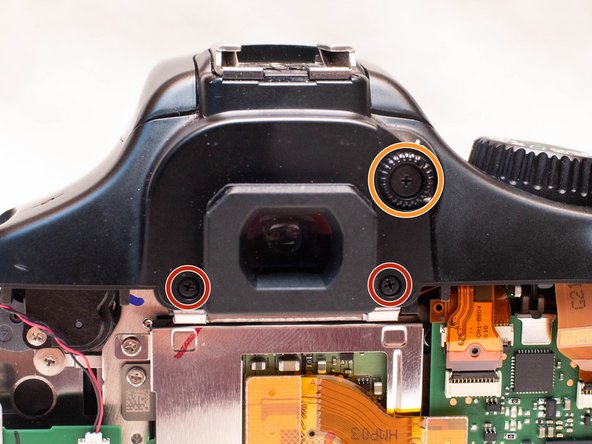
  8. Canon EOS Rebel T3 Strap Anchor Replacement, Top Cover: step 8, image 1 of 2 Canon EOS Rebel T3 Strap Anchor Replacement, Top Cover: step 8, image 2 of 2
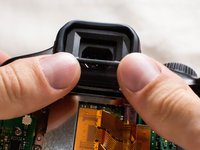
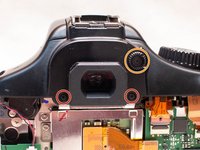
    • Push up and slide off the eyepiece.

    • Remove the following screws:

    • Two M1.7x2.5mm JIS #000 screws

    • One M1.7x3.6mm JIS #000 diopter screw

    Ask FixBot
  9. Canon EOS Rebel T3 Strap Anchor Replacement: step 9, image 1 of 1
    • Remove the following screws on the top of the camera:

    • One M1.7x2.5mm JIS #000 screw

    • One M1.7x5.5mm JIS #000 screw

    Ask FixBot
  10. Canon EOS Rebel T3 Strap Anchor Replacement: step 10, image 1 of 2 Canon EOS Rebel T3 Strap Anchor Replacement: step 10, image 2 of 2
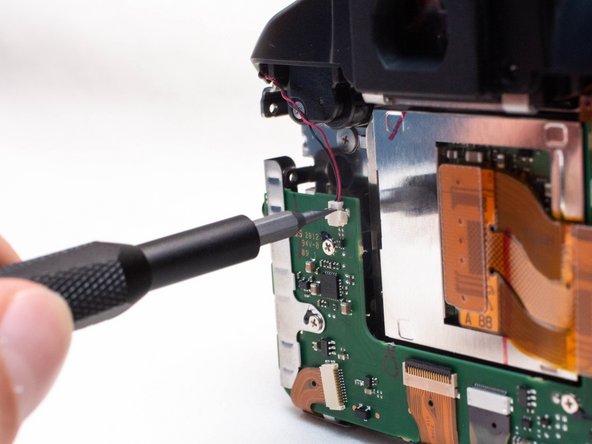
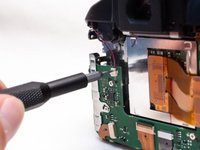
    • Disconnect the microphone cable from the main PCB board.

    • Position a flathead 2.5mm screwdriver between the main PCB board connector and the microphone connector.

    • Gently wiggle the flathead screwdriver back and forth until the microphone connector comes free.

    • If you do not have a flathead 2.5mm screwdriver, another similarly sized flathead screwdriver should work.

    Ask FixBot
  11. Canon EOS Rebel T3 Strap Anchor Replacement: step 11, image 1 of 3 Canon EOS Rebel T3 Strap Anchor Replacement: step 11, image 2 of 3 Canon EOS Rebel T3 Strap Anchor Replacement: step 11, image 3 of 3
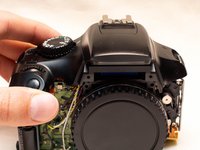
    • Locate the mode dial ribbon cable on the main PCB board.

    • Use a plastic spudger tool to carefully lift up the locking tab.

    • Use caution when handling ribbon connectors and their connectors.

    • Use a pair of angled tweezers to pull the ribbon cable out of the connector.

    Ask FixBot
  12. Canon EOS Rebel T3 Strap Anchor Replacement: step 12, image 1 of 2 Canon EOS Rebel T3 Strap Anchor Replacement: step 12, image 2 of 2
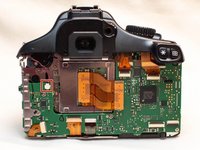
    • Gently lift up the top cover.

    • There are still several cables connecting the top cover to the camera. Be careful to not pull on these cables while lifting up the top cover.

    • Set the top cover down, making sure not to pull on the cables still attached.

    Ask FixBot
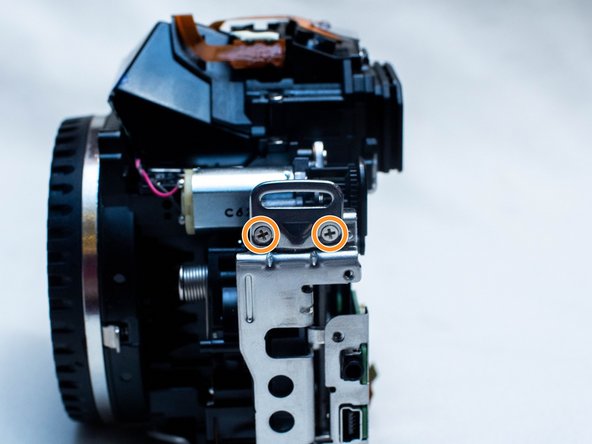
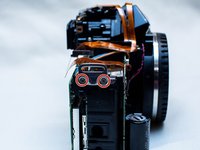
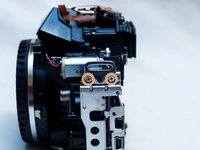
  13. Canon EOS Rebel T3 Strap Anchor Replacement, Strap Anchor: step 13, image 1 of 2 Canon EOS Rebel T3 Strap Anchor Replacement, Strap Anchor: step 13, image 2 of 2
    • On the right side of the camera, remove the following screws:

    • Two 5.5mm JIS #000 screws

    • On the left side, remove the following screws:

    • Two 2.5mm JIS #000 screws

    Ask FixBot
Conclusion

To reassemble your device, follow these instructions in reverse order.

Attached Documents

Zephosk

Member since: 09/26/24

5,592 Reputation

39 Guides authored

Team

LGBTQ Technicians Member of LGBTQ Technicians

Community

58 Members

101 Guides authored

0 Guide Comments

Add Comment

View Statistics:

Past 24 Hours: 0

Past 7 Days: 1

Past 30 Days: 27

All Time: 179