Battery
|
4 Answers 5 Score |
iPod in mac format, want to retreive files , only have PC |
|
2 Answers 3 Score |
How can I get a user manual? |
|
1 Answer 1 Score |
we cannot increase the volume and we have never put a password |
|
1 Answer 4 Score |
can't remember code |
These are some common tools used to work on this device. You might not need every tool for every procedure.
A1137 1GB, A1137 2GB, A1137 4GB
Track down a number of hardware problems using the iPod Nano 1st Generation Troubleshooting Guide.
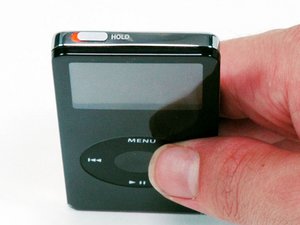
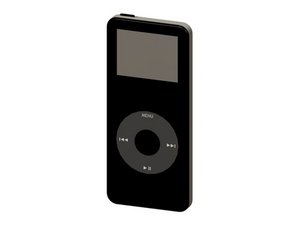
Designed to replace the iPod mini, the first generation iPod nano was offered with either a black or white plastic front case. It came in 1, 2, and 4 GB versions with all sporting a standard color display.
They tend to look very similar, and it's important to know which one you have before ordering any replacement parts. Check your iPod against the details in this section. If they don't match, find your model under iPod Nano and check the Identification section on its page.
Past 24 Hours: 23
Past 7 Days: 171
Past 30 Days: 653
All Time: 185,454