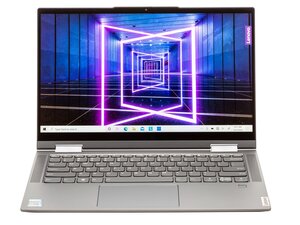

How to fix screen detaching from frame at hinge?
The LCD screen on my Yoga 7 14ITL5 has come away from the backing panel at the left-hand hinge and the laptop won't close. How do I fix this?
Is this a good question?
Score
0
The LCD screen on my Yoga 7 14ITL5 has come away from the backing panel at the left-hand hinge and the laptop won't close. How do I fix this?
Is this a good question?
Rep: 551.4k
 11
11
 425
425
 1.6k
1.6k
Here's the hardware maintenance manual for the laptop.
Go to p.45 (51 of 84 pdf) in the manual to view the procedure to remove the LCD unit.
At the bottom of p.46 → p.52 1 (52 → 58 of 84 pdf) it shows how to disassemble the LCD unit so that you can check if the hinge screws in the lid are tight etc.
Was this answer helpful?
Past 24 Hours: 1
Past 7 Days: 10
Past 30 Days: 66
All Time: 161

