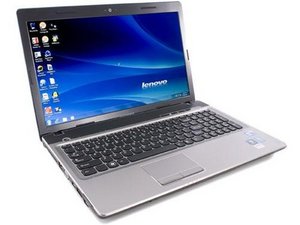

power supply is not working
My laptop is not switching on
Is this a good question?
Score
0
Rep: 862.3k
 1.5k
1.5k
 980
980
 2.4k
2.4k
@nikitanimbokar Start off with the easy things. Disconnect the power from the computer by unplugging the power cord from your computer. Disconnect all external devices from the computer. Remove the battery Now hold the power button depressed for about 30sec-1min. Reapply the AC power adapter and see if your computer does show any sign of life.
Next you want to check your power supply. Make sure it has the proper voltages (19V output). Check to make sure that connectors are not bend etc. Check the DC-in jack of your laptop. Make sure there is no corrosion, debris etc. that prevents it from working. Clean it of any debris etc, use a few puffs of air to clean it out. If none of this works, get an ammeter and see if your laptop draws any amperage from the charger. After that, you need to check and see if your motherboard even gets power. For that of course, you need to open it up. Post Some good pictures of what you see. That way we can see what you see. Adding images to an existing question
Use the Lenovo IdeaPad Z560Z565 Hardware Maintenance Manual V2.0 to work on your computer
Was this answer helpful?
Past 24 Hours: 0
Past 7 Days: 1
Past 30 Days: 9
All Time: 55


Hi Mate,
Could you please elaborate on what the problem is and what symptoms there are? This is quite an ambiguous question to ask without any context given
by Nick P