Free Shipping on Domestic Orders $75+

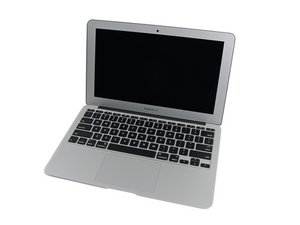
The March 2015 update of Apple's 11" MacBook Air features fifth generation Intel Core i5 and i7 processors, resulting in slightly increased performance and battery life.

No Internal or External Display Issue

Have a 2015 A1465 here (820-00164) that chimes / boots but there is no display at all. We have tested with another known display assembly & on external displays but still nothing. From what we can see we are getting readings from the outputs, but nothing, just a black un lit screen. GPU failure I thought gets a white screen. The fan is also at high speed. What can be? (I do believe that the technician has replaced the SMC 2x already).

Answer this question I have this problem too

Is this a good question?

Score 0

1 Comment:

Does the system respond when you use the system in Clam Shell mode you do need external keyboard and mouse here besides the external display connection. The lid must be down as the Hall sensor needs to see the lid is closed to enable the external as the primary display.

by

Add a comment

2 Answers

Try connecting it to an external monitor but with the lvds cable disconnected

Was this answer helpful?

Score 0

1 Comment:

@nik_one - Disconnecting the LVDS cable won't change anything here from a diagnostic sense. If the LVDS connection was corroded up then I could see that resolving a possible short.

Putting the system into Clam Shell Mode would be easier and offer a useful data point.

by

Add a comment

If you can get the external display to respond then you should be Ave to identify the system issue going into CPU Safe Mode. If you can't get into Clam Shell mode that points to a CPU module issue where the I/O chip part has failed.

Was this answer helpful?

Score 0
Add a comment

Add your answer

livfe will be eternally grateful.
View Statistics:

Past 24 Hours: 17

Past 7 Days: 17

Past 30 Days: 17

All Time: 17

