
Free Shipping on Domestic Orders $75+

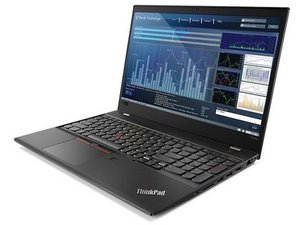
Repair information for the Lenovo ThinkPad P52s laptop. Released in 2018. Model number: 20LB0021US.

New internal battery not recognized

I just replaced the internal battery on my Lenovo P52s, but Windows 11 does not recognize the battery. I've done the following:

Removed battery devices and rebooted; they came back but battery not recognized.

Held down the reset button on the bottom of the laptop for 30 sec.

Removed external battery and power and held power button down for 30 sec to de-energize.

Any ideas?

Thanks,

Bob

Answered! View the answer I have this problem too

Is this a good question?

Score 0
Add a comment

1 Answer

Chosen Solution

I did one more shot before returning the battery - disconnected the internal battery (and external power and external battery). Held down power button for a full minute, then held down reset button for a full minute. Reassembled, powered up, and the battery appeared.

Was this answer helpful?

Score 0
Add a comment

Add your answer

Robert Olson will be eternally grateful.
View Statistics:

Past 24 Hours: 2

Past 7 Days: 7

Past 30 Days: 43

All Time: 45