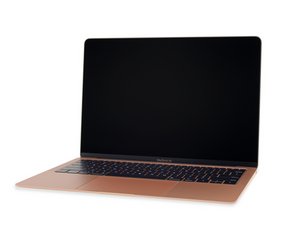

Why won’t it update?
I tired updating my MacBook to a a new software and now it’s just stuck on this screen

Is this a good question?
Score
0
Rep: 331
 9
9
 3
3
I tired updating my MacBook to a a new software and now it’s just stuck on this screen
Is this a good question?
Rep: 1.9k
17
7
 5
5
Look unter System settings|General|Storage. How much free space do you have showing up? Also, I think Apple has stopped making updates for the Intel based computers. You must have an M series CPU in order for the newer OS and updates. The final update was Fall of 2025 and they are only providing security updates through 2028.
Was this answer helpful?
I can’t even access the computer menu it’s stuck on this it keeps saying under a minute remaining but never moves
Just force shutdown by holding the power button, restart it and the installation should begin again (Or with some minutes remaining), it should then complete normally. I Had this same issue just last night and it worked for me.
Rep: 502.5k
35
347
977
Do you have a second Mac system? You may need to do a DFU to recover the system. Or you can leverage it as a bootable drive. Hopefully it offers the needed version or you can download the OS installer and create bootable USB drive.
Was this answer helpful?
Past 24 Hours: 0
Past 7 Days: 2
Past 30 Days: 14
All Time: 122


