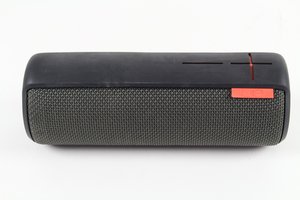

Why does my UE Boom require 3+ attempts to connect?
My UE Boom seems to consistently require three attempts before a Bluetooth connection is established my laptop (MacBook m1, up-to-date). Anyone know what is causing this and/or how to fix it?
Steps:
- Turn on laptop (defaults to Bluetooth on) and UE Boom (previously paired).
- First attempt. Connect laptop to UE Boom via laptop toolbar. Fails to connect. This sometimes 1-3 times.
- Second attempt. Turn on UE Boom and try to connect via laptop toolbar again. This results in UE Boom turning off instead of connecting.
- Third attempt. Turn on UE Boom and once again try to connect via laptop toolbar. This time the connection is made and UE Boom behaves normally until turned off.
Is this a good question?
Score
0

Does this happen with other devices as well? Also, make sure that your speaker is up-to-date with the most recent firmware.
by someperson