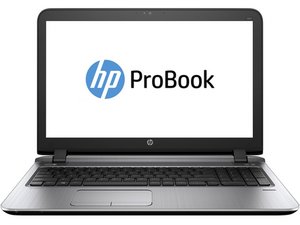

How to fix power port.
How do I replace the power port on my laptop. The prongs are broke inside if I hold the power cord sideways and hold it the whole time it still works.
Is this a good question?
Score
0
How do I replace the power port on my laptop. The prongs are broke inside if I hold the power cord sideways and hold it the whole time it still works.
Is this a good question?
Rep: 101.6k
 160
160
 89
89
 157
157
Hi David,
You're in luck; the power port on your laptop is easy to replace, no soldering required. It is available as a replacement part from HP, part number 809856-001. While it's not available from HP, you can still order genuine HP parts from this site.
If you don't have a problem with parts shipped from Canada, there's a listing for that part on eBay for substantially less than the cost of the genuine HP part.
https://www.ebay.ca/itm/264503953686
While iFixit doesn't have any guides for your computer, they do have a copy of the official service manual here.
HP ProBook 11 G1 Maintenance And Service Manual - iFixit
Instructions for replacing the power cord starts at Page 49 (page 57 on the PDF reader).
As you work, take lots of pictures and once you're done you can use those to create your own iFixit guide. It's easy, fun, and will be appreciated by those who come after you with the same problem, along with the rest of the repair community.
Was this answer helpful?
Past 24 Hours: 1
Past 7 Days: 3
Past 30 Days: 8
All Time: 81

