
Free Shipping on Domestic Orders $75+

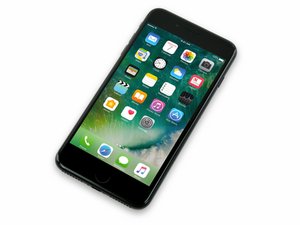
Released September 16, 2016. Models A1661, A1784, and A1785. Available in 32, 128, or 256 GB configurations in Rose gold, gold, silver, black, jet black, and (Product)Red.

How to force logout my iCloud

how t force logout my iCloud on iPhone 7plus

Answer this question I have this problem too

Is this a good question?

Score 0
Add a comment

1 Answer

On iPhone / iPad

  1. Open Settings
  2. Tap your name (Apple ID) at the top
  3. Scroll down and tap Sign Out
  4. Enter your Apple ID password
  5. Choose the data you want to keep on the device
  6. Tap Sign Out again to confirm

On Mac

  1. Open System Settings (or System Preferences on older macOS)
  2. Click Apple ID
  3. Click Sign Out
  4. Choose which data to keep → Continue

Was this answer helpful?

Score 0
Add a comment

Add your answer

Castilo Gh will be eternally grateful.
View Statistics:

Past 24 Hours: 0

Past 7 Days: 2

Past 30 Days: 27

All Time: 138