
Why my computer lose its sound?
why my computer lose its sound ?
Is this a good question?
Score
0
Rep: 106.4k
 463
463
 359
359
 191
191
Check the basics first: Make sure it isn't muted and the machine isn't showing an X near the speaker volume which indicates an issue, see here:

If you see an X here, go to device Manager and check for a caution symbol under audio:

If you want you can try and uninstall and reinstall it here by right clicking the Realtek audio option, but DDU is better at this then device manager being a pre DCH driver. You would just click Action>Scan for hardware changes.
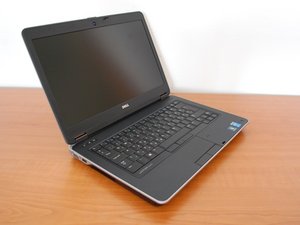
If that checks out, the Dell audio driver on these is... a pain, to put it semi lightly. The driver is pre DCH, so it's kind of buggy at times. First thing I would do is reinstall it after removing it with DDU (https://www.guru3d.com/download/display-...). Dells pre DCH drivers tend to be a mess at times, DDU removes all of it.
Once you do that, get the driver from the Dell site -- this is the one: https://www.dell.com/support/home/en-us/...
Once you do that, watch for a device prompt if you use headphones (if not, there should be no prompt and it should just work). Unlike HP's driver which also prompts you, the Dell driver hangs up the audio until you respond (HP will at least pass audio through the headphone jack). If the issue remains, the speakers on these are kind of iffy as they age - I have had a E6440 and E6540 and they tend to develop issues with the speakers and it's a literally a motherboard out job where if it's not unbearably bad, you don't mess with it. Now if the speakers go bad, then you have to do it or use headphones 24/7.
If you are running bypassed Windows 11, the pre DCH nature of the driver is a potential cause. Remove it with DDU and try the Microsoft driver - not as well featured but it's DCH compliant.
Was this answer helpful?
Past 24 Hours: 0
Past 7 Days: 1
Past 30 Days: 11
All Time: 180

