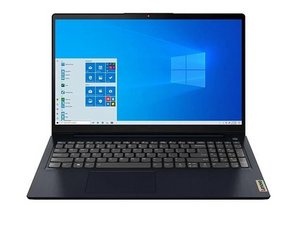

My cursor is not working
After doing update in laptop my laptop cursor is not working
Is this a good question?
Score
0
Rep: 13
 1
1
After doing update in laptop my laptop cursor is not working
Is this a good question?
Past 24 Hours: 0
Past 7 Days: 1
Past 30 Days: 14
All Time: 136

Check if Touchpad is Disabled. Sometimes updates reset settings. Press the shortcut key to enable the touchpad, usually:
Fn + F6 or Fn + F8 (look for a touchpad icon on your function keys).
by Asha Kanta Sharma