Free Shipping on Domestic Orders $75+

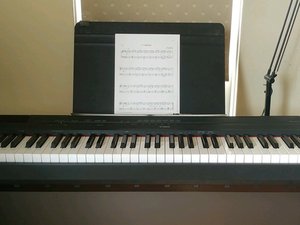
Yamaha P-115 digital piano features Graded Hammer Standard keyboard, which is responsible for high-quality and realistic imitation of real acoustic piano’s keyboard.

How do I fix extra loud keys?

Some keys are extra loud. How do I fix that?

Answer this question I have this problem too

Is this a good question?

Score 0
Add a comment

1 Answer

Here are a few things to try:

  1. Turn it off, unplug it from the wall for at least a minute, and plug it in.
  2. You may be hearing the Intelligent Acoustic Control. To turn this function off, hold down "Metronome / Rhythm" and "Pianist Style", press the G#3 key to turn off (G3 to turn back on)
  3. You could also be hearing / missing the "Sound Boost" function. To turn this function on, hold down "Metronome / Rhythm" and "Pianist Style" and press the C4 key to turn on (C#4 to turn back off).
  4. Finally, you could try choosing a different "Voice". Try switching between Grand Piano, Bright Grand, Mellow Grand, and Stage Piano.

Was this answer helpful?

Score 0
Add a comment

Add your answer

Martha Hoochuk will be eternally grateful.
View Statistics:

Past 24 Hours: 1

Past 7 Days: 2

Past 30 Days: 21

All Time: 279
