
Free Shipping on Domestic Orders $75+

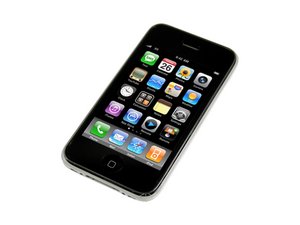
Revamped version of the iPhone 3G with faster processing speeds. Repair of this device is similar to the 3G, and requires simple screwdrivers and prying tools. Model A1303 / 8, 16 or 32 GB capacity / black or white plastic back.

How can I make the service work again?

I have a Qlink simcard. I wanted to see if it would work with my 3gs so I put the sim card in the phone and it said searching. It said this for about 2 minutes and went to no service. The weird thing is I took the sim card out and back in, and after searching for a little bit, It said home in the top left corner and had three little bars. I scurried to call my other phone and amazingly the call went through, and I could call the phone, and make calls from it and it was working like it would back in the day. After around 3 minutes, It went back to no service. So how do i make it stay in service?

Answer this question I have this problem too

Is this a good question?

Score 0
Add a comment

1 Answer

3G is out of service, it is possible to find a signal depending on carrier and the phone but it is extremely limited. There is no reasonable method to keep it in a good connection. Update to a 4g phone and card.

Was this answer helpful?

Score 0
Add a comment

Add your answer

@ScubaJack12 will be eternally grateful.
View Statistics:

Past 24 Hours: 3

Past 7 Days: 8

Past 30 Days: 18

All Time: 101