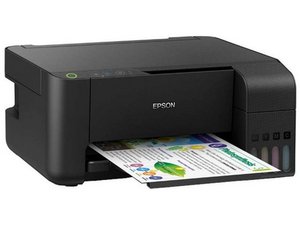

Flashing of all the lights
Why all lights are flashing at once, blinking lights failing to print, copy or scan
Is this a good question?
Score
3
Rep: 37
 2
2
 1
1
Why all lights are flashing at once, blinking lights failing to print, copy or scan
Is this a good question?
Rep: 485
4
1
It indicate that your ink absorber has fulled and need to be replaced. You need to do soft reset via adjustment program. Be careful when use this small program.
Hope this will answer your question.
Was this answer helpful?
Rep: 25
2
On the L3150, all lights flashing at once is not the ink pad signal. Epson's L3150 User's Guide (product light status table) lists these patterns:
So check exactly which lights are flashing before doing anything to the ink pad counter. If it really is all of them, look for something stuck in the paper path first: a small torn piece of paper near the rollers is easy to miss. A torch through the front cover and down the rear paper feeder helps.
Was this answer helpful?
Past 24 Hours: 0
Past 7 Days: 19
Past 30 Days: 49
All Time: 1,050


