
 1
1 Screen replacement causes lcd to go crazy?
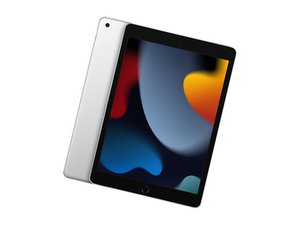
Hey all first time poster, I replaced the screen in my daughter’s iPad 9th gen 10.2” . The replacement went well and nothing visibly went array. It’s my first replacement but I wanted to attempt to do it myself worst case the iPads are on sale for $250 right now. Long story short I replaced the touch screen, I powered the iPad on before finalizing the install so I could test the touch screen before securing above the lcd. Everything worked flawlessly. I got everything put together and powered the iPad on, and the lcd goes nuts. Can’t type in the passcode or anything. It spams the passcode and locks me out. I ordered another touch screen thinking that may be a problem. It gets here tomorrow. But I’m thinking there may be another issue? Possibly lcd? I did remove the touch screen again, I powered the iPad on with no touch screen and the lcd seems to go crazy even without the touch screen attached. Any idea??
Is this a good question?

 56
56  43
43 
