Free Shipping on Domestic Orders $75+

What you need

This teardown is not a repair guide. To repair your Xbox One Wireless Controller Model 1537, use our service manual.

    1. Xbox One Wireless Controller Teardown, Get an Xbox One Controller: step 1, image 1 of 1
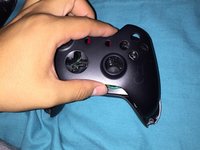
      • Start off with having an Xbox One Controller (:

      Ask FixBot

      Add Comment

    2. Xbox One Wireless Controller Teardown, Remove First Screw: step 2, image 1 of 2 Xbox One Wireless Controller Teardown, Remove First Screw: step 2, image 2 of 2
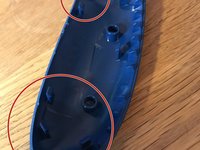
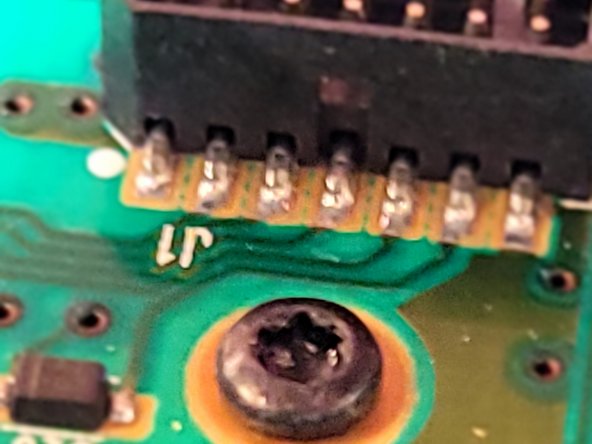
      • Start with removing the battery pack and exposing the T8 security screw. The screw should be hidden behind a warranty sticker.

      Ask FixBot
      Add Comment

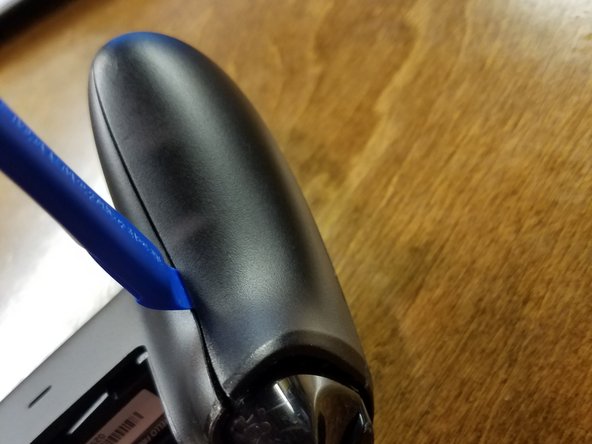
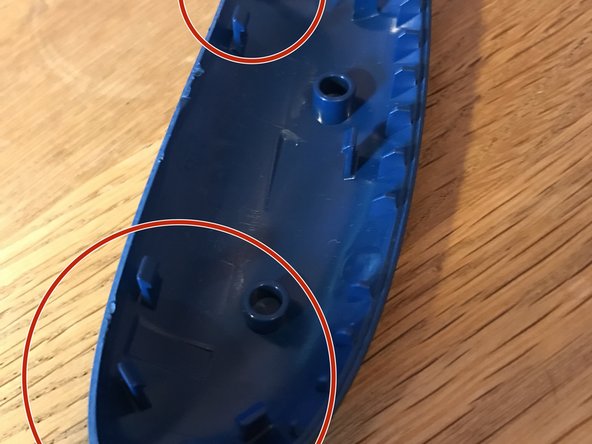
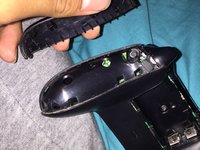
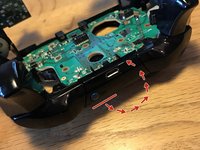
    3. Xbox One Wireless Controller Teardown, Remove side panels: step 3, image 1 of 3 Xbox One Wireless Controller Teardown, Remove side panels: step 3, image 2 of 3 Xbox One Wireless Controller Teardown, Remove side panels: step 3, image 3 of 3
      • Remove the side panels exposing the second T8 security screw using a spudger, an IFixit Opening Tool, or your nails, each choice is fun.

      Ask FixBot
      Add Comment

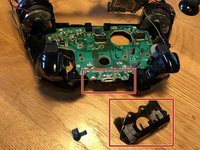
    4. Xbox One Wireless Controller Teardown, Remove all screws: step 4, image 1 of 1
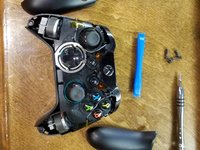
      • By removing all side panels all 5 TR8 security screws have appeared!

      Ask FixBot
      Add Comment

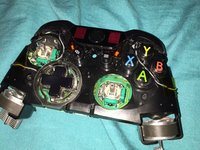
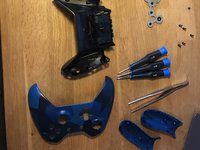
    5. Xbox One Wireless Controller Teardown, Remove Faceplate: step 5, image 1 of 3 Xbox One Wireless Controller Teardown, Remove Faceplate: step 5, image 2 of 3 Xbox One Wireless Controller Teardown, Remove Faceplate: step 5, image 3 of 3
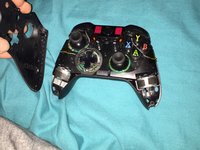
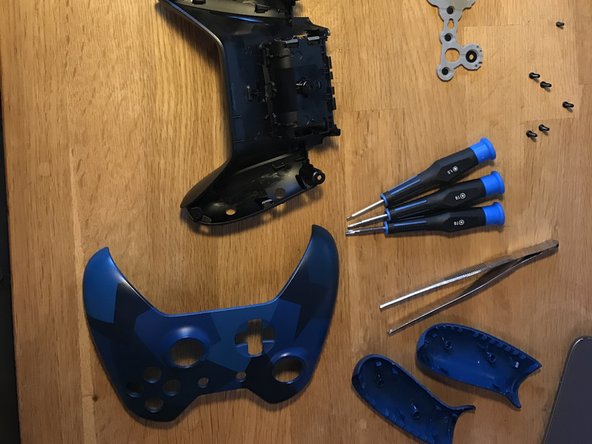
      • Once you removed the T8 security screws remove the front face plate.

      Ask FixBot
      Add Comment

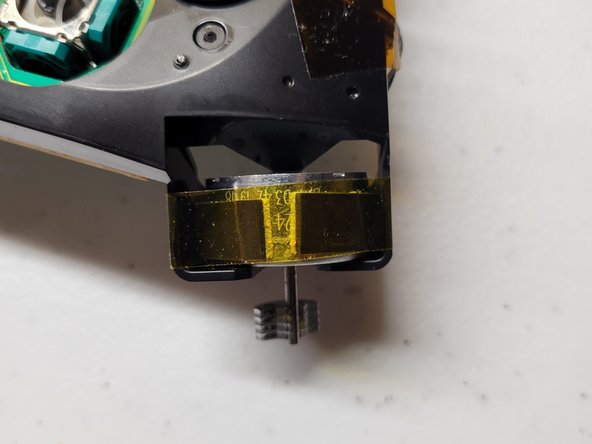
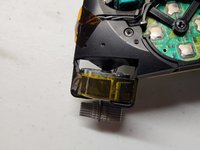
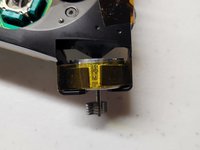
    6. Xbox One Wireless Controller Teardown, Tape down rumble motors: step 6, image 1 of 2 Xbox One Wireless Controller Teardown, Tape down rumble motors: step 6, image 2 of 2
      • Tape down the rumbler motors to prevent them from falling out.

      Ask FixBot

      Add Comment

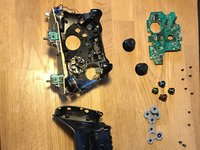
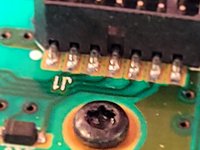
    7. Xbox One Wireless Controller Teardown, Remove T6 screws: step 7, image 1 of 3 Xbox One Wireless Controller Teardown, Remove T6 screws: step 7, image 2 of 3 Xbox One Wireless Controller Teardown, Remove T6 screws: step 7, image 3 of 3
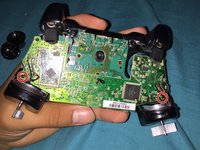
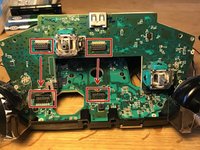
      • Remove the T6 screws to remove the PCB's.

      • It takes a pull to seperate the connectors.

      • Watch the wires! You can not fully remove the circuit board without removing the wires and it requires soldering.

      Ask FixBot
      Add Comment

    8. Xbox One Wireless Controller Teardown: step 8, image 1 of 3 Xbox One Wireless Controller Teardown: step 8, image 2 of 3 Xbox One Wireless Controller Teardown: step 8, image 3 of 3
      • Remove the top cover, it folds over.

      • There are 6 T6 screws to remove.

      Ask FixBot

      Add Comment

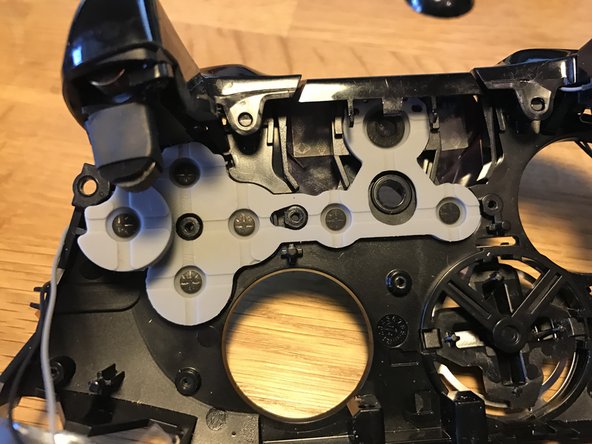
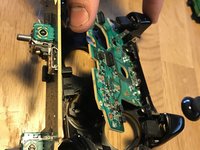
    9. Xbox One Wireless Controller Teardown: step 9, image 1 of 3 Xbox One Wireless Controller Teardown: step 9, image 2 of 3 Xbox One Wireless Controller Teardown: step 9, image 3 of 3
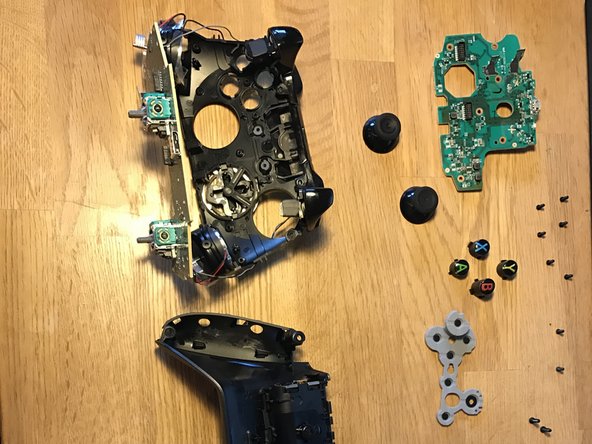
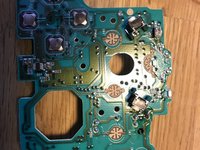
      • Remove the circuit board

      • Under the rubber is the A B X Y buttons.

      Ask FixBot
      Add Comment

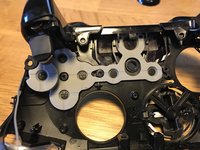
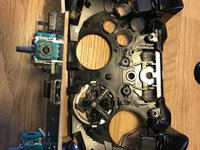
    10. Xbox One Wireless Controller Teardown: step 10, image 1 of 3 Xbox One Wireless Controller Teardown: step 10, image 2 of 3 Xbox One Wireless Controller Teardown: step 10, image 3 of 3
      • Follow the instructions in reverse to get everything together again. :D

      Ask FixBot
      Add Comment
ubaldo gutierrez

Member since: 11/07/16

268 Reputation

1 Guide authored

16 Guide Comments

Very good instructions...

Chadwick Posey - Reply Share

Nice instructions. I need to take apart mine and replace the d-pad. The previous owner was a bit... rough. Sometimes it doesn't work or it clicks twice. Cheers!

Johnathan - Reply Share

Do you think that you can label the internals of the controller.

David Becerra - Reply Share

I have a custom controller from the xbox design labs. I want to change the led on the front.

Can someone point out the model/ size led I would need?

Alajandro - Reply Share

How do you put the sync buttom back in? Which way does it face?

Throaty Sea5 - Reply Share

Add Comment

View Statistics:

Past 24 Hours: 34

Past 7 Days: 286

Past 30 Days: 1,277

All Time: 206,464