Free Shipping on Domestic Orders $75+

This teardown is not a repair guide. To repair your VIA GO, use our service manual.

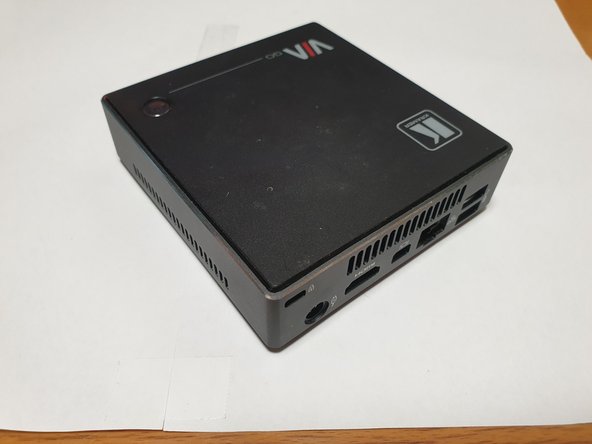
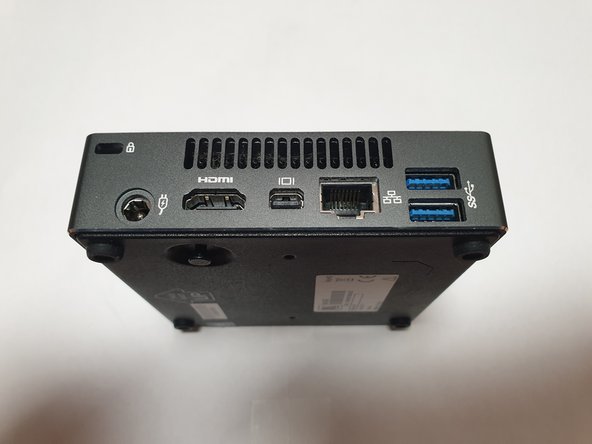
  1. VIA GO Teardown, Overview: step 1, image 1 of 3 VIA GO Teardown, Overview: step 1, image 2 of 3 VIA GO Teardown, Overview: step 1, image 3 of 3
    • USB and audio ports at front and rest of I/O are at the back. power button is on top.

  2. VIA GO Teardown, bottom screws: step 2, image 1 of 1
    • Remove four (phillips) screws on the bottom of the device, these are located inside of rubber feet.

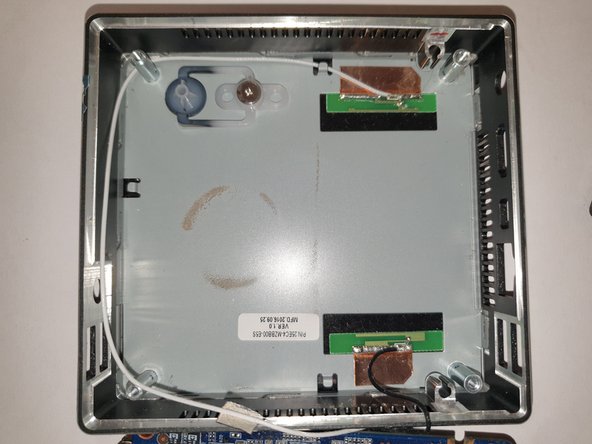
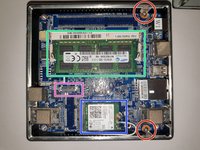
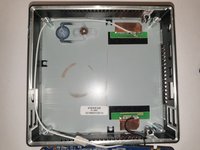
  3. VIA GO Teardown, motherboard: step 3, image 1 of 3 VIA GO Teardown, motherboard: step 3, image 2 of 3 VIA GO Teardown, motherboard: step 3, image 3 of 3
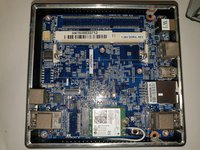
    • remove screws that hold motherboard in the case.

    • LPDDR3 slot (there is no internal memory).

    • M.2 slot with Intel 3160NGW (Dual-band AC-WiFi + BT)

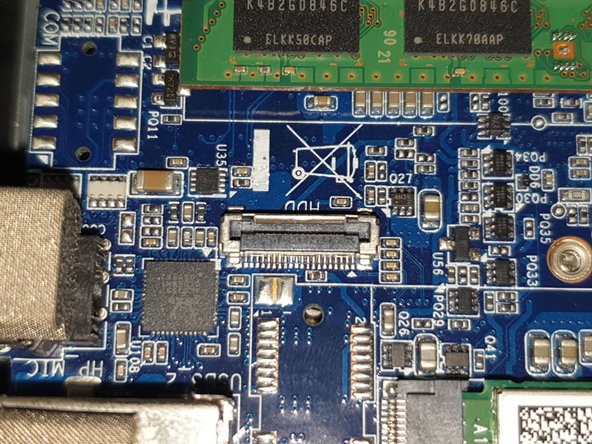
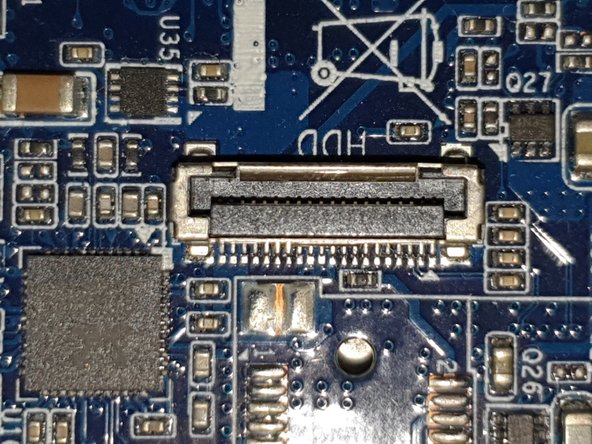
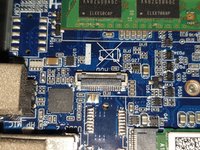
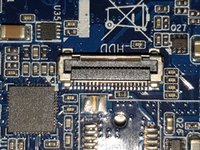
    • 20-pin connector for external SATA hard drive.

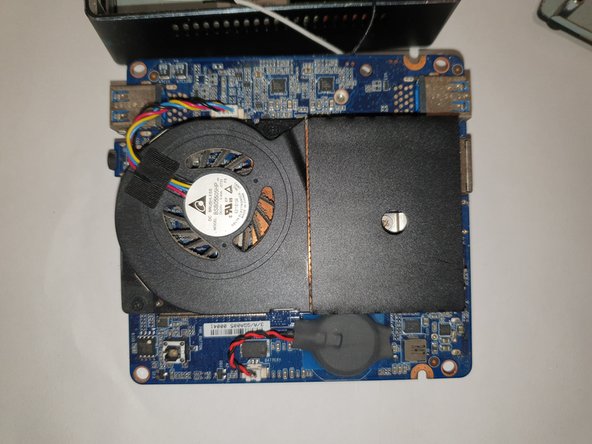
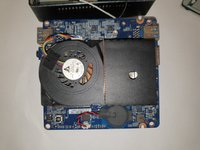
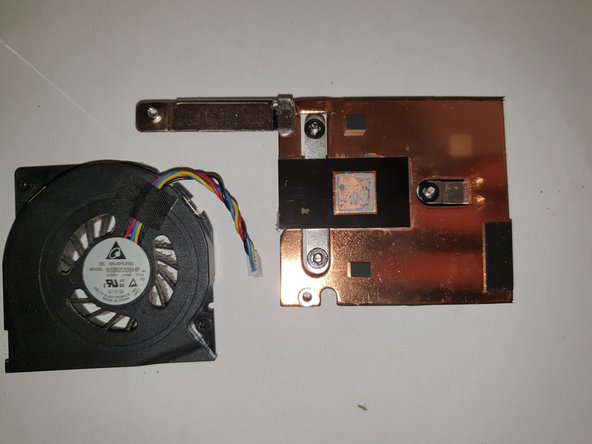
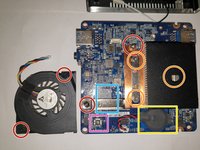
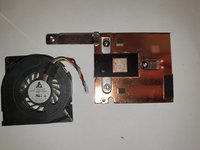
  4. VIA GO Teardown, CPU and heatsink: step 4, image 1 of 3 VIA GO Teardown, CPU and heatsink: step 4, image 2 of 3 VIA GO Teardown, CPU and heatsink: step 4, image 3 of 3
    • screws to remove fan assembly

    • screws to remove heatsink

    • RTC battery

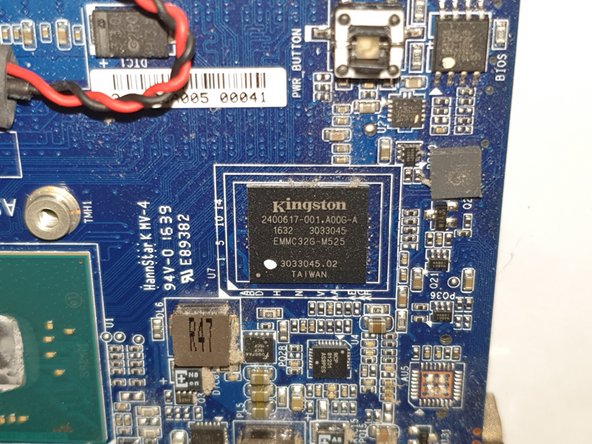
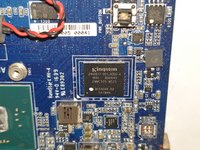
    • eMMC (SD) chip

    • power button

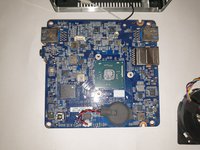
  5. VIA GO Teardown, CPU without heatsink: step 5, image 1 of 2 VIA GO Teardown, CPU without heatsink: step 5, image 2 of 2
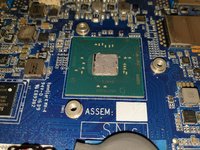
    • closeup of Intel N3010 SoC and eMMC chip.

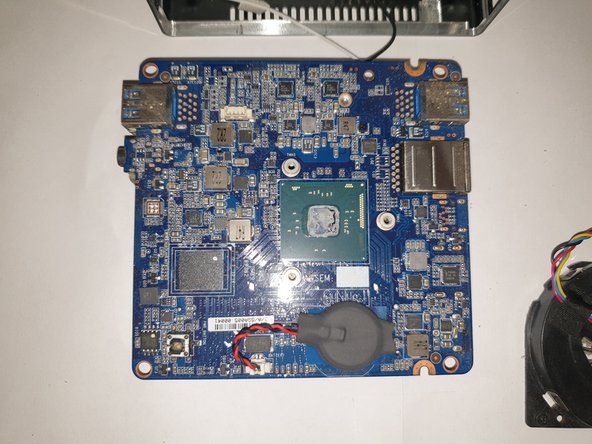
  6. VIA GO Teardown, motherboard (without memory): step 6, image 1 of 3 VIA GO Teardown, motherboard (without memory): step 6, image 2 of 3 VIA GO Teardown, motherboard (without memory): step 6, image 3 of 3
    • component overview. also closeup of 20-pin external sata connector.

Artur Huhtaniemi

Member since: 12/05/24

373 Reputation

2 Guides authored

0 Guide Comments

Add Comment

View Statistics:

Past 24 Hours: 2

Past 7 Days: 14

Past 30 Days: 70

All Time: 604