Free Shipping on Domestic Orders $75+

What you need

This teardown is not a repair guide. To repair your Sharp Pocket Computer PC-1403, use our service manual.

  1. Sharp PC-1403 Teardown, Sharp PC-1403 Teardown: step 1, image 1 of 2 Sharp PC-1403 Teardown, Sharp PC-1403 Teardown: step 1, image 2 of 2
    • There are 2 Philips screws on the back which must be unscrewed in order to remove the rear.

    Ask FixBot

    Add Comment

  2. Sharp PC-1403 Teardown: step 2, image 1 of 2 Sharp PC-1403 Teardown: step 2, image 2 of 2
    • After unscrewing the two screws on the back, carefully lift the bottom of the rear cover and push it upwards towards the top of the device

    Ask FixBot

    Add Comment

  3. Sharp PC-1403 Teardown: step 3, image 1 of 2 Sharp PC-1403 Teardown: step 3, image 2 of 2
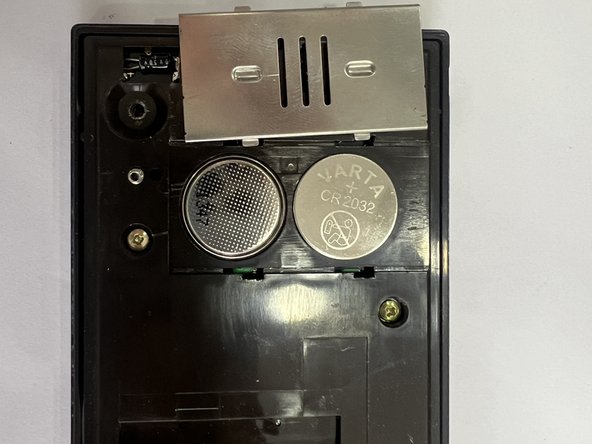
    • On the left side there is a metal cover that you have to push up and then you can change the batteries

    Ask FixBot

    Add Comment

  4. Sharp PC-1403 Teardown: step 4, image 1 of 2 Sharp PC-1403 Teardown: step 4, image 2 of 2
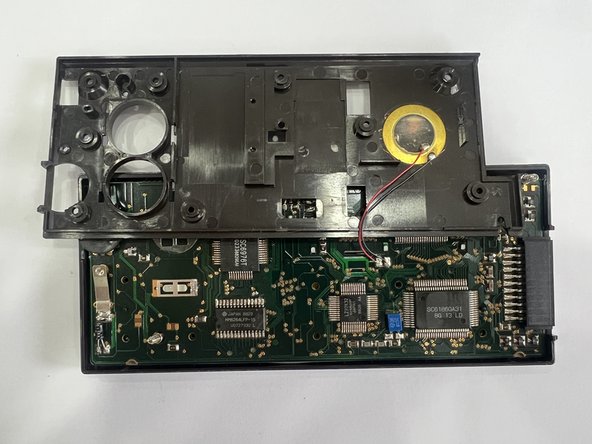
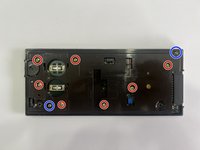
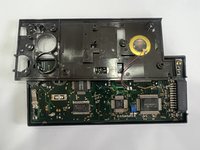
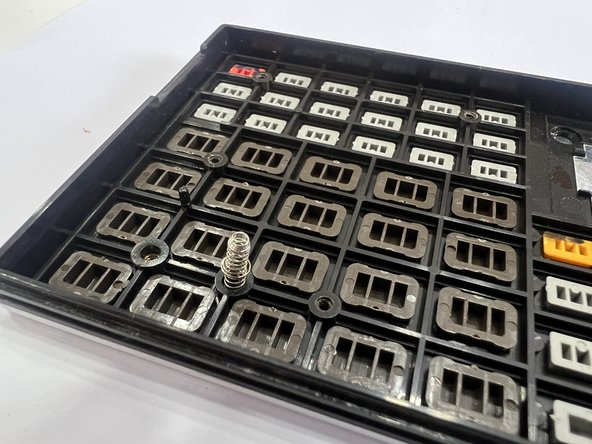
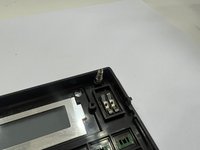
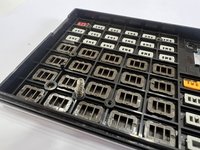
    • Remove the 7 Philips screws and carefully lift the plastic center piece without damaging the cables for the piezo element. Also be careful not to lose the 2 springs that are at the top right and bottom left

    Ask FixBot

    Add Comment

  5. Sharp PC-1403 Teardown: step 5, image 1 of 3 Sharp PC-1403 Teardown: step 5, image 2 of 3 Sharp PC-1403 Teardown: step 5, image 3 of 3
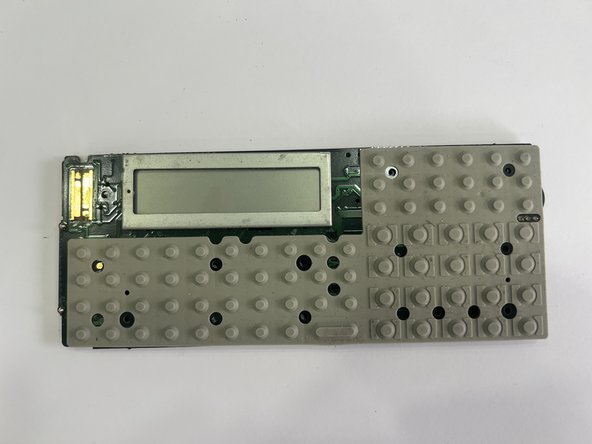
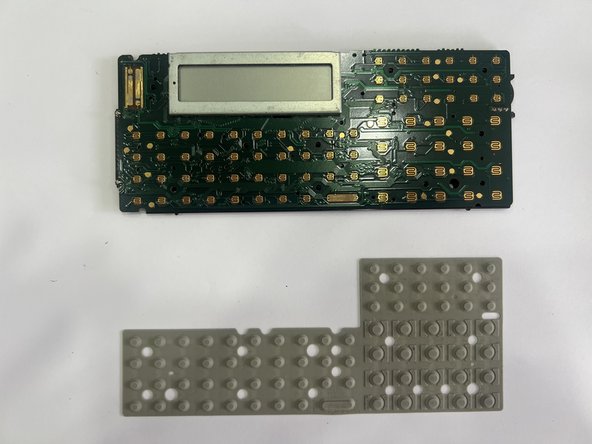
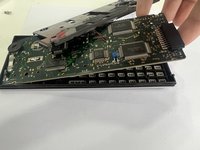
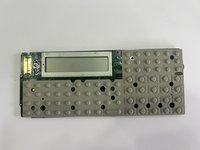
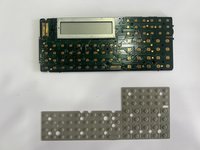
    • Now you can simply lift and remove the mainboard

    Ask FixBot

    Add Comment

  6. Sharp PC-1403 Teardown: step 6, image 1 of 2 Sharp PC-1403 Teardown: step 6, image 2 of 2
    • The assembly takes place in reverse order.

    Ask FixBot

    Add Comment

Special thanks to these translators:

de en

37%

knipwim is helping us fix the world! Want to contribute?
Start translating ›

Bahadir Tasdemir

Member since: 09/24/18

133 Reputation

1 Guide authored

0 Guide Comments

Add Comment

View Statistics:

Past 24 Hours: 1

Past 7 Days: 5

Past 30 Days: 52

All Time: 1,263