Free Shipping on Domestic Orders $75+

Introduction

Go to step 1 ↓

The Teardown is pretty much the same as other Samsung Slider phones

What you need

Tools

This teardown is not a repair guide. To repair your Samsung Intensity, use our service manual.

    1. Samsung Intensity Teardown, Samsung Intensity Teardown: step 1, image 1 of 1
      • Remove the back cover and battery

      Ask FixBot

      Add Comment

    2. Samsung Intensity Teardown: step 2, image 1 of 1
      • Remove the 8 screw that hold the back cover down.

      • Carefully pry back piece off

      • Start at the bottom and work toward the top.

      Ask FixBot

      Add Comment

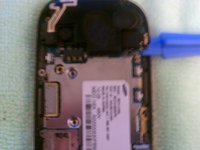
    3. Samsung Intensity Teardown: step 3, image 1 of 1
      • Use the ipod opening tool to disconnect the Connector

      Ask FixBot

      Add Comment

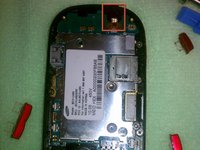
    4. Samsung Intensity Teardown: step 4, image 1 of 2 Samsung Intensity Teardown: step 4, image 2 of 2
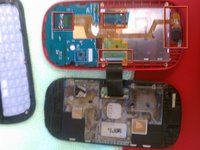
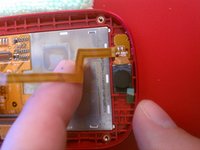
      • Carefully remove the main board

      • Make sure to not tear the microphone cable, pry it from the phone carefully

      Ask FixBot

      Add Comment

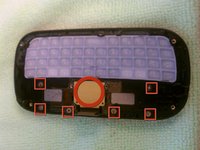
    5. Samsung Intensity Teardown: step 5, image 1 of 2 Samsung Intensity Teardown: step 5, image 2 of 2
      • Remove the 6 screws

      • Pry to ribbon cable assembly loose from the slider

      • Its glued on the left and right side

      Ask FixBot

      Add Comment

    6. Samsung Intensity Teardown: step 6, image 1 of 1
      • Remove the 4 screw the holds the slider to the phone assembly

      • one of the screws will be behind the hinge

      • Carefully pry slider assembly loose from display assembly

      Ask FixBot

      Add Comment

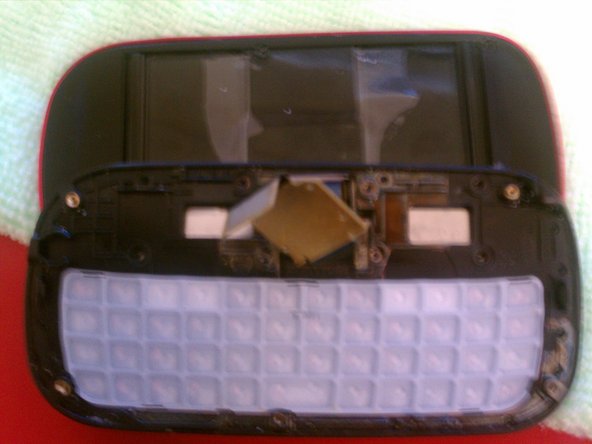
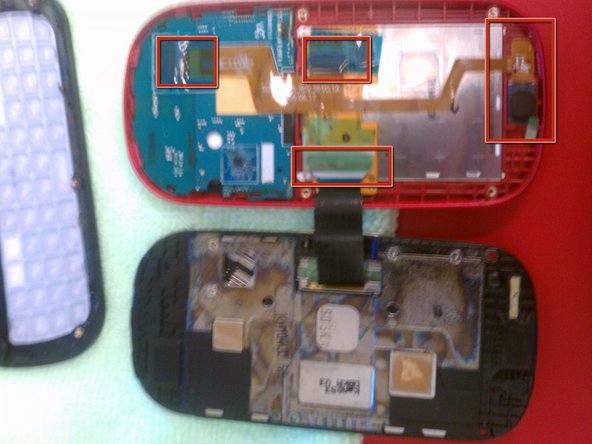
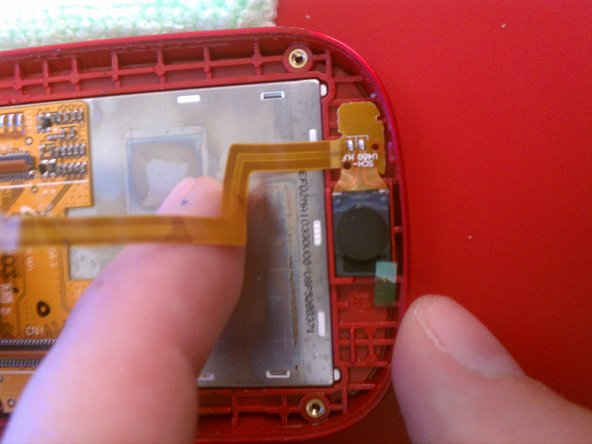
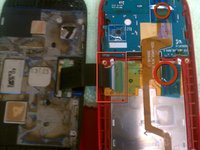
    7. Samsung Intensity Teardown: step 7, image 1 of 3 Samsung Intensity Teardown: step 7, image 2 of 3 Samsung Intensity Teardown: step 7, image 3 of 3
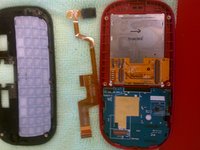
      • Remove the tape and pop the connectors and pull all the ribbon cables loose

      • Carefully pry the speaker loose from the case.

      Ask FixBot

      Add Comment

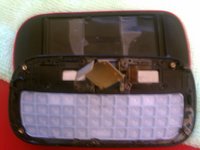
    8. Samsung Intensity Teardown: step 8, image 1 of 1
      • Carefully work the keyboard loose from the display assembly

      • There are a couple fragile clips that hold it in place

      Ask FixBot

      Add Comment

    9. Samsung Intensity Teardown: step 9, image 1 of 2 Samsung Intensity Teardown: step 9, image 2 of 2
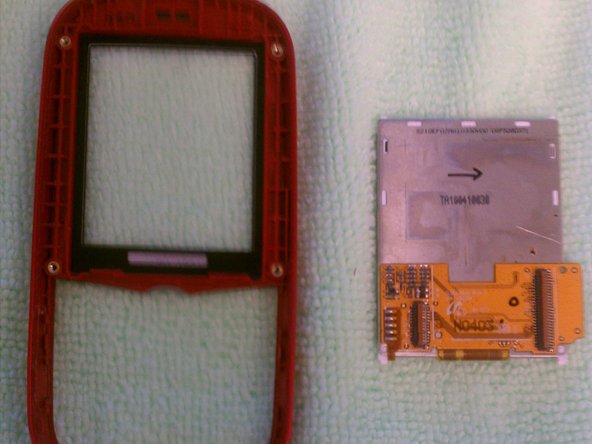
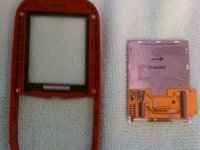
      • LCD comes out pretty easily

      • Pry it from the bottom and work up the sides to release it if stuck

      • The glass can be removed with a little heat from a heat gun or blow dryer

      • Pry it out from the outside edges working around carefully

      Ask FixBot

      Add Comment

David

Member since: 08/10/11

148 Reputation

1 Guide authored

1 Guide Comment

This was so helpful! How can I show my gratitude to you for these helpful instructions?

teh_pwnerer22 - Reply Share

Add Comment

View Statistics:

Past 24 Hours: 3

Past 7 Days: 9

Past 30 Days: 61

All Time: 5,398