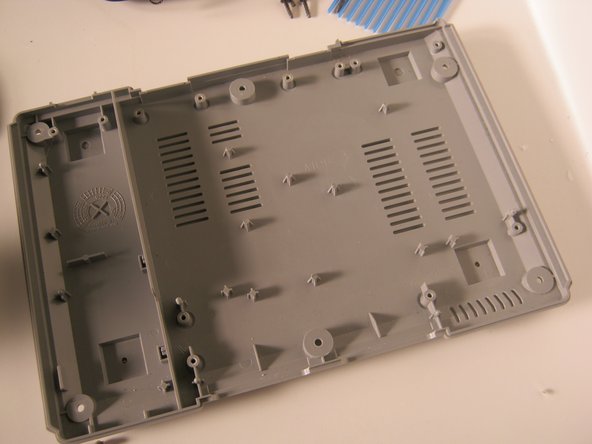
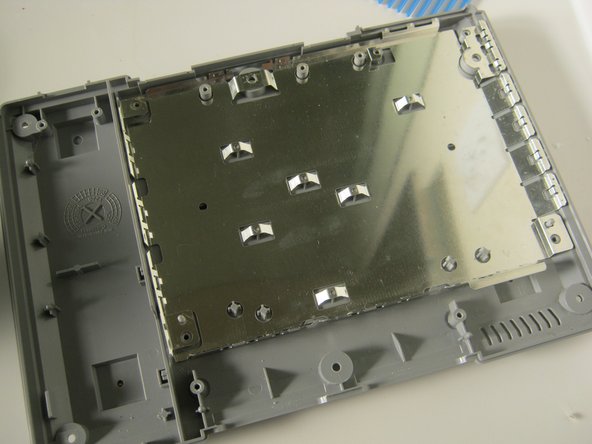
This teardown is not a repair guide. To repair your PlayStation, use our service manual.
-
-
-
-
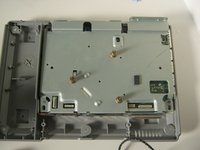
Unplug the laser assembly's power cable and ribbon cable from the main board.
-
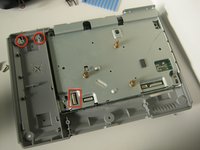
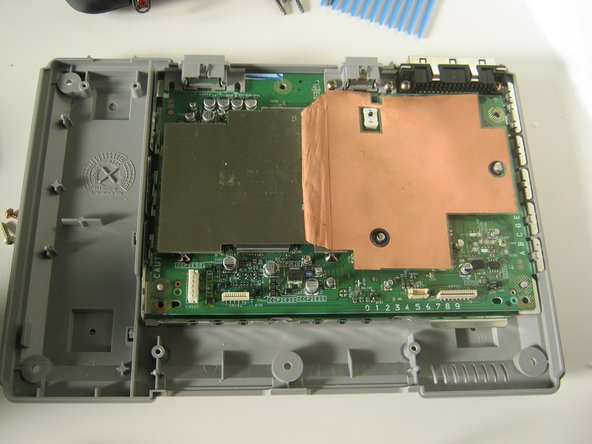
Remove the two screws on the memory card/controller port, disconnect the ribbon cable, and lift it out of the case.
-
-
-
-
-
-
-
-
-
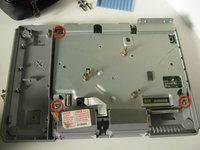
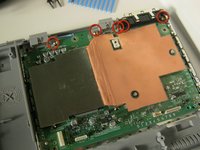
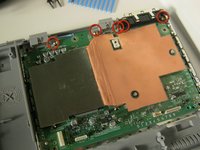
Replace the top shield, and secure with the 3 screws indicated.
-
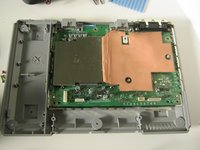
Reinstall the memory card / controller module. Connect the ribbon cable and replace the 2 screws.
-
-
-
Embed this guide
Choose a size and copy the code below to embed this guide as a small widget on your site / forum.
Preview