


My Problem
My Late 2011 MacBook Pro 15" started displaying "Service Battery" in its battery status a few months ago, but I decided to ignore it since my MacBook is almost always docked. But its fan runs too often and too long, and I heard that removing the battery will reset the MacBook's thermal management system, so I decided to give that a try. Much to my annoyance, I saw a number of tri-wing screws holding the battery down. iFixit to the rescue!
My Fix
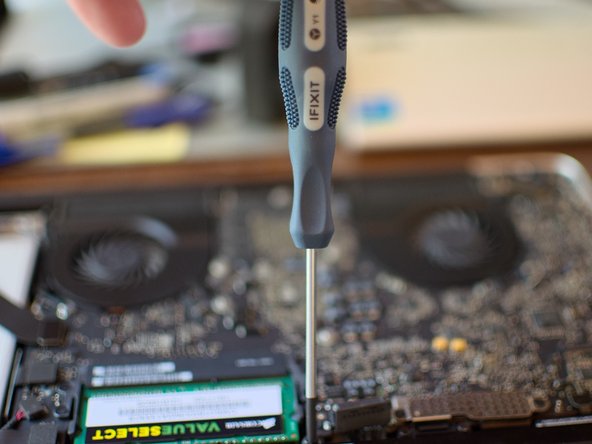
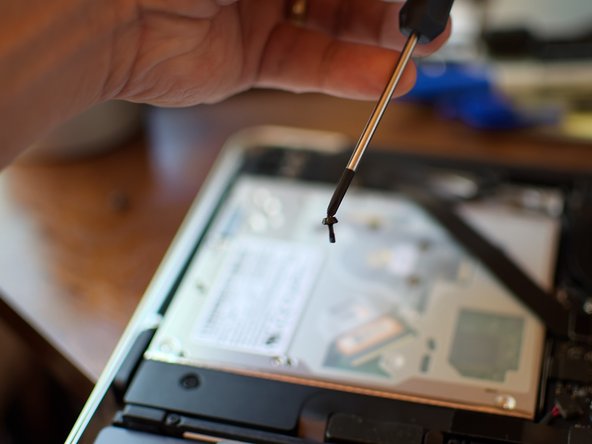
Following the iFixit MacBook Pro 15" Late 2011 Battery Removal guide, and using the iFixit Spudger and Y1 Tri-wing Screwdriver, the battery removal went without a hitch. Even with a tri-wing screwdriver, though, getting a grip on a tri-wing screwdriver is still a pain; nasty little fasteners, those.
My Advice
Make sure to align the blades of the Y1 Tri-wing screwdriver with the slots in the screw head, then seat it firmly before you apply torque. The screw head seems to be very soft, and there's a dab of Loctite on the tip of the screw, and it feels like it would be easy to shred the screw head while trying to get it to start turning.


0 Comments