My Problem
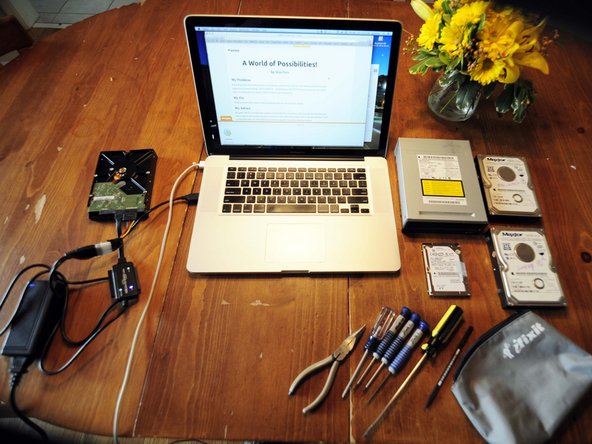
Reclaiming drives from broken devices, and replacing a broken drive with a new one, repairing broken drives and using them as external storage. PLUS A BONUS! -- Reclaiming an old DVD/CD burner from my ten year old G5 tower. It works great as an external DVD/CD drive to my MacBook Pro!
My Fix
Without a hitch! All five drives worked swimmingly with the Universal Drive Adapter.
My Advice
Be careful with the Universal Drive Adapter's colored wires, the connections pulled out easily from the white cuff. I had to repair it with a needle nose pliers and reinforce them with electrical tape. Even so, the metal posts still tend to pull out from the white cuff. Work with those connections gingerly, keep plenty of slack at all times!
Old drives you just reclaimed and plugged into your computer may not show up right away. Be patient, orient them with controller circuits up, and keep them cool (gentle constant fan). It may take a few tries of plugging and unplugging the power and USB connection before the drive is seen for the first time. Recover any data and reformat the drives. (Keep in mind, many of these drives have controller data that will not allow you to secure erase the drive with Disk Utility, but you may still format and use them as additional storage).

0 Comments