Straightforward iMac Hard Disk replacment



My Problem
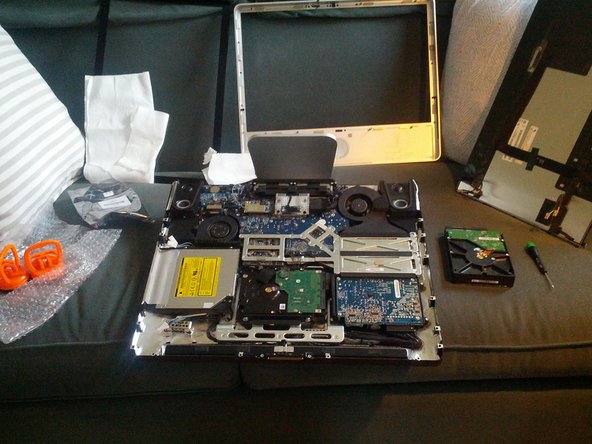
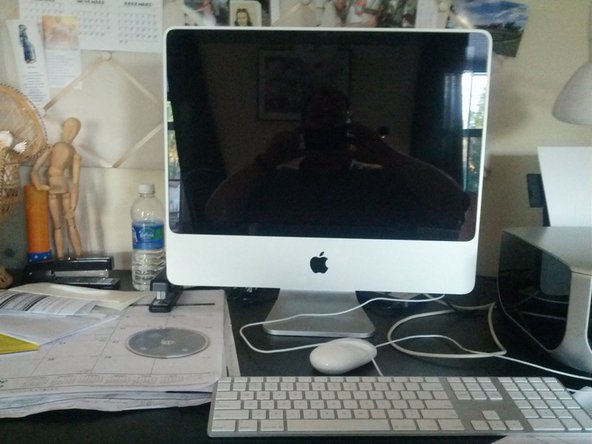
The 500GB hard drive in my iMac 20" failed, probably due to heat. As this Mac is the family photo and web browser, a speedy repair was imperative. I found the iFixit page for my model right away having used these guides before. All I really needed to go was a hard drive, a couple suction cups for the front glass, and a new spudger. Fortunately a recent TimeMachine backup meant I would not loose any pictures or bookmarks.
My Fix
The overnight UPS delivery arrived the next day bright and early. The directions were clear, even on a smartphone I could see the pictures which clearly showed what connectors to unplug. In about 30 minutes the old drive was removed, and another 30 minutes to reassemble my beloved iMac. Thanks to iFixit for clear, accurate instructions.
My Advice
Take frequent backups. Install and run smcFanControl (GPL) and lower the drive temperature to ensure longer life for your hot hard drive.
In reassembling, take note of the microphone connector before screwing down the LCD as it needs to hang out to connect to the front bezel. Take the opportunity to dust the fans and interior while the case is opened. I used a discardable bristle brush for this. And be sure the LCD and glass are clean before putting the glass back on!


0 Comments