

My Problem
5400RPM HDD was just not cutting it anymore.
My Fix
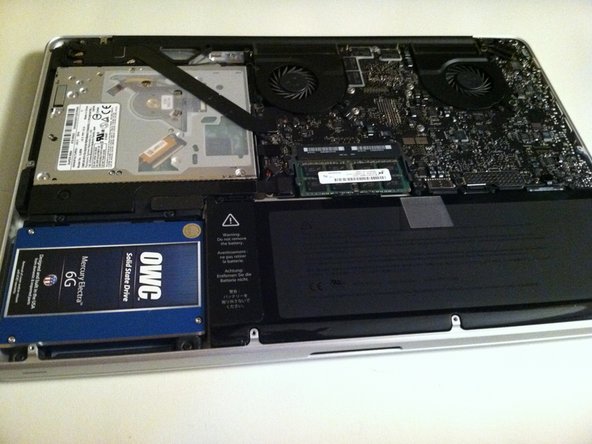
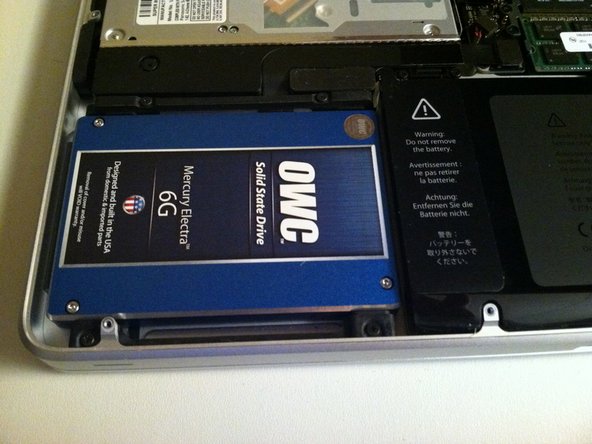
The process was fantastic! The actual HD swap was less than an hour and went without incident!
I then uploaded Lion via a USB that I'd made when it came out. That went fairly quickly and also without incident!
I then restored from a backup from my Time Machine and selected the files that I wanted. The hardest part was waiting for all the files to transfer which took about 2 hours.
My Advice
Have all the tools you need before you get started.
Make sure you have anti-static mat and bracelet.
Don't forget to partition the hard drive in the correct format before you start! I have a SATA/IDE to USB Adapter (Vantec) which made the process a lot easier. I just plugged it in before I started and partitioned it first.
Maybe don't restore from a backup over wireless. I started it and didn't want to stop in the middle of it, but I thought it would most likely be a lot faster had I just plugged it in.


0 Comments