This translation was generated by a machine and has not been reviewed by a person yet. Speak this language? Review it.
Introduction
This guide shows you how to replace the cooling fan on a why! W670SZQ1 laptop.
What you need
-
-
-
Unlock the lock latch on the left.
-
Unlock the lock latch on the right.
-
Remove the battery while holding the lock latch unlocked.
 Ask FixBot
-
-
-
-
-
-
Using the Philips # 0 screwdriver, unscrew the 2 screws from the bottom cover.
-
Lift the bottom right cover with the iFixit Opening Tool.
-
Lift the lower left cover with the iFixit Opening Tool.
-
Finally clear the bottom cover completely to access the main components.
-
-
-
-
-
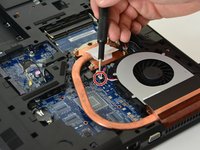
Start by disconnecting the power cable from the fan.
-
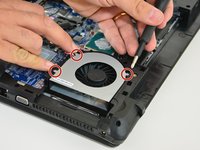
Then unscrew the three screws holding the fan in place.
-
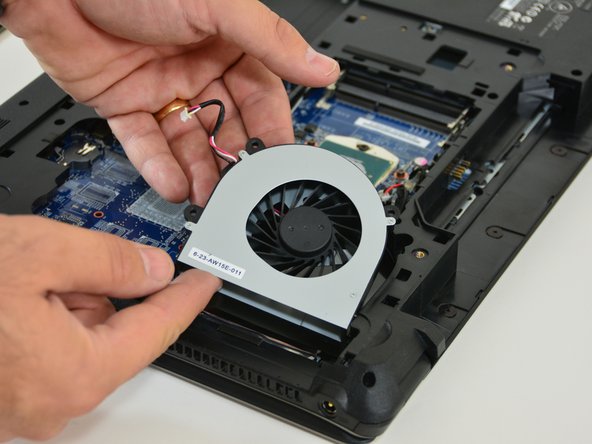
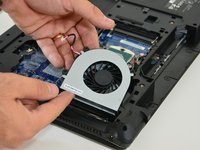
Finally, disengage the fan from its location by lifting it up.
-
-


To reassemble your device follow these instructions in reverse order.
Special thanks to these translators:
100%

irlanda is helping us fix the world! Want to contribute?
Start translating ›

