Free Shipping on Domestic Orders $75+

why! W650SZ LCD Screen Replacement

What you need

  1. why! W650SZ LCD Screen Replacement, Battery: step 1, image 1 of 3 why! W650SZ LCD Screen Replacement, Battery: step 1, image 2 of 3 why! W650SZ LCD Screen Replacement, Battery: step 1, image 3 of 3
    • Slide the latch on the right to the unlocked position.

    • Slide the latch on the left to the unlocked position.

    • Remove the battery pack from the slot.

    Ask FixBot

    Add Comment

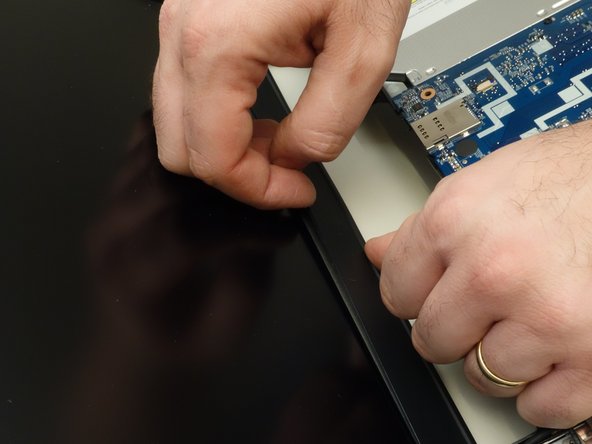
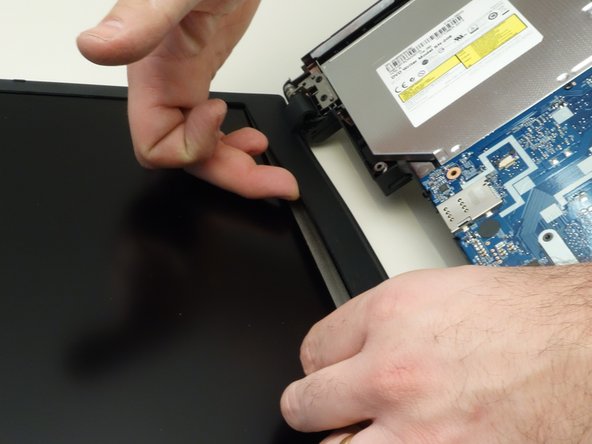
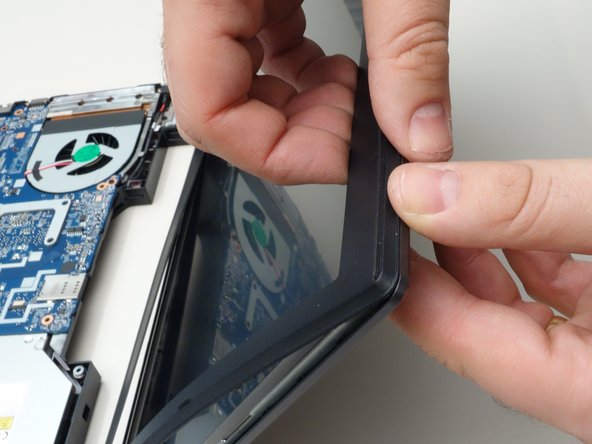
  2. why! W650SZ LCD Screen Replacement, Remove the Bezel: step 2, image 1 of 3 why! W650SZ LCD Screen Replacement, Remove the Bezel: step 2, image 2 of 3 why! W650SZ LCD Screen Replacement, Remove the Bezel: step 2, image 3 of 3
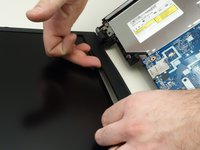
    • Although the photos are shown without a keyboard, it is not necessary to remove the keyboard to replace the screen.

    • Gently insert your fingernail between the display bezel and the LCD.

    Ask FixBot

    Add Comment

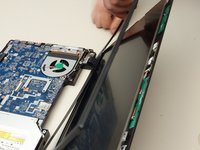
  3. why! W650SZ LCD Screen Replacement, Remove the Bezel (continued): step 3, image 1 of 3 why! W650SZ LCD Screen Replacement, Remove the Bezel (continued): step 3, image 2 of 3 why! W650SZ LCD Screen Replacement, Remove the Bezel (continued): step 3, image 3 of 3
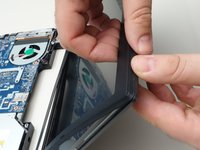
    • Working your way around the frame, unclip the mounting points of the frame surrounding the LCD screen.

    Ask FixBot

    Add Comment

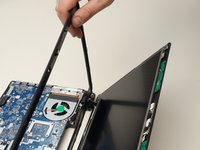
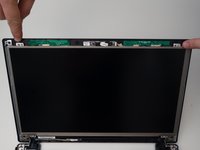
  4. why! W650SZ LCD Screen Replacement, Remove the Bezel (continued): step 4, image 1 of 3 why! W650SZ LCD Screen Replacement, Remove the Bezel (continued): step 4, image 2 of 3 why! W650SZ LCD Screen Replacement, Remove the Bezel (continued): step 4, image 3 of 3
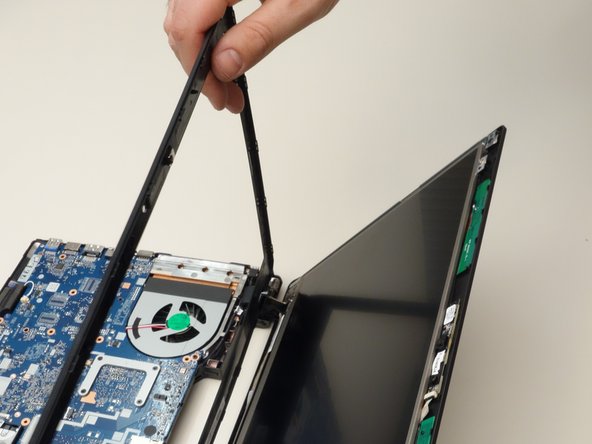
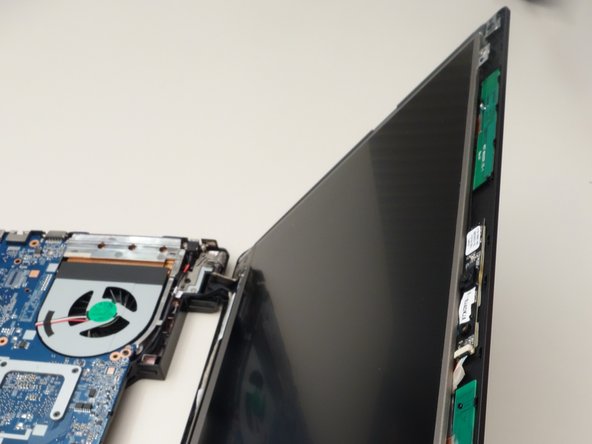
    • Remove the bezel surrounding the LCD.

    Ask FixBot

    Add Comment

  5. why! W650SZ LCD Screen Replacement, Remove the Screws Securing the LCD: step 5, image 1 of 3 why! W650SZ LCD Screen Replacement, Remove the Screws Securing the LCD: step 5, image 2 of 3 why! W650SZ LCD Screen Replacement, Remove the Screws Securing the LCD: step 5, image 3 of 3
    • Remove the two upper mounting screws securing the LCD to the lid.

    • Remove the two lower mounting screws.

    Ask FixBot

    Add Comment

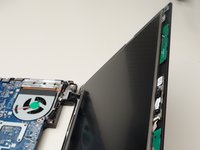
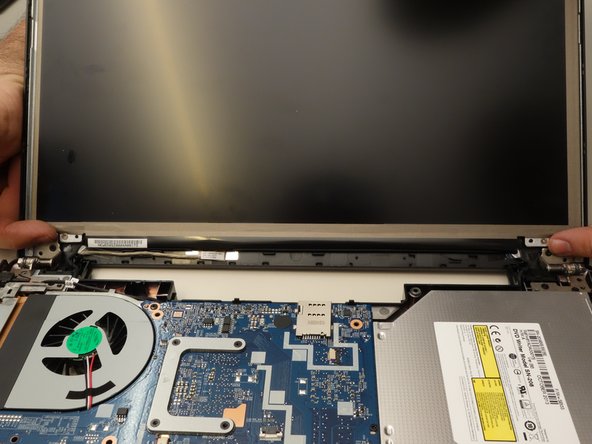
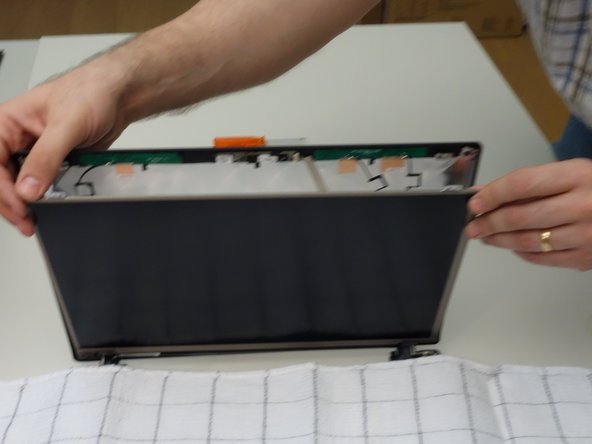
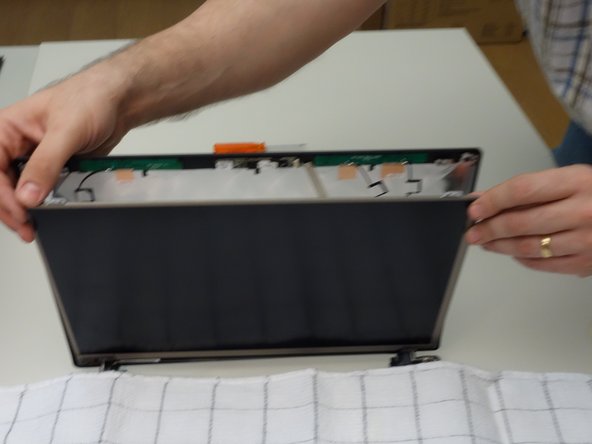
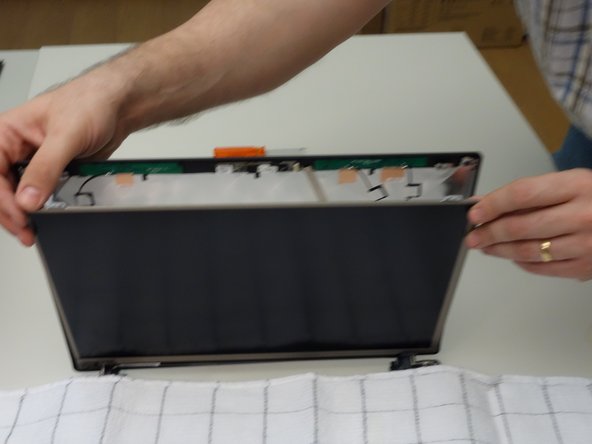
  6. why! W650SZ LCD Screen Replacement, Separate the LCD from the Display: step 6, image 1 of 3 why! W650SZ LCD Screen Replacement, Separate the LCD from the Display: step 6, image 2 of 3 why! W650SZ LCD Screen Replacement, Separate the LCD from the Display: step 6, image 3 of 3
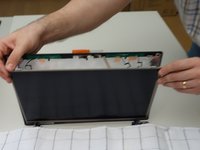
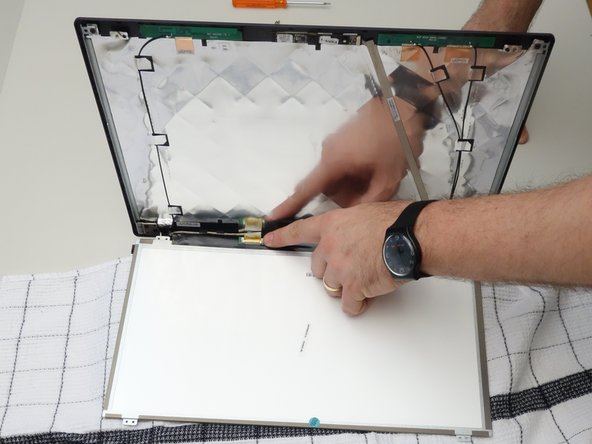
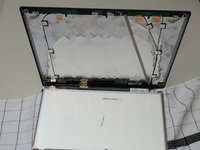
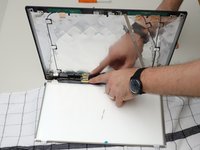
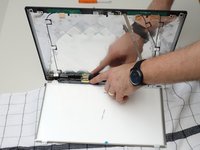
    • Cover the keyboard with a cloth, then carefully lower the LCD screen onto the keyboard.

    Ask FixBot

    Add Comment

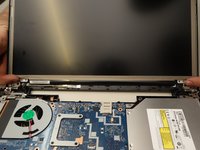
  7. why! W650SZ LCD Screen Replacement, Disconnect the LCD Cable: step 7, image 1 of 3 why! W650SZ LCD Screen Replacement, Disconnect the LCD Cable: step 7, image 2 of 3 why! W650SZ LCD Screen Replacement, Disconnect the LCD Cable: step 7, image 3 of 3
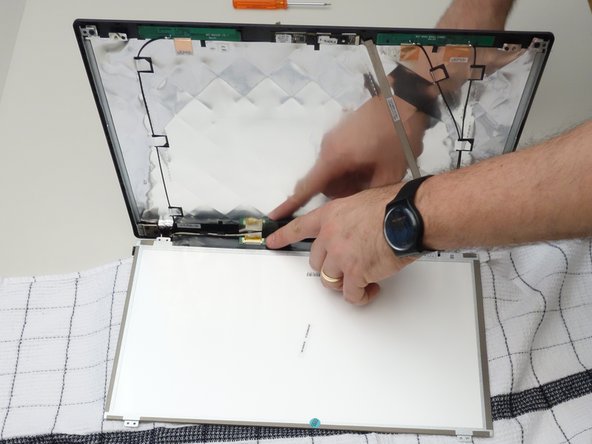
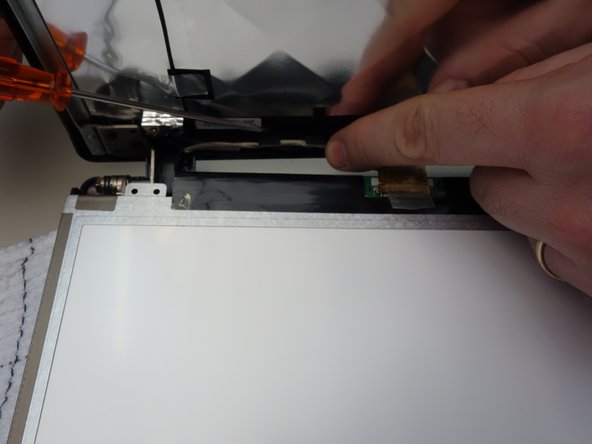
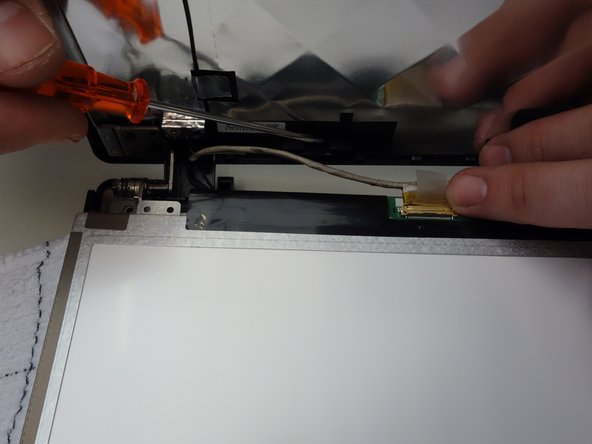
    • Note the location of the LCD screen connector.

    Ask FixBot

    Add Comment

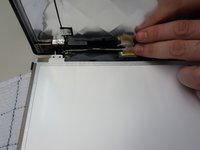
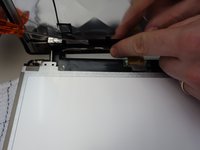
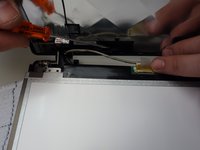
  8. why! W650SZ LCD Screen Replacement, Remove the Connector Tape: step 8, image 1 of 3 why! W650SZ LCD Screen Replacement, Remove the Connector Tape: step 8, image 2 of 3 why! W650SZ LCD Screen Replacement, Remove the Connector Tape: step 8, image 3 of 3
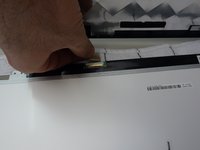
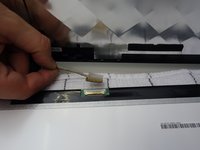
    • Using the plastic tab, peel back the tape securing the LCD cable the panel connector.

    Ask FixBot

    Add Comment

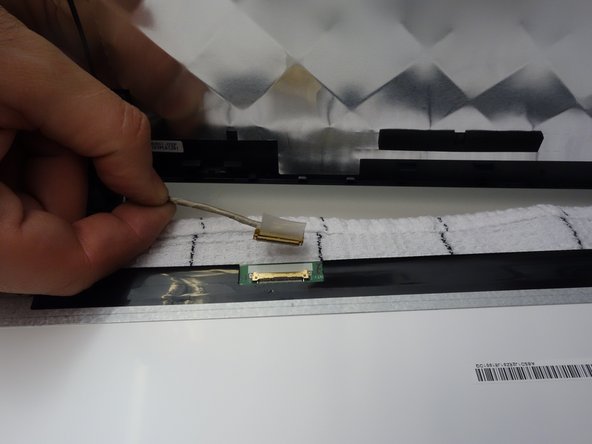
  9. why! W650SZ LCD Screen Replacement, Unplug the LCD and Remove the Screen: step 9, image 1 of 3 why! W650SZ LCD Screen Replacement, Unplug the LCD and Remove the Screen: step 9, image 2 of 3 why! W650SZ LCD Screen Replacement, Unplug the LCD and Remove the Screen: step 9, image 3 of 3
    • Unplug the connector.

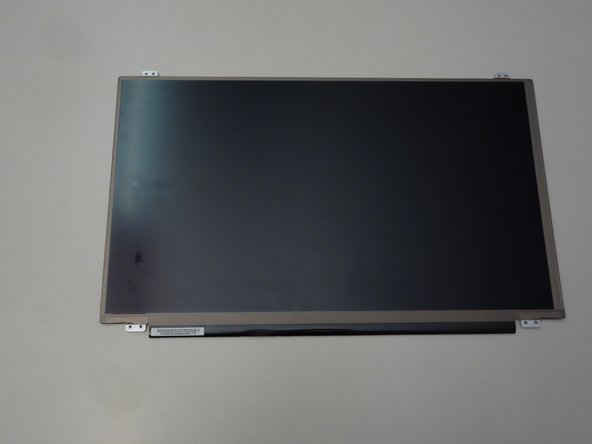
    • The LCD screen can now be removed.

    Ask FixBot

    Add Comment

Conclusion

To reassemble your device, follow these instructions in reverse order.

Cancel: I did not complete this guide.

Special thanks to these translators:

fr en

100%

Jerry Wheeler is helping us fix the world! Want to contribute?
Start translating ›

Felice Suglia

Member since: 06/15/13

33,589 Reputation

283 Guides authored

0 Guide Comments

Add Comment

View Statistics:

Past 24 Hours: 0

Past 7 Days: 3

Past 30 Days: 29

All Time: 398