This translation was generated by a machine and has not been reviewed by a person yet. Speak this language? Review it.
Introduction
This guide shows you how to replace the upper case of a why! V540TU laptop.
What you need
-
-
-
Unscrew the screws circled in red.
-
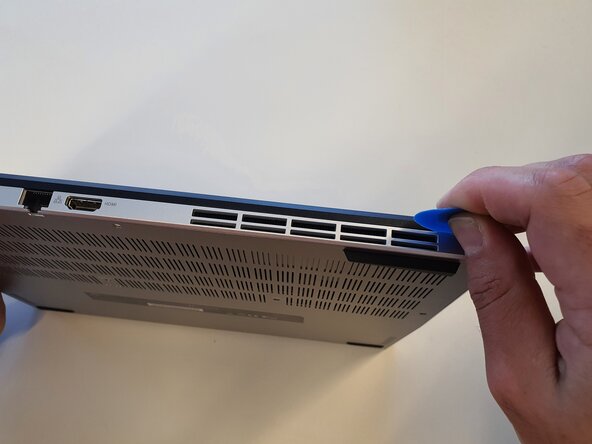
Insert the opening pick into the gap and slide it all the way around.
 Ask FixBot
-
-
-
-
-
-
Unscrew the screws circled in red.
-
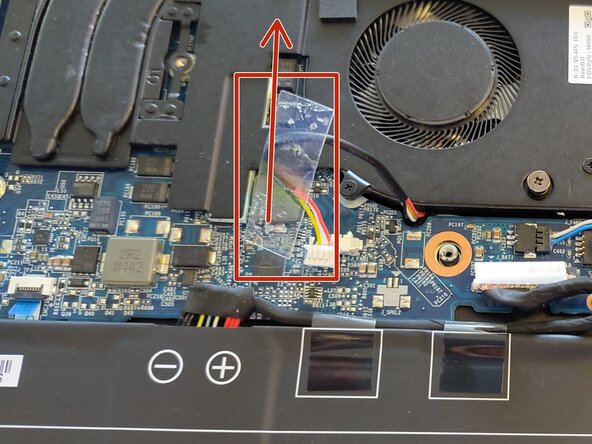
Remove the adhesive from the first cable.
-
Remove the cable.
-
-
-
-
Remove the second adhesive.
-
Remove the second cable.
-
Lift the heat sink.
-
-
-
-
-
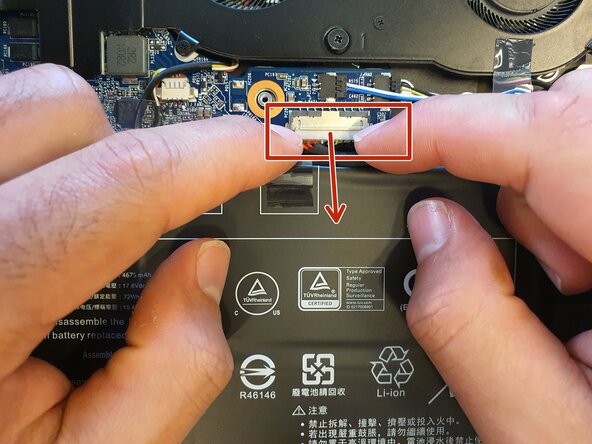
Unplug the cable connected to the motherboard.
-
Remove the adhesives.
-
Unscrew the screws circled in green.
-
-
-
Remove the adhesive.
-
Unscrew the screws circled in green.
-
Reinstall the clutch hinge.
-
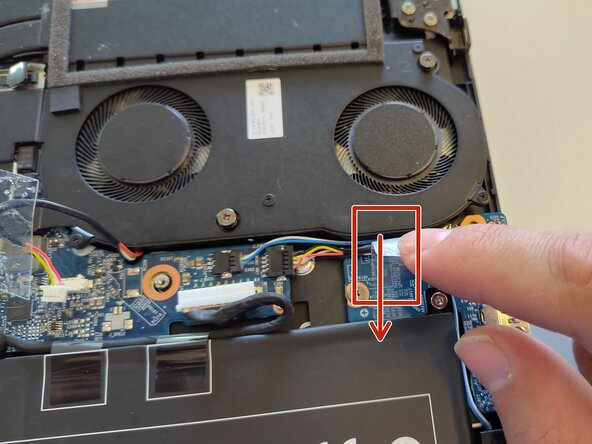
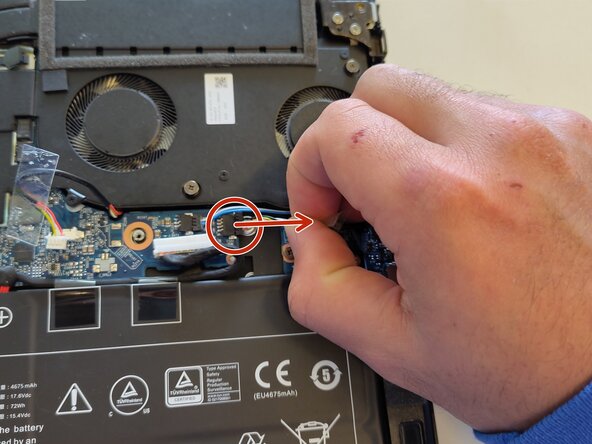
Unplug the cable.
-
-
-
-
-
Insert the opening pick into the gap in the frame and slide it along the entire length.
-
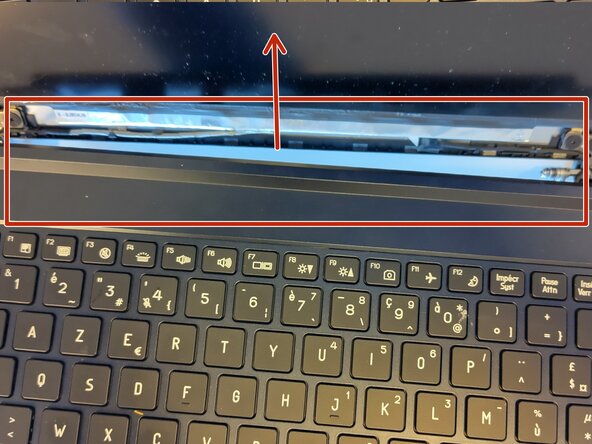
Unclip the top of the frame, being careful of the adhesive.
-
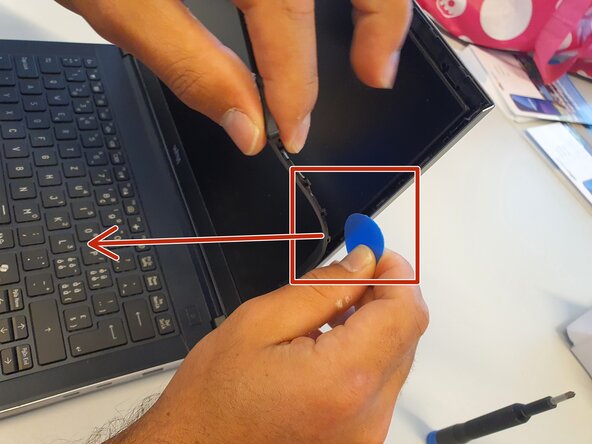
Unclip one side of the frame, being careful of the adhesive.
-
-
-
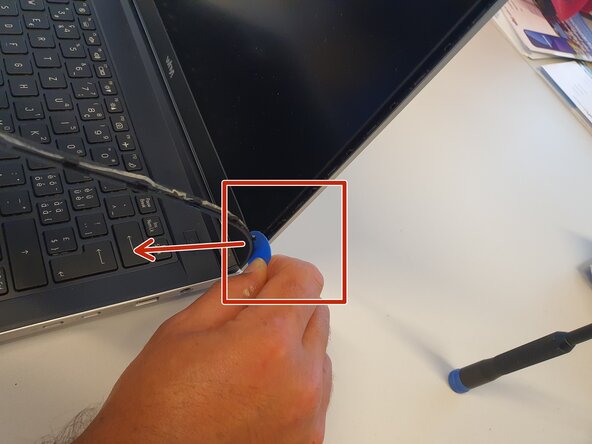
Unclip the other side of the frame, being careful of the adhesive.
-
Unclip the bottom of the frame, being careful of the adhesive.
-
Remove the frame.
-
-













To reassemble your device, follow the instructions in reverse order.

