Free Shipping on Domestic Orders $75+

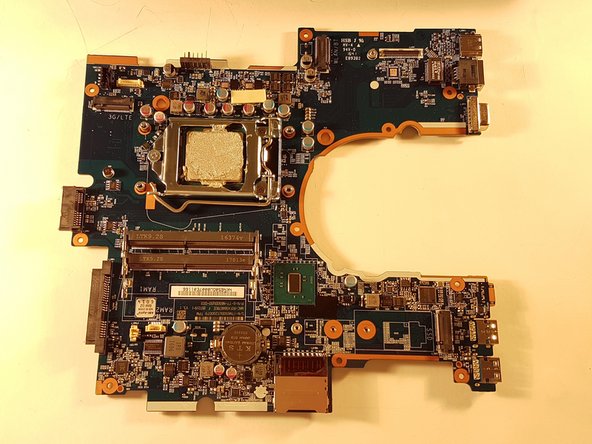
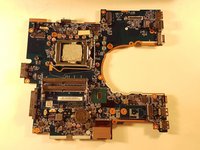
why! N650DU Motherboard

What you need

  1. why! N650DU Motherboard, The Batteries: step 1, image 1 of 3 why! N650DU Motherboard, The Batteries: step 1, image 2 of 3 why! N650DU Motherboard, The Batteries: step 1, image 3 of 3
    • Unlock the button without spring

    • Slide the battery up while unlocking the button with spring

    Ask FixBot

    Add Comment

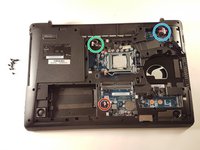
  2. why! N650DU Motherboard, Access to major components: step 2, image 1 of 3 why! N650DU Motherboard, Access to major components: step 2, image 2 of 3 why! N650DU Motherboard, Access to major components: step 2, image 3 of 3
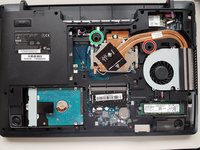
    • Unscrew the two large screws circled in red

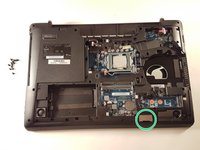
    • Unscrew the two small screws circled in green

    • Slide the plate down and lift the

    Ask FixBot

    Add Comment

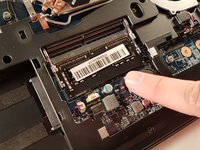
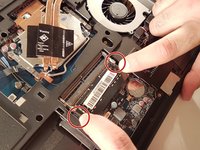
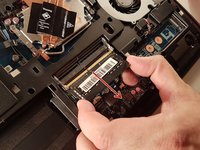
  3. why! N650DU Motherboard, RAM memory: step 3, image 1 of 3 why! N650DU Motherboard, RAM memory: step 3, image 2 of 3 why! N650DU Motherboard, RAM memory: step 3, image 3 of 3
    • Spread the two arms holding the RAM bar

    • Remove the RAM card

    Ask FixBot

    Add Comment

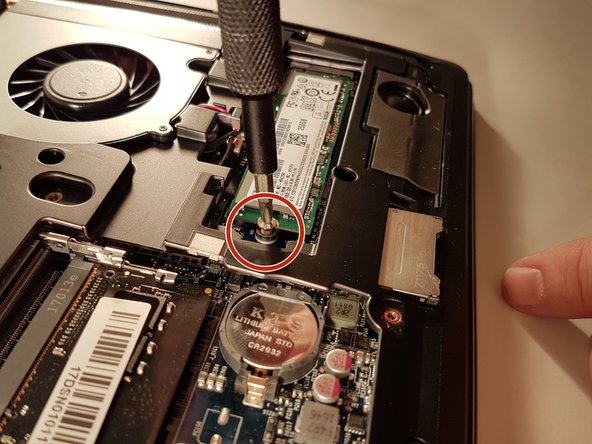
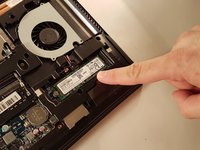
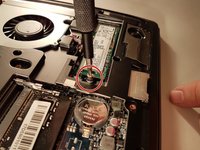
  4. why! N650DU Motherboard, SSD disk: step 4, image 1 of 2 why! N650DU Motherboard, SSD disk: step 4, image 2 of 2
    • Unscrew the screw circled in red

    • Remove the SSD

    Ask FixBot

    Add Comment

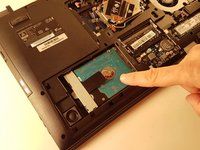
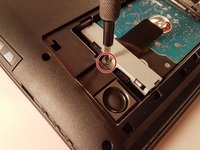
  5. why! N650DU Motherboard, Hard disk: step 5, image 1 of 3 why! N650DU Motherboard, Hard disk: step 5, image 2 of 3 why! N650DU Motherboard, Hard disk: step 5, image 3 of 3
    • Unscrew the screw circled in red

    • Pull the black tab up

    Ask FixBot

    Add Comment

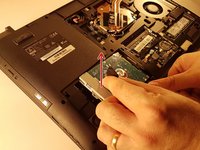
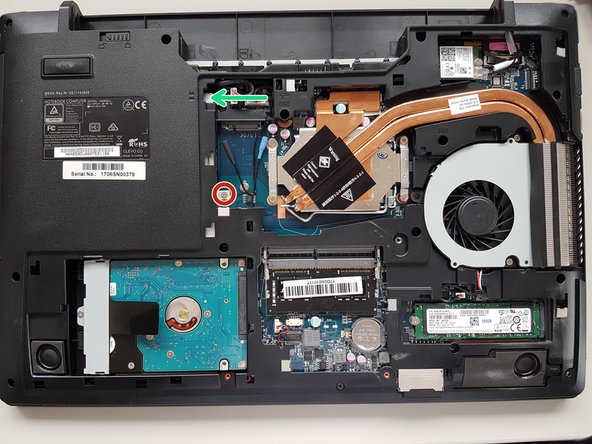
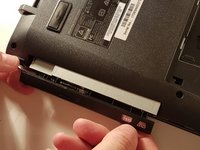
  6. why! N650DU Motherboard, CD / DVD RW drive: step 6, image 1 of 3 why! N650DU Motherboard, CD / DVD RW drive: step 6, image 2 of 3 why! N650DU Motherboard, CD / DVD RW drive: step 6, image 3 of 3
    • Unscrew the screw circled in red

    • Push the drive to the location indicated by the green arrow

    • Remove the drive from its location

    Ask FixBot

    Add Comment

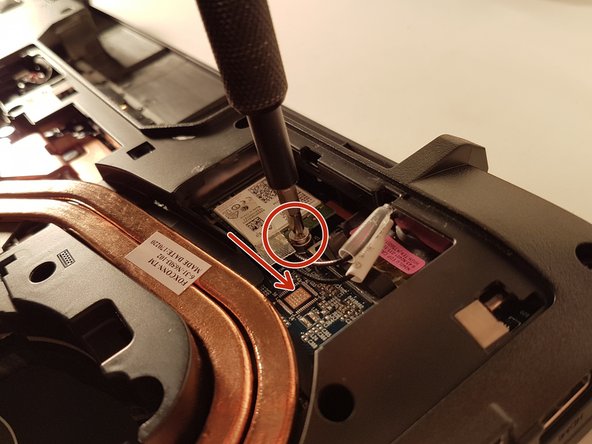
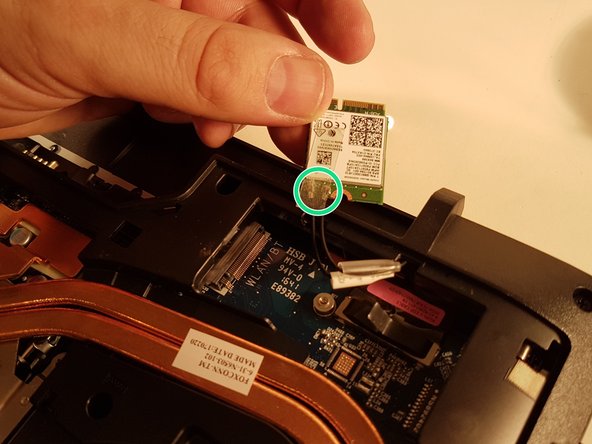
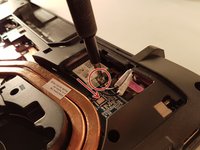
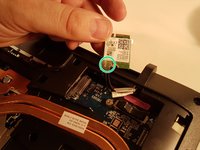
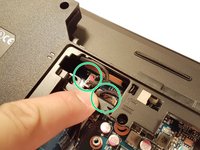
  7. why! N650DU Motherboard, Carte WLAN: step 7, image 1 of 3 why! N650DU Motherboard, Carte WLAN: step 7, image 2 of 3 why! N650DU Motherboard, Carte WLAN: step 7, image 3 of 3
    • Unscrew the screw circled in red

    • Disconnect the WLAN card in the direction of the red arrow

    • Unhook the two connectors circled in green on the WLAN card

    Ask FixBot

    Add Comment

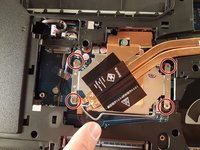
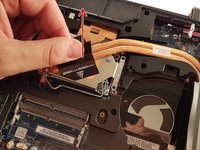
  8. why! N650DU Motherboard, Processor: step 8, image 1 of 3 why! N650DU Motherboard, Processor: step 8, image 2 of 3 why! N650DU Motherboard, Processor: step 8, image 3 of 3
    • Unscrew the four screws circled in red

    • Lift the radiator with the black label

    Ask FixBot

    Add Comment

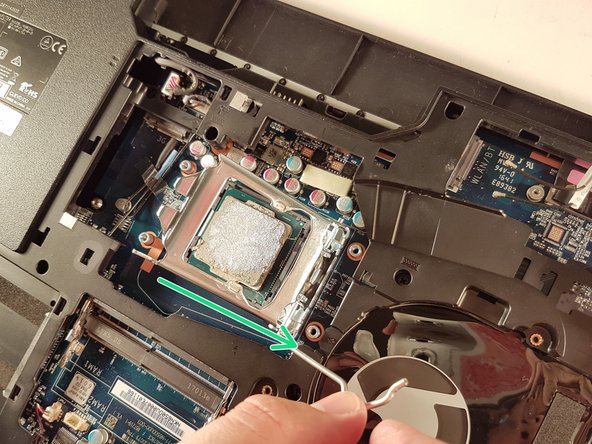
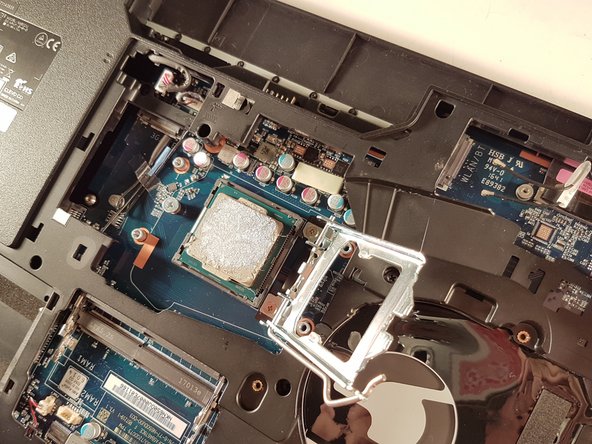
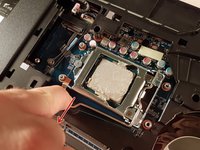
  9. why! N650DU Motherboard: step 9, image 1 of 3 why! N650DU Motherboard: step 9, image 2 of 3 why! N650DU Motherboard: step 9, image 3 of 3
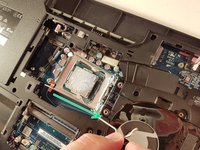
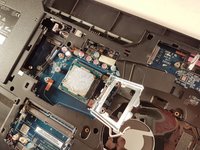
    • Push the lever in the direction of the red arrow while pushing it in

    • Lift the lever in the direction of the green arrow

    • Do not touch the bottom of the processor and take it by the sides

    Ask FixBot

    Add Comment

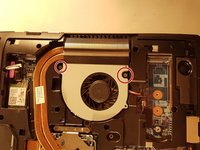
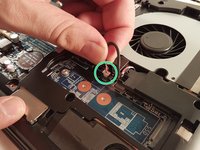
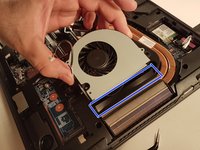
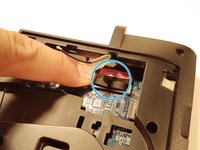
  10. why! N650DU Motherboard, The fan: step 10, image 1 of 3 why! N650DU Motherboard, The fan: step 10, image 2 of 3 why! N650DU Motherboard, The fan: step 10, image 3 of 3
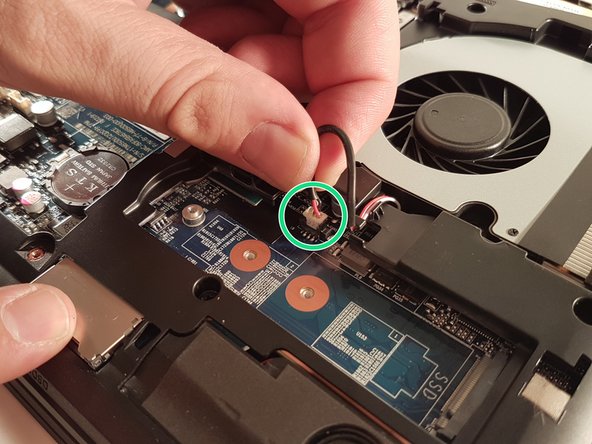
    • Unscrew the two screws circled in red

    • Disconnect the connector surrounded in green

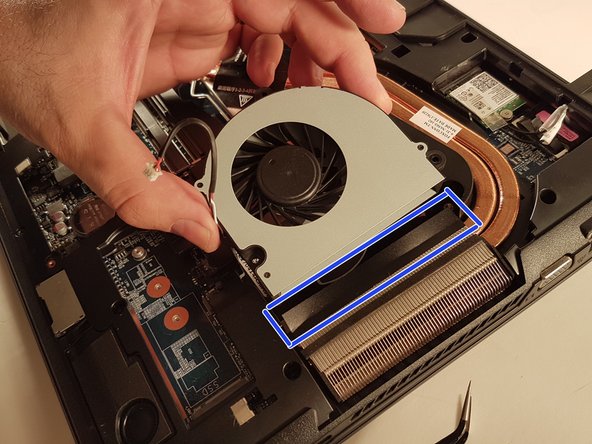
    • Remove the fan by lifting the blue framed tab

    Ask FixBot

    Add Comment

  11. why! N650DU Motherboard, Pile BIOS: step 11, image 1 of 2 why! N650DU Motherboard, Pile BIOS: step 11, image 2 of 2
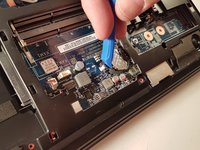
    • Remove the battery using a flat screwdriver

    Ask FixBot

    Add Comment

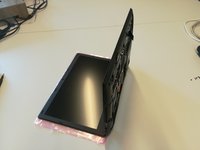
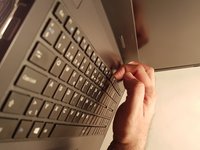
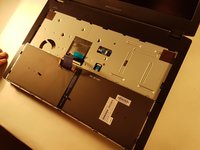
  12. why! N650DU Motherboard, The keyboard: step 12, image 1 of 3 why! N650DU Motherboard, The keyboard: step 12, image 2 of 3 why! N650DU Motherboard, The keyboard: step 12, image 3 of 3
    • Unscrew the circled screws in red and green

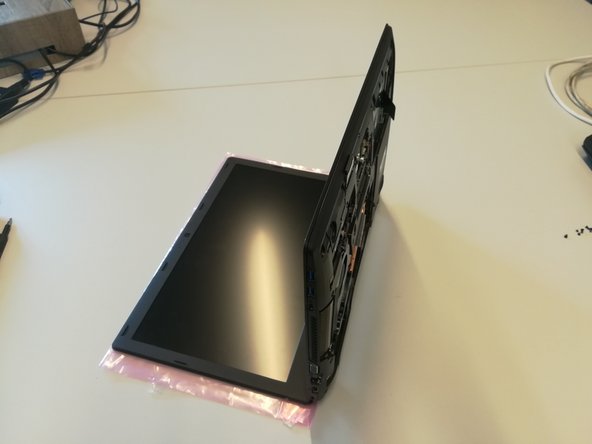
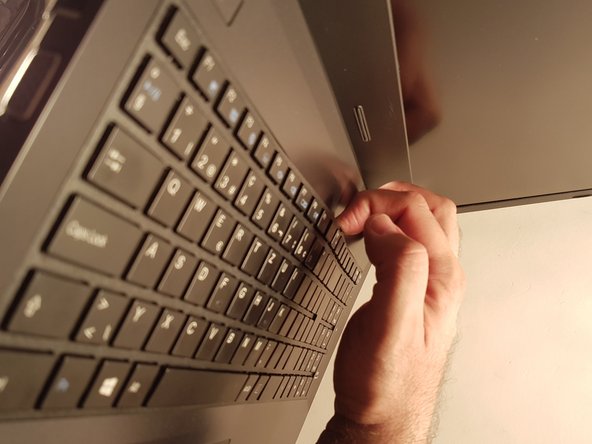
    • Put the computer in the position of the second image while pushing a paper clip into the hole of the screw circled in green until you hear a click

    • Lift the keyboard

    Ask FixBot

    Add Comment

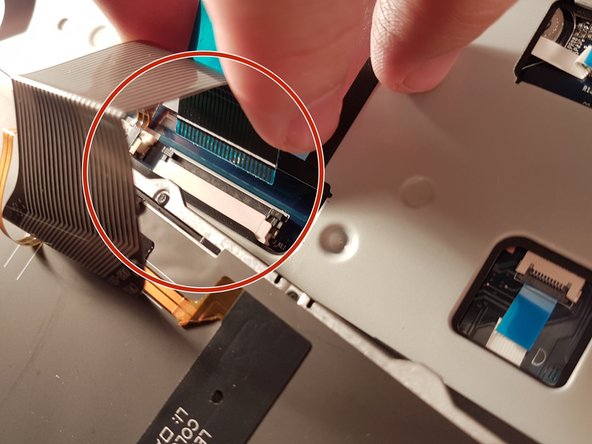
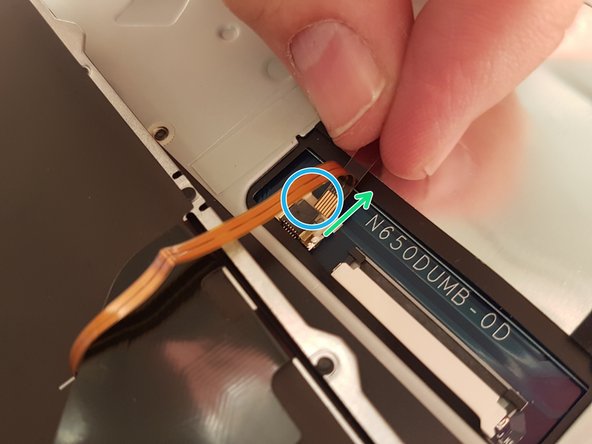
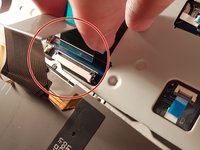
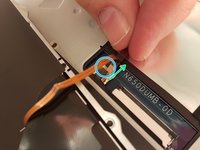
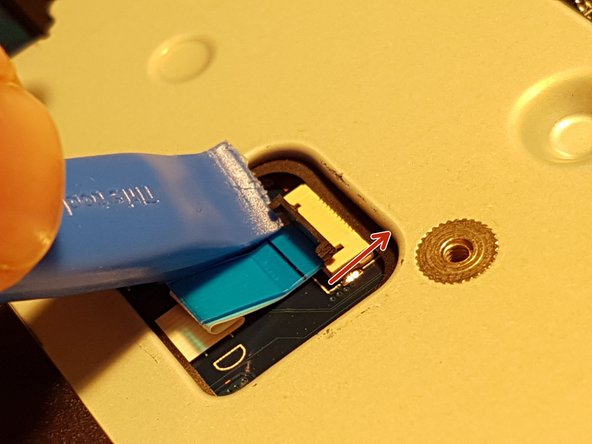
  13. why! N650DU Motherboard: step 13, image 1 of 3 why! N650DU Motherboard: step 13, image 2 of 3 why! N650DU Motherboard: step 13, image 3 of 3
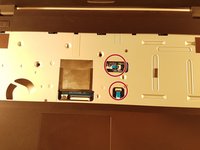
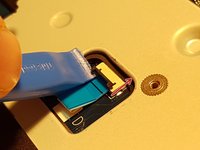
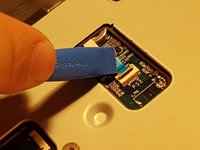
    • Remove the red circled connector

    • Pull the white drawer that holds the connector circled in blue in the direction of the green arrow

    • Remove the connector surrounded in blue

    Ask FixBot

    Add Comment

  14. why! N650DU Motherboard, Motherboard: step 14, image 1 of 3 why! N650DU Motherboard, Motherboard: step 14, image 2 of 3 why! N650DU Motherboard, Motherboard: step 14, image 3 of 3
    • Lift the two black flaps

    • Remove the two connectors circled in red

    Ask FixBot

    Add Comment

  15. why! N650DU Motherboard: step 15, image 1 of 3 why! N650DU Motherboard: step 15, image 2 of 3 why! N650DU Motherboard: step 15, image 3 of 3
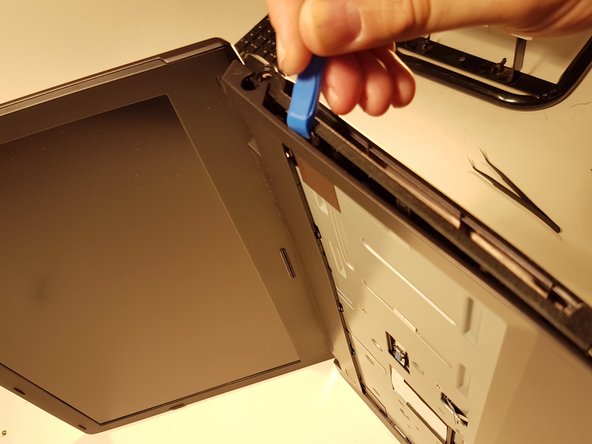
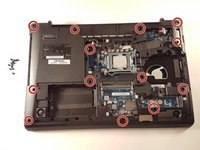
    • Remove the thirteen screws circled in red

    • Remove the top cover

    Ask FixBot

    Add Comment

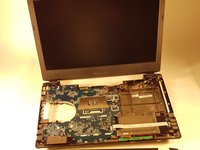
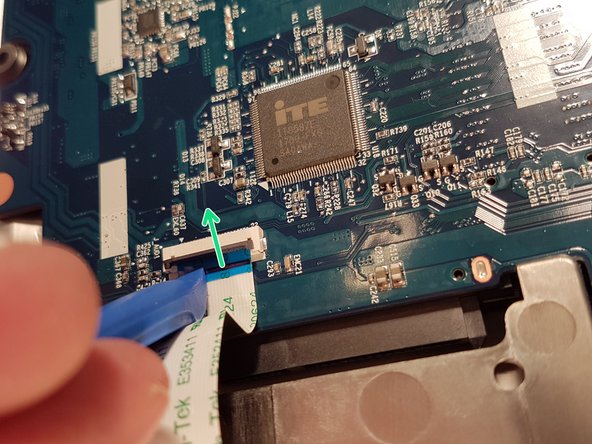
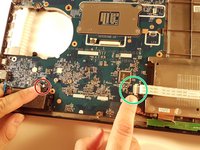
  16. why! N650DU Motherboard: step 16, image 1 of 3 why! N650DU Motherboard: step 16, image 2 of 3 why! N650DU Motherboard: step 16, image 3 of 3
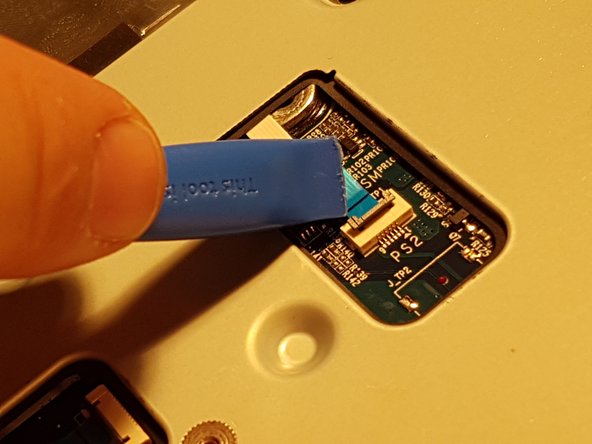
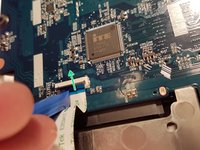
    • Lift the blue flap that holds the connector circled in green

    • Disconnect the connector surrounded in green

    • Disconnect the red circled connector

    Ask FixBot

    Add Comment

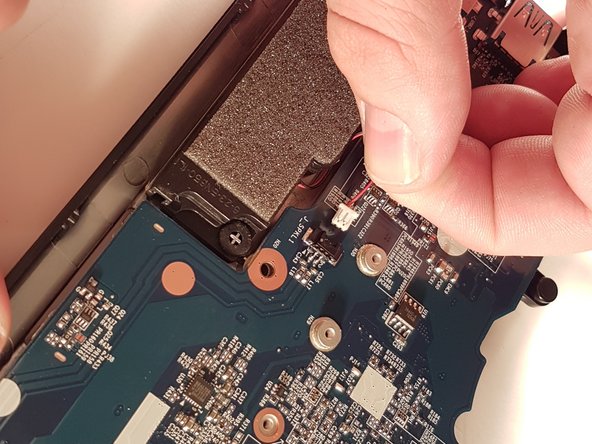
  17. why! N650DU Motherboard: step 17, image 1 of 3 why! N650DU Motherboard: step 17, image 2 of 3 why! N650DU Motherboard: step 17, image 3 of 3
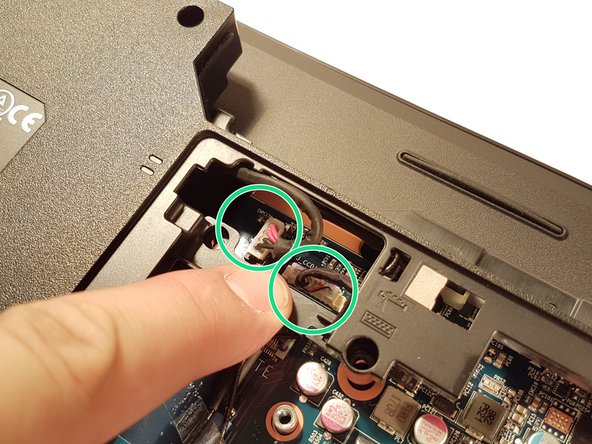
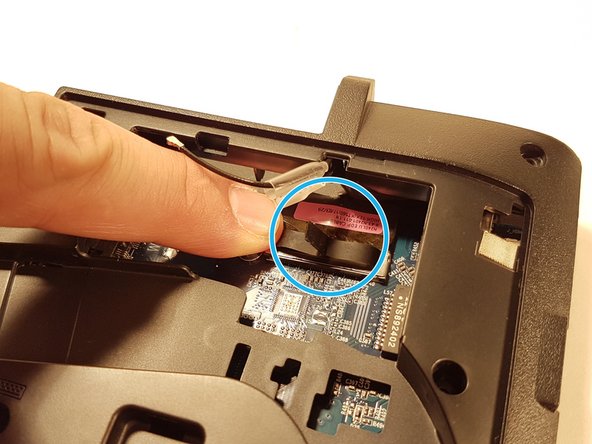
    • Disconnect the two connectors located in the green zone

    • Disconnect the connector surrounded in blue

    • Disconnect the red circled connector

    Ask FixBot

    Add Comment

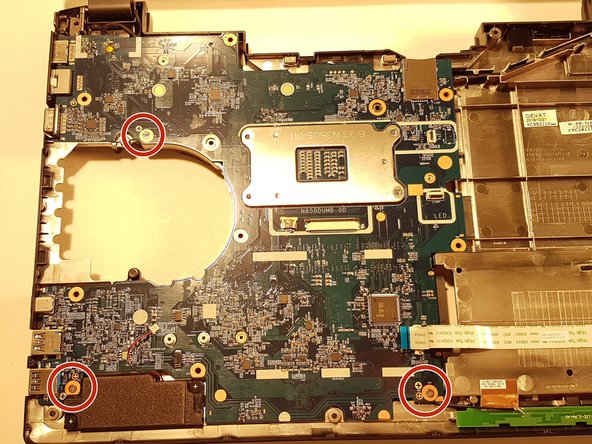
  18. why! N650DU Motherboard: step 18, image 1 of 3 why! N650DU Motherboard: step 18, image 2 of 3 why! N650DU Motherboard: step 18, image 3 of 3
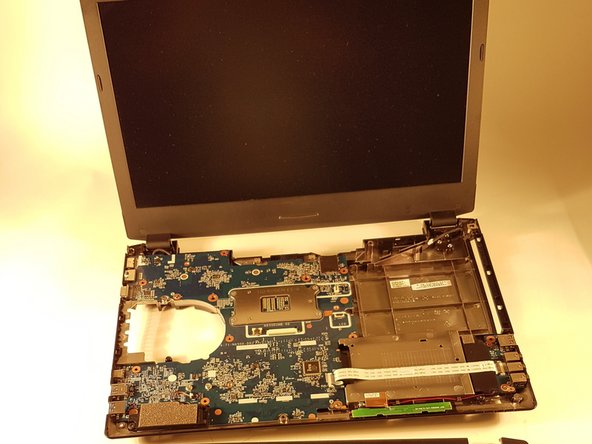
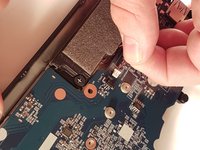
    • Remove the Micro SD port cover that is circled in green if there is one

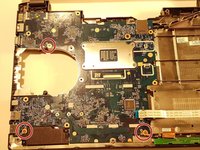
    • Unscrew the three screws circled in red

    • Carefully remove the motherboard

    Ask FixBot

    Add Comment

Conclusion

To reassemble your device, follow the instructions in reverse order.

Cancel: I did not complete this guide.

One other person completed this guide.

Special thanks to these translators:

fr en

100%

irlanda is helping us fix the world! Want to contribute?
Start translating ›

Felice Suglia

Member since: 06/15/13

33,589 Reputation

283 Guides authored

0 Guide Comments

Add Comment

View Statistics:

Past 24 Hours: 0

Past 7 Days: 11

Past 30 Days: 33

All Time: 932