This translation was generated by a machine and has not been reviewed by a person yet. Speak this language? Review it.
Introduction
Use this guide to replace the BIOS (CMOS) battery on your why! N240BU laptop, for instance if the clock or BIOS settings keep resetting.
What you need
-
-
-
Start by unlocking the right locking latch.
-
Then, by simultaneously unlocking the left latch, lift the battery out of its socket.
 Ask FixBot
-
-
-
-
-
Begin by spotting the dummy memory card.
-
Then, remove it and put it on your workplan.
-
-
-
-
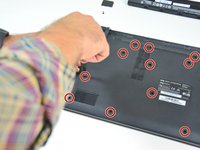
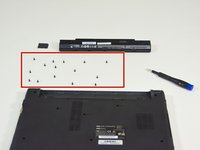
Locate the 15 screws that hold the bottom cover of the device in place.
-
Unscrew them and place them on your work surface.
-
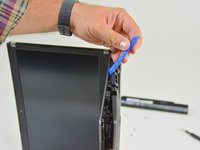
Then, un-clip the bottom cover, starting with the side shown in the third picture.
-
-
-
-
-
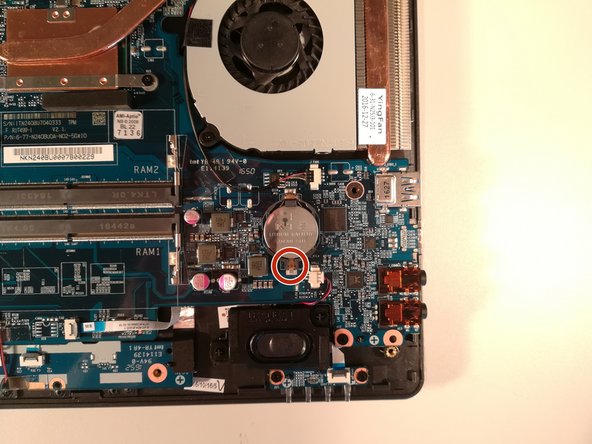
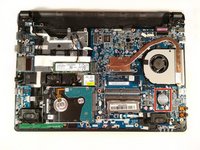
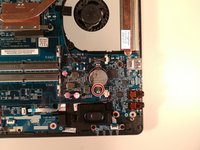
Press with a screwdriver in the red circled area to spread the base of the battery
-
Remove the battery by holding the screwdriver down
-
-



To reassemble your device follow the following instructions in reverse order
Special thanks to these translators:
100%


These translators are helping us fix the world! Want to contribute?
Start translating ›

