
ring Indoor Cam Body Replacement

John Bray and 5 other contributors
Last updated on Dec 20, 2023
Views: 2.3K
View statistics:
- Past 24 Hours:
- 2
- Past 7 Days:
- 27
- Past 30 Days:
- 124
- All Time:
- 2,285
Comments: 1
1 guide comment.
Go to guide commentsCompleted: 1 2
1 person has marked this guide "completed." Will you be next?
2 people have marked this guide "completed." Including you — great job!
Favorites: 0 1
No one has favorited (and subscribed to) this guide. Will you be the first?
1 person has favorited (and subscribed to) this guide — and that's you!
Introduction
Go to step 1 ↓This guide provides a replacement walkthrough for the body of the ring Indoor Cam. This walkthrough is useful for opening the device for internal repairs or replacement of the camera base or body.
While prying the device, insert multiple iFixit opening picks into the creases to loosen the interlocking of the cam covers and prevent damaging your device.
What you need
Tools


-
-
-
Place the cam with the base facing towards you.
-
Loosen the 21.6 mm silver screw using a Phillips #1 screwdriver.
-
Remove the base from the rest of the camera.
 Ask FixBot
-
-
-
Place the cam with the top facing toward you.
-
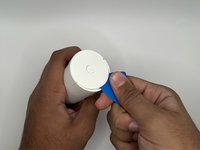
Insert the iFixit opening pick into the crease at the top of the camera.
-
Slide the pick along the crease until you can separate the top cover of the camera from the backing.
-
Leave the pick in the crease.
-
-
-
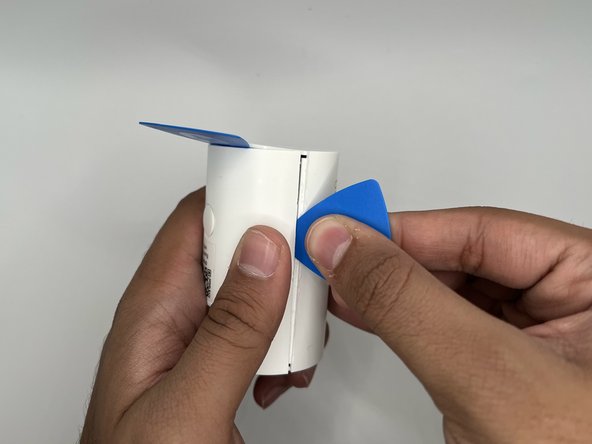
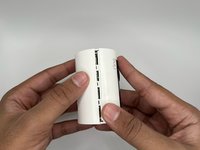
Place the camera on its side where the horizontal crease is facing you.
-
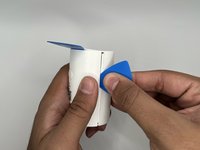
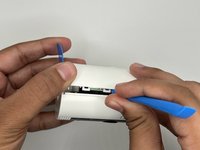
Insert another iFixit opening pick into the crease between the front and back portions of the camera.
-
-
-
-
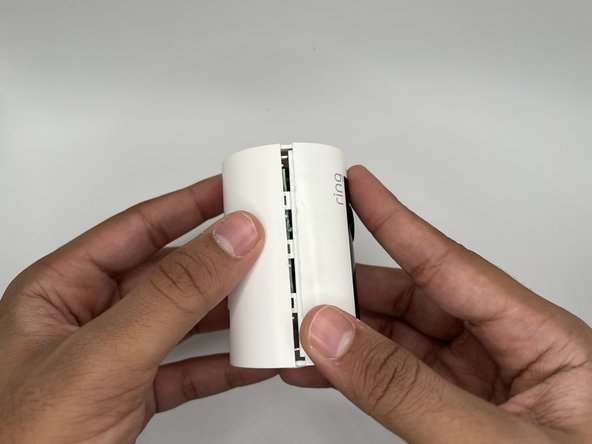
Slide the pick along the vertical crease until you can remove the back cover of the cam, using the opening tool to pry the portions apart.
-
-



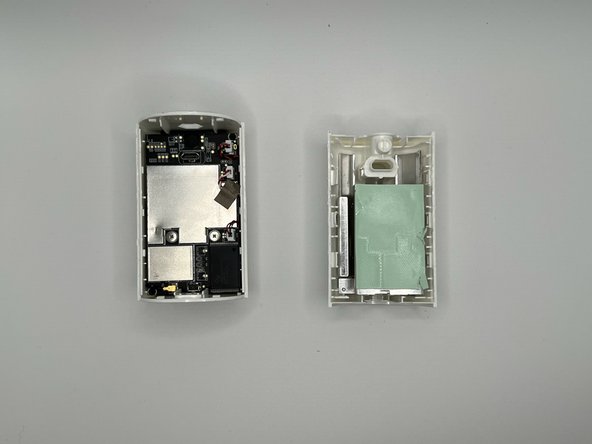
To reassemble your device, follow these instructions in reverse order.
Cancel: I did not complete this guide.
One other person completed this guide.

Team

University of North Texas, Team 4-13, Harold Fall 2023 Member of University of North Texas, Team 4-13, Harold Fall 2023
UNT-HAROLD-F23S4G13
4 Members
48 Guides authored
1 Guide Comment
My question is, which of the 3 clips inside controls the microphone.
