Free Shipping on Domestic Orders $75+

laos MacBook Pro 15" Unibody Late 2011 RAM Upgrade

What you need

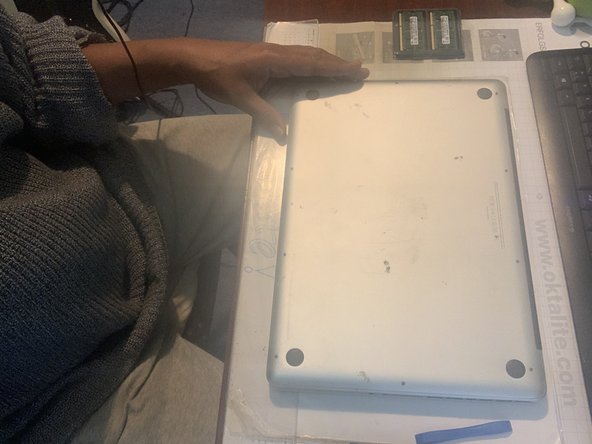
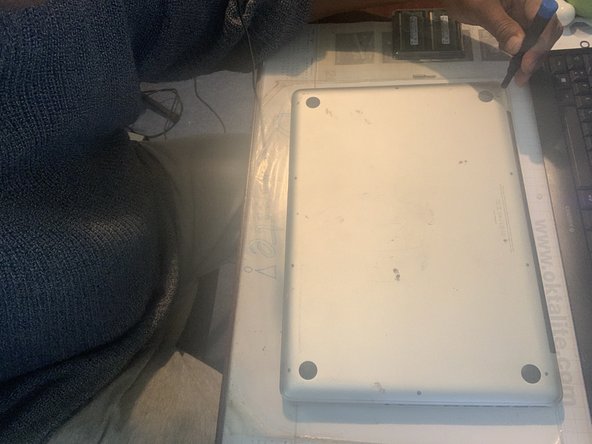
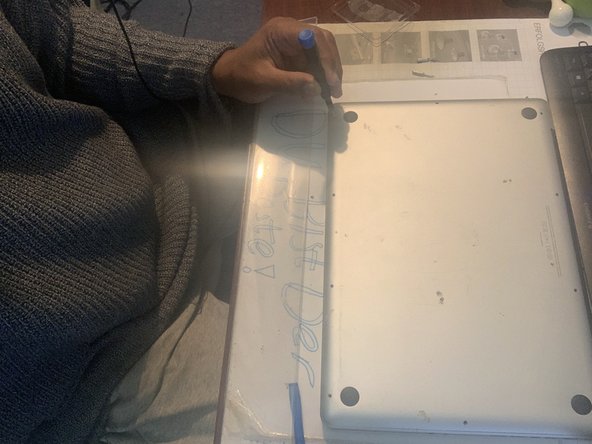
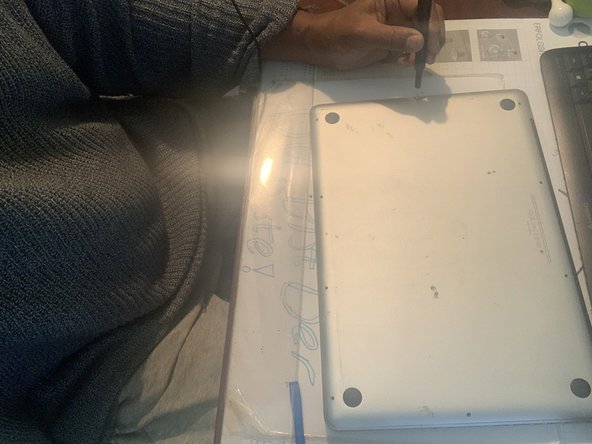
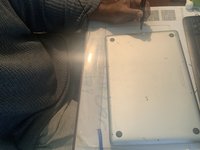
  1. laos MacBook Pro 15" Unibody Late 2011 RAM Upgrade, the boring part: step 1, image 1 of 3 laos MacBook Pro 15" Unibody Late 2011 RAM Upgrade, the boring part: step 1, image 2 of 3 laos MacBook Pro 15" Unibody Late 2011 RAM Upgrade, the boring part: step 1, image 3 of 3
    • - remove carefully these ten screws, preserving their order outside the board

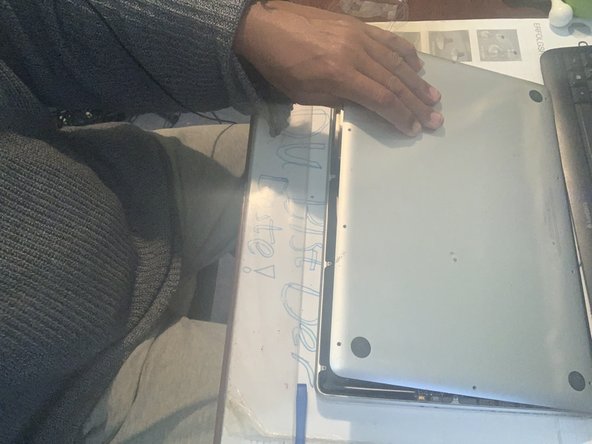
  2. laos MacBook Pro 15" Unibody Late 2011 RAM Upgrade, Open sesame!: step 2, image 1 of 2 laos MacBook Pro 15" Unibody Late 2011 RAM Upgrade, Open sesame!: step 2, image 2 of 2
    • - open the lower case and remove it

  3. laos MacBook Pro 15" Unibody Late 2011 RAM Upgrade, Shocking danger ahead!: step 3, image 1 of 1
    • - disconnect trhe battery connector with a spudger in order to prevent any damage to the board

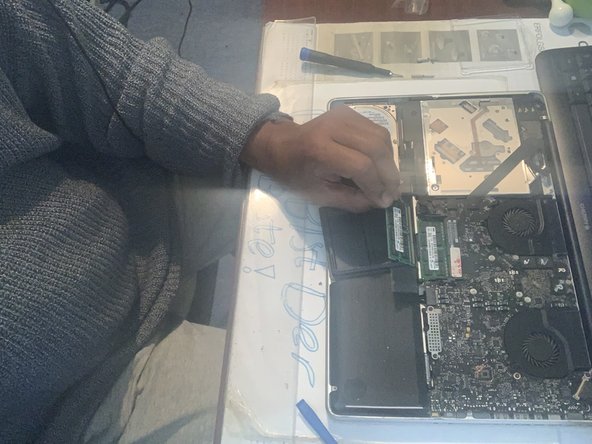
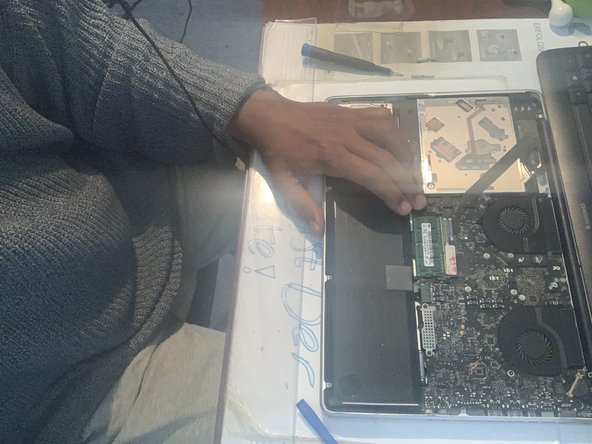
  4. laos MacBook Pro 15" Unibody Late 2011 RAM Upgrade, Set me free!: step 4, image 1 of 3 laos MacBook Pro 15" Unibody Late 2011 RAM Upgrade, Set me free!: step 4, image 2 of 3 laos MacBook Pro 15" Unibody Late 2011 RAM Upgrade, Set me free!: step 4, image 3 of 3
    • -release the tabs besides both RAM chips, one at a time

  5. laos MacBook Pro 15" Unibody Late 2011 RAM Upgrade, Now I remember!: step 5, image 1 of 1
    • - insert the new RAM, starting by the lower one

  6. laos MacBook Pro 15" Unibody Late 2011 RAM Upgrade: step 6, image 1 of 3 laos MacBook Pro 15" Unibody Late 2011 RAM Upgrade: step 6, image 2 of 3 laos MacBook Pro 15" Unibody Late 2011 RAM Upgrade: step 6, image 3 of 3
Conclusion

To reassemble your device, follow these instructions in reverse order.

One other person completed this guide.

Attached Documents

LAOMUSIC ARTS

Member since: 09/30/10

463 Reputation

3 Guides authored

0 Guide Comments

Add Comment

View Statistics:

Past 24 Hours: 0

Past 7 Days: 8

Past 30 Days: 32

All Time: 386