Free Shipping on Domestic Orders $75+

iRobot Roomba i4 Plus Filter Replacement

What you need

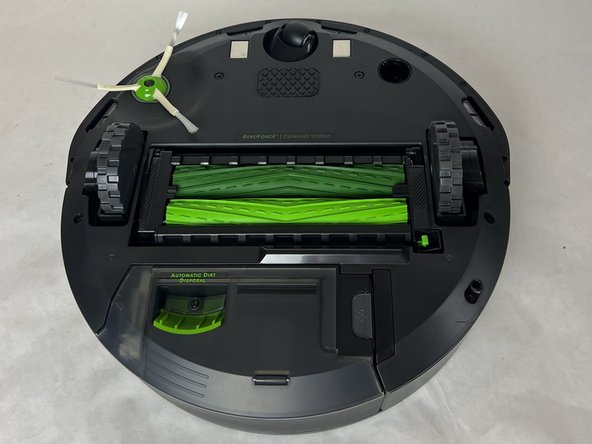
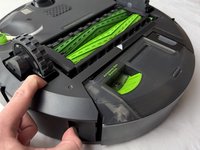
    1. iRobot Roomba i4 Plus Filter Replacement, Filter: step 1, image 1 of 1
      • Flip your iRobot Roomba i4 Plus over so the bottom is facing up.

      Ask FixBot

      Add Comment

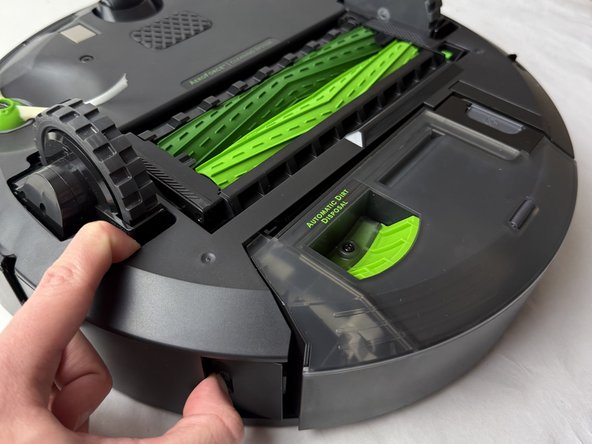
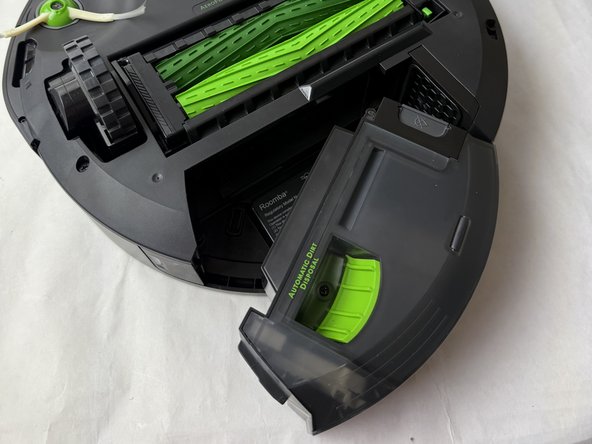
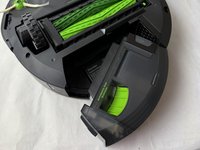
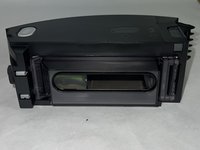
    2. iRobot Roomba i4 Plus Filter Replacement: step 2, image 1 of 3 iRobot Roomba i4 Plus Filter Replacement: step 2, image 2 of 3 iRobot Roomba i4 Plus Filter Replacement: step 2, image 3 of 3
      • Press the button next to the dirt-collecting system to release it.

      • Remove it from the device.

      Ask FixBot

      Add Comment

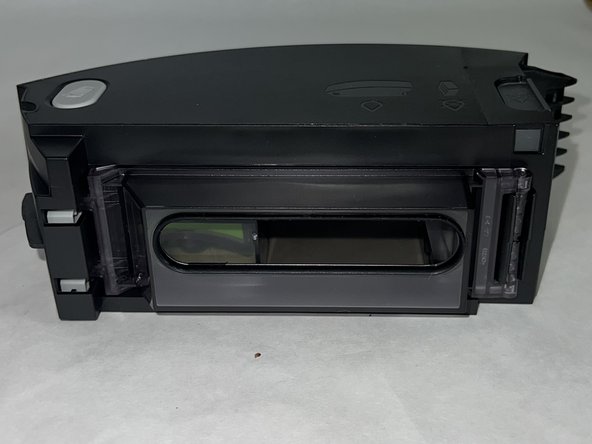
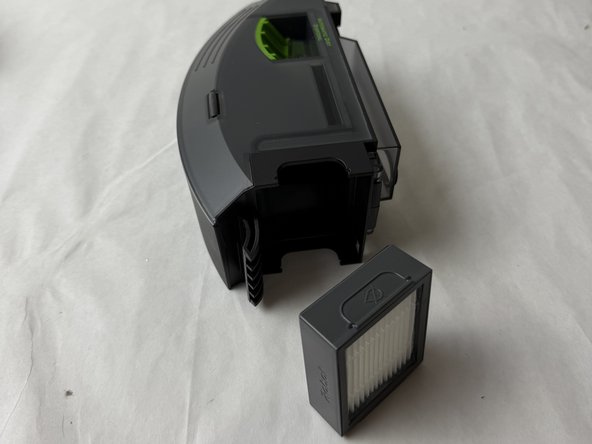
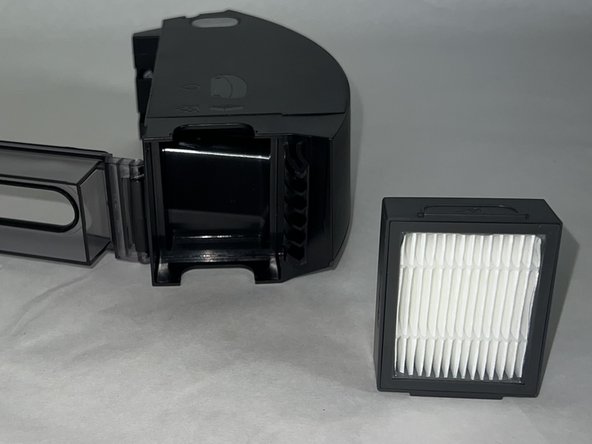
    3. iRobot Roomba i4 Plus Filter Replacement: step 3, image 1 of 2 iRobot Roomba i4 Plus Filter Replacement: step 3, image 2 of 2
      • Pull the filter off from the side of the dust bin to remove it.

      Ask FixBot

      Add Comment

Conclusion

To reassemble your device, follow these instructions in reverse order.

Cancel: I did not complete this guide.

Evan Correia

Member since: 10/24/24

364 Reputation

3 Guides authored

Team

UMass Dartmouth, Team 2-1, Santin Fall 2024 Member of UMass Dartmouth, Team 2-1, Santin Fall 2024

UMASSD-SANTIN-F24S2G1

3 Members

36 Guides authored

0 Guide Comments

Add Comment

View Statistics:

Past 24 Hours: 1

Past 7 Days: 7

Past 30 Days: 25

All Time: 314