Free Shipping on Domestic Orders $75+

iRobot Roomba 980 Brush Module Replacement

What you need

    1. iRobot Roomba 980 Brush Module Replacement, Battery: step 1, image 1 of 1
      • Flip over the device and remove the two 11.5 mm screws using the Phillips #1 screwdriver.

      Ask FixBot

      Add Comment

    2. iRobot Roomba 980 Brush Module Replacement: step 2, image 1 of 2 iRobot Roomba 980 Brush Module Replacement: step 2, image 2 of 2
      • Unscrew the back plate using a Phillips #1 screwdriver.

      • Carefully lift the panel up once the screws are removed.

      Ask FixBot

      Add Comment

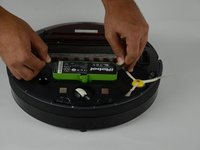
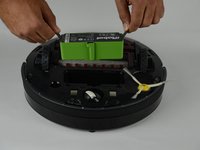
    3. iRobot Roomba 980 Brush Module Replacement: step 3, image 1 of 2 iRobot Roomba 980 Brush Module Replacement: step 3, image 2 of 2
      • With both hands, grab the two black tabs on each end of the battery.

      • Pull the tabs upwards to remove the battery.

      Ask FixBot

      Add Comment

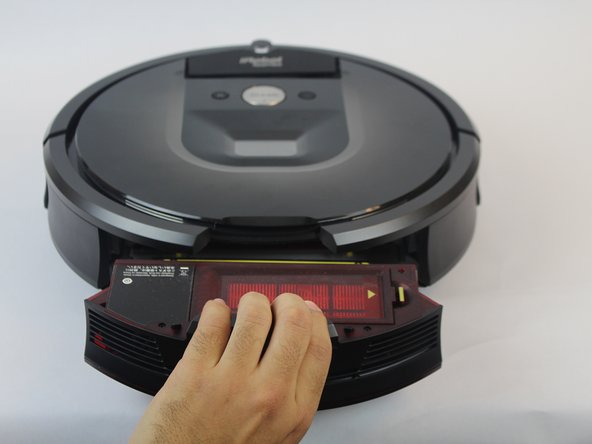
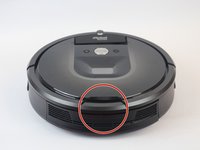
    1. iRobot Roomba 980 Brush Module Replacement, Brush Module: step 4, image 1 of 3 iRobot Roomba 980 Brush Module Replacement, Brush Module: step 4, image 2 of 3 iRobot Roomba 980 Brush Module Replacement, Brush Module: step 4, image 3 of 3
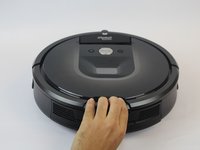
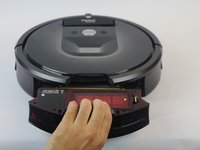
      • Press down on the button on the rear of the device.

      • Pull bin towards you to remove it.

      Ask FixBot

      Add Comment

    2. iRobot Roomba 980 Brush Module Replacement: step 5, image 1 of 2 iRobot Roomba 980 Brush Module Replacement: step 5, image 2 of 2
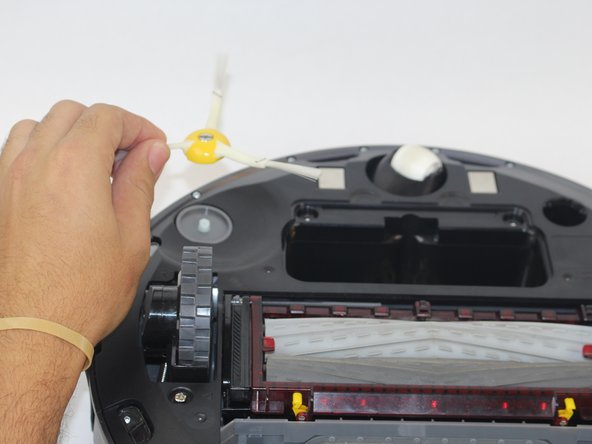
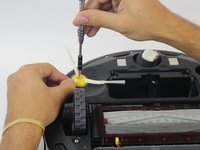
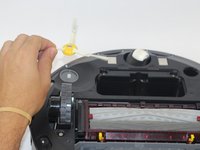
      • Loosen the screw holding the side brush in place.

      • The screw is attached to the side brush and does not come out completely.

      • Lift the side brush.

      Ask FixBot

      Add Comment

    3. iRobot Roomba 980 Brush Module Replacement: step 6, image 1 of 2 iRobot Roomba 980 Brush Module Replacement: step 6, image 2 of 2
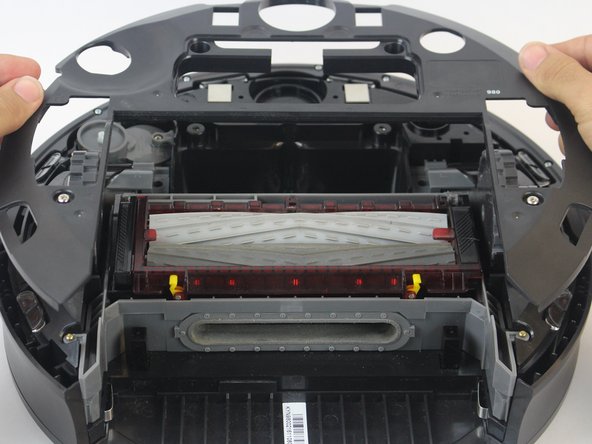
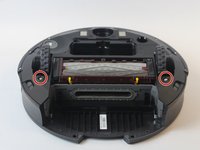
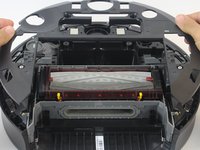
      • Remove the (2) 11.5mm Phillips #1 screws holding down the bottom plate.

      • Carefully lift the bottom plate.

      Ask FixBot

      Add Comment

    4. iRobot Roomba 980 Brush Module Replacement: step 7, image 1 of 1
      • Remove the (4) 15.8mm Phillips #1 gold screws around the brush module.

      Ask FixBot

      Add Comment

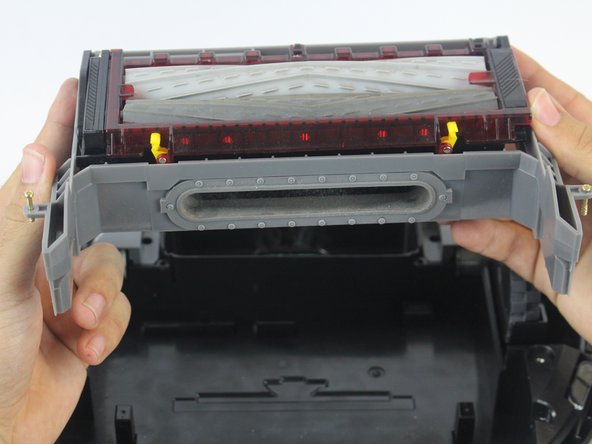
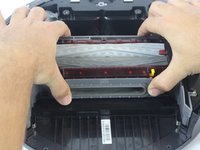
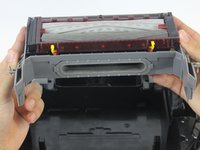
    5. iRobot Roomba 980 Brush Module Replacement: step 8, image 1 of 2 iRobot Roomba 980 Brush Module Replacement: step 8, image 2 of 2
      • Lift the brush module carefully using both hands.

      Ask FixBot

      Add Comment

Conclusion

To reassemble your device, follow these instructions in reverse order.

Cancel: I did not complete this guide.

3 other people completed this guide.

Ernesto Rodriguez Romero

Member since: 09/27/17

1,040 Reputation

4 Guides authored

Team

USF Tampa, Team S14-G2, Boczar Fall 2017 Member of USF Tampa, Team S14-G2, Boczar Fall 2017

USFT-BOCZAR-F17S14G2

4 Members

60 Guides authored

0 Guide Comments

Add Comment

View Statistics:

Past 24 Hours: 3

Past 7 Days: 14

Past 30 Days: 61

All Time: 5,322