Introduction
This guide will walk you through the required steps to replace the roomba battery. Including all required tools and a link for the replacement battery.
What you need
-
-
-
-
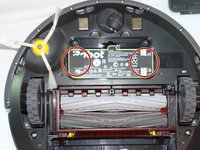
Unscrew both the 11mm Phillips #2 screws from the battery cover and remove cover from the Roomba.
-
-
-
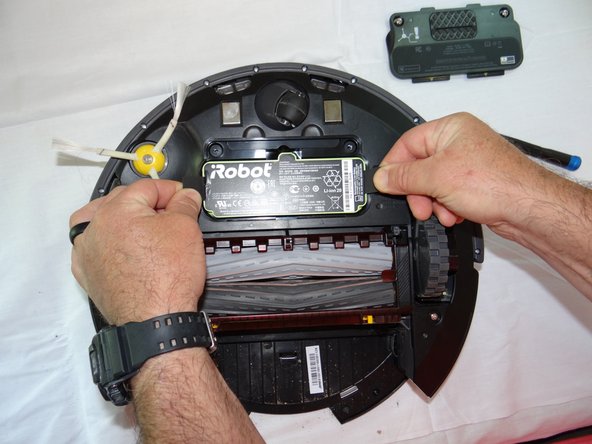
Grasp the tabs on either side of the battery.
-
Remove the battery by pulling up on the tabs.
-
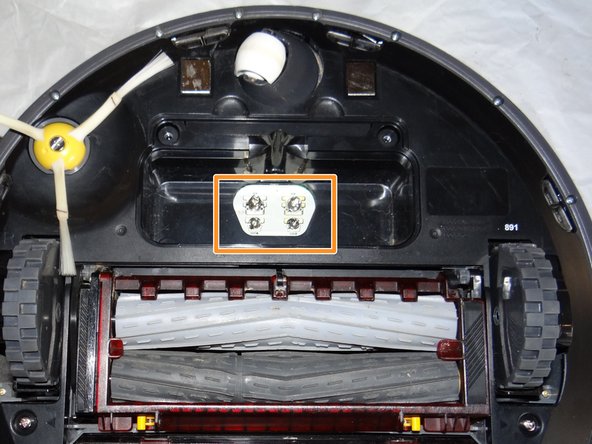
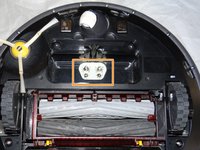
While you're here, check the battery contacts for corrosion or debris.
-


 Ask FixBot


To reassemble your device, follow these instructions in reverse order.
Cancel: I did not complete this guide.
3 other people completed this guide.

Team

South Arkansas Community College, Team S1-G1, Mitchell Summer 2019 Member of South Arkansas Community College, Team S1-G1, Mitchell Summer 2019
SACC-MITCHELL-SU19S1G1
2 Members
60 Guides authored
